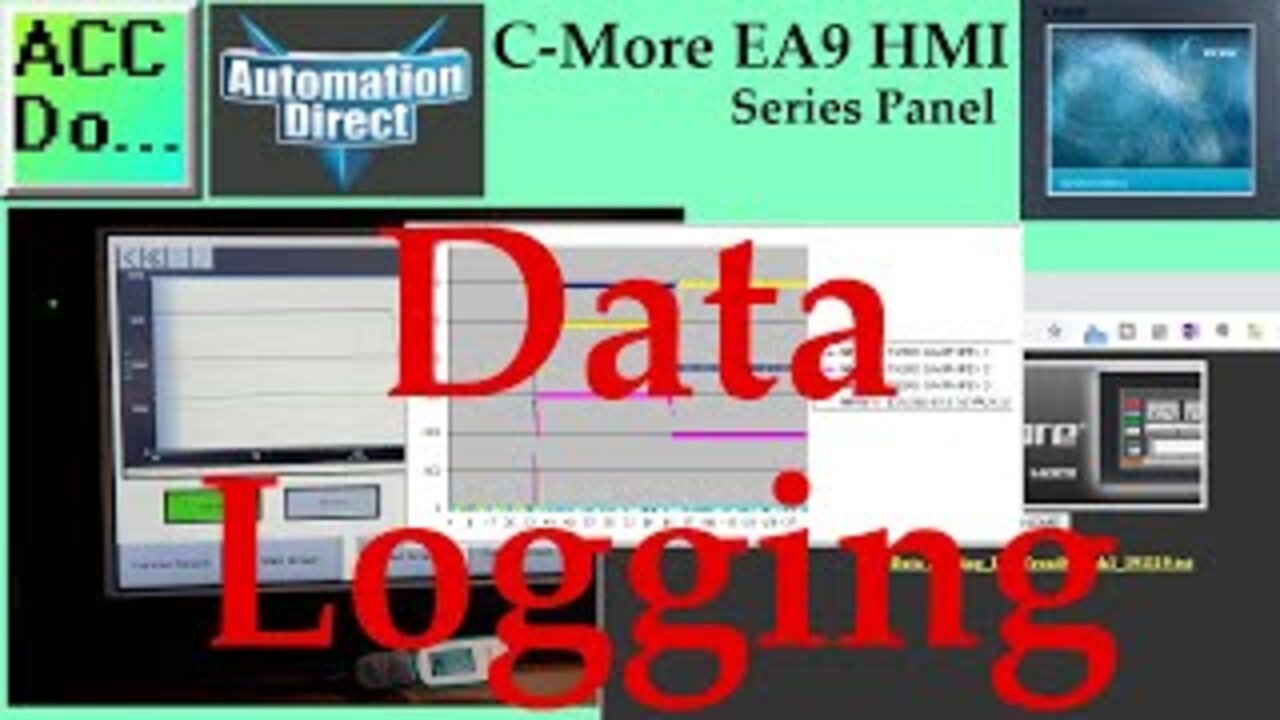
C-More EA9 HMI Series Panel Data Logging
The C-More HMI Panel can log data using the Line Trend Graph or PID Faceplate Trend Graph objects. When Save Log Data is selected on the Options tab configuration for that object, data is written to a ".txt " file saved to the chosen storage device.
Data Logging is commonly used to monitor systems and/or processes at an industrial facility, providing time, date, and current conditions as configured on the Object. Data Logging can collect temperatures, flows, alarms, levels, pressure, and any instrument measurable condition.
We will be data logging from a Line Trend Graph. A register (word) made up of bits will also be logged. We will log this information every second on our USB stick. Starting/stopping the logging can be controlled on the HMI and USB reject. Once the USB is ejected, it can be connected to our computer to review the files. We will also view and copy the files from our web server that we enabled last time on our C-More EA9 HMI panel. Let’s get started.
More information can be obtained on our website. This includes all of the links mentioned in this video.
https://accautomation.ca/c-more-ea9-hmi-series-panel-data-logging
Previously we have discussed the following in our C-More HMI Panel:
System Hardware
https://accautomation.ca/c-more-micro-hmi-system-hardware
Unboxing and Review Video
https://youtu.be/_uCcALMqYlM
Powering the Unit
https://youtu.be/BIGrOvxlDTI
Installing the Software
https://accautomation.ca/c-more-ea9-hmi-series-panel-installing-the-software
https://youtu.be/6EnyUbEp4As
System Setup Screens
https://accautomation.ca/c-more-ea9-hmi-series-panel-system-setup-screens
https://youtu.be/tL6Ygr1BuDY
First Program
https://accautomation.ca/c-more-ea9-hmi-series-panel-first-program
Establishing Communication and Updating Firmware Video
https://youtu.be/WTHw1p-iJFE
First Program Video
https://youtu.be/5c8ZsdK5dak
Panel to PLC and PLC to Panel Settings
https://accautomation.ca/c-more-ea9-hmi-series-panel-to-plc-and-plc-to-panel-settings/
https://youtu.be/b_KsLBDrtOU
Common Screen Menu
https://accautomation.ca/c-more-ea9-hmi-series-panel-common-screen-menu
https://youtu.be/OGtA9RR-dc4
Simulate Project
https://accautomation.ca/c-more-ea9-hmi-series-panel-simulate-project
https://youtu.be/fx-1rucSE4g
Object List Shapes
https://accautomation.ca/c-more-ea9-hmi-series-panel-object-list-shapes
https://youtu.be/JeTjaTn9OVc
Object List Buttons
https://accautomation.ca/c-more-ea9-hmi-series-panel-object-list-buttons
https://youtu.be/lk2aHQtKzEg
Object List Indicators
https://accautomation.ca/c-more-ea9-hmi-series-panel-object-list-indicators
https://youtu.be/9XKnXu6XKak
Object List Entry
https://accautomation.ca/c-more-ea9-hmi-series-panel-object-list-entry
https://youtu.be/xob4NZ-dqoo
Object List Meters and Graphs
https://accautomation.ca/c-more-ea9-hmi-series-panel-object-list-meters-and-graphs
https://youtu.be/dmebD7vhkds
Object List Bitmaps
https://accautomation.ca/c-more-ea9-hmi-series-panel-object-list-bitmaps
https://youtu.be/P_uNunjo91Q
Object List Recipe
https://accautomation.ca/c-more-ea9-hmi-series-panel-object-list-recipe
https://youtu.be/h27EE2IWyHw
Define Custom Keypad
https://accautomation.ca/c-more-ea9-hmi-series-panel-define-custom-keypad
https://youtu.be/JPn9s4fRGvE
Object List Alarms
https://accautomation.ca/c-more-ea9-hmi-series-panel-object-list-alarms
https://youtu.be/aCtzD60icGA
Object List Text
https://accautomation.ca/c-more-ea9-hmi-series-panel-object-list-text
https://youtu.be/NNYFIQ9Z0CA
Object List Clock
https://accautomation.ca/c-more-ea9-hmi-series-panel-object-list-clock
https://youtu.be/pomvTvld-pA
Barcode Scanner Input
https://accautomation.ca/c-more-ea9-hmi-series-panel-barcode-scanner-input
https://youtu.be/dLLlC71-B8Y
Web Server and Remote Access
https://accautomation.ca/c-more-ea9-hmi-series-panel-web-server-and-remote-access
https://youtu.be/0r33T1gL8lA
There are several reasons that we are using the EA9-T10CL C-More HMI Panel. Here are a few:
• Touch screen display (LCD) 280 NITS display brightness
• 10.4” diagonal color TFT (Thin Film Transistor)
• Analog resistive (1024 X 1024) touch screen allowing unlimited touch areas
• EA9-PGMSW programming software
• 800 x 600-pixel display
• 64K colors
• 50,000-hour average backlight half-life
• USB port B (program/download) and USB port A (USB device options)
• Ethernet 10/100 Base-T port (program/download & PLC communication
• Remote Internet Access
• Serial PLC interface (RS-232/422/485)
• One built-in SD memory card slot
• 12–24 VDC powered (18W), 110VAC power adapter (optional)
• Audio Line Out, stereo - requires amplifier and speaker(s)
• 26MB project memory
• Data logging
• 0 to 50°C [32 to 122°F] operating temperature range
• NEMA 4/4X, IP65 compliant when mounted correctly, indoor use only
• Slim design saves panel space
• UL, cUL & CE agency approvals
• 2-year warranty from date of purchase
-
 16:30
16:30
Stephen Gardner
3 hours agoDemocrats get NIGHTMARE NEWS as Trump EXPOSES Their Secrets!
4.16K8 -
 LIVE
LIVE
Drew Hernandez
12 hours agoTYLER ROBINSON HEARING: DEFENSE MOVES TO DISQUALIFY PROSECUTION
401 watching -
 1:03:50
DeVory Darkins
3 hours agoDemocrats dealt MASSIVE BLOW by CNN new stunning poll on Voter ID
135K68 -
 1:01:45
Timcast
3 hours agoGOP BLOWING OUT Dems In Funding, Dems STILL Ahead Big In Polling
204K79 -

Wendy Bell Radio
8 hours agoThe Deep State Blues
62.5K89 -
 1:06:59
BonginoReport
4 hours agoJimmy Kimmel Brings Kids to Protest - Scrolling w/ Hayley Caronia (Ep.227)
147K101 -
 1:52:11
Steven Crowder
6 hours agoIf Texas Turns Blue - What Happens to America: Ft. In Studio Guest TX AG Ken Paxton
430K235 -
 1:54:43
The Dan Bongino Show
6 hours agoDon't Get Played By Their Latest Gaslighting Campaign (Ep. 2444) - 02/03/2026
984K1.62K -
 19:06
19:06
ROSE UNPLUGGED
1 day agoClearing Space for What Matters
8.5K -

Sean Unpaved
4 hours agoSam Darnold Will Be FIRST USC QB To START In Super Bowl! | UNPAVED
34.3K