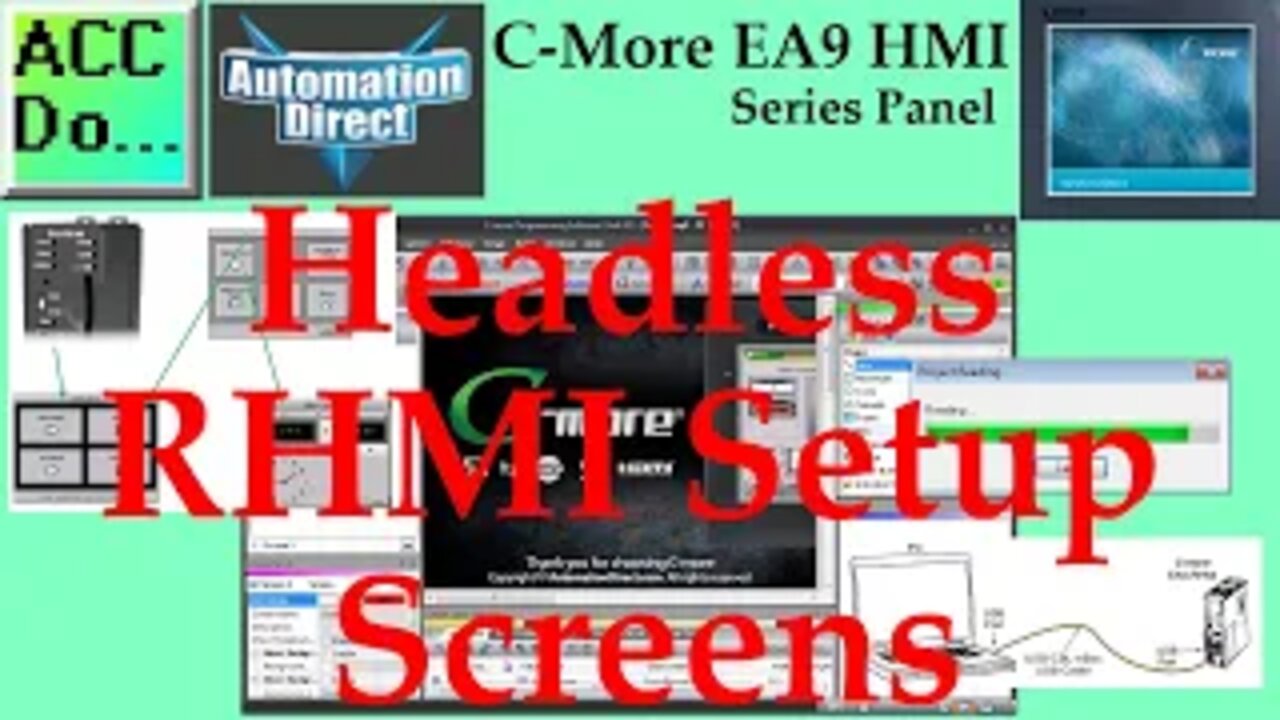
C-More EA9 HMI Series Headless RHMI Setup Screens
We will now look at the cmore ea9 hmi setup screens. The C-more headless EA9-RHMI is programmed using the C-more Programming Software, EA9-PGMSW. The developed project is transferred from the PC to the HMI by either a USB or an Ethernet connection. Previously we used the Ethernet connection to establish communication.
We will be using the USB connection to establish communication, save the program, and review the setup screens of the Headless C-more. Let's get started.
More information can be obtained on our website. This includes all of the links mentioned in this video.
https://accautomation.ca/c-more-ea9-hmi-series-headless-rhmi-setup-screens
Previously we have discussed the following in our C-More HMI Panel:
System Hardware
https://accautomation.ca/c-more-micro-hmi-system-hardware
Powering the Unit
https://youtu.be/BIGrOvxlDTI
Installing the Software
https://accautomation.ca/c-more-ea9-hmi-series-panel-installing-the-software
https://youtu.be/6EnyUbEp4As
System Setup Screens
https://accautomation.ca/c-more-ea9-hmi-series-panel-system-setup-screens
https://youtu.be/tL6Ygr1BuDY
First Program
https://accautomation.ca/c-more-ea9-hmi-series-panel-first-program
Establishing Communication and Updating Firmware Video
https://youtu.be/WTHw1p-iJFE
First Program Video
https://youtu.be/5c8ZsdK5dak
Panel to PLC and PLC to Panel Settings
https://accautomation.ca/c-more-ea9-hmi-series-panel-to-plc-and-plc-to-panel-settings/
https://youtu.be/b_KsLBDrtOU
Common Screen Menu
https://accautomation.ca/c-more-ea9-hmi-series-panel-common-screen-menu
https://youtu.be/OGtA9RR-dc4
Simulate Project
https://accautomation.ca/c-more-ea9-hmi-series-panel-simulate-project
https://youtu.be/fx-1rucSE4g
Object List Shapes
https://accautomation.ca/c-more-ea9-hmi-series-panel-object-list-shapes
https://youtu.be/JeTjaTn9OVc
Object List Buttons
https://accautomation.ca/c-more-ea9-hmi-series-panel-object-list-buttons
https://youtu.be/lk2aHQtKzEg
Object List Indicators
https://accautomation.ca/c-more-ea9-hmi-series-panel-object-list-indicators
https://youtu.be/9XKnXu6XKak
Object List Entry
https://accautomation.ca/c-more-ea9-hmi-series-panel-object-list-entry
https://youtu.be/xob4NZ-dqoo
Object List Meters and Graphs
https://accautomation.ca/c-more-ea9-hmi-series-panel-object-list-meters-and-graphs
https://youtu.be/dmebD7vhkds
Object List Bitmaps
https://accautomation.ca/c-more-ea9-hmi-series-panel-object-list-bitmaps
https://youtu.be/P_uNunjo91Q
Object List Recipe
https://accautomation.ca/c-more-ea9-hmi-series-panel-object-list-recipe
https://youtu.be/h27EE2IWyHw
Define Custom Keypad
https://accautomation.ca/c-more-ea9-hmi-series-panel-define-custom-keypad
https://youtu.be/JPn9s4fRGvE
Object List Alarms
https://accautomation.ca/c-more-ea9-hmi-series-panel-object-list-alarms
https://youtu.be/aCtzD60icGA
Object List Text
https://accautomation.ca/c-more-ea9-hmi-series-panel-object-list-text
https://youtu.be/NNYFIQ9Z0CA
Object List Clock
https://accautomation.ca/c-more-ea9-hmi-series-panel-object-list-clock
https://youtu.be/pomvTvld-pA
Barcode Scanner Input
https://accautomation.ca/c-more-ea9-hmi-series-panel-barcode-scanner-input
https://youtu.be/dLLlC71-B8Y
Web Server and Remote Access
https://accautomation.ca/c-more-ea9-hmi-series-panel-web-server-and-remote-access
https://youtu.be/0r33T1gL8lA
Data Logging
https://accautomation.ca/c-more-ea9-hmi-series-panel-data-logging
https://youtu.be/Kc87v1JqolQ
FTP File Transfer Protocol
https://accautomation.ca/c-more-ea9-hmi-series-panel-ftp-file-transfer-protocol
https://youtu.be/b5TmA5sUdFE
Sending Email
https://accautomation.ca/c-more-ea9-hmi-series-panel-sending-email
https://youtu.be/0Pbmlo9pGYQ
Headless RHMI Panel
https://accautomation.ca/c-more-ea9-hmi-series-headless-rhmi-panel
Headless RHMI Panel Unboxing - Video
https://youtu.be/Pi2NlVhPxg8
Headless RHMI Panel Establish Communication - Video
https://youtu.be/xeOCzc9vJAQ
There are several reasons that we are using the EA9-T10CL C-More HMI Panel. Here are a few:
• Touch screen display (LCD) 280 NITS display brightness
• 10.4" diagonal color TFT (Thin Film Transistor)
• Analog resistive (1024 X 1024) touch screen allowing unlimited touch areas
• EA9-PGMSW programming software
• 800 x 600-pixel display
• 64K colors
• 50,000-hour average backlight half-life
• USB port B (program/download) and USB port A (USB device options)
• Ethernet 10/100 Base-T port (program/download & PLC communication
• Remote Internet Access
• Serial PLC interface (RS-232/422/485)
• One built-in SD memory card slot
• 12–24 VDC powered (18W), 110VAC power adapter (optional)
• Audio Line Out, stereo - requires amplifier and speaker(s)
• 26MB project memory
• Data logging
• 0 to 50°C [32 to 122°F] operating temperature range
• NEMA 4/4X, IP65 compliant when mounted correctly, indoor use only
• Slim design saves panel space
• UL, cUL & CE agency approvals
• 2-year warranty from date of purchase
-
 2:49:53
Barry Cunningham
5 hours agoLIVE BREAKING NEWS: President Trump Celebrates Hanukkah! And More News
44.3K9 -
 1:29:40
Anthony Rogers
12 hours agoEpisode 394 - Isaac Butterfield
18.9K1 -
 8:02
8:02
China Uncensored
11 hours agoChina Just Took The First Step Towards WAR
23.6K14 -
 1:20:04
Flyover Conservatives
23 hours agoWhy Did Jesus Really Come? It’s NOT What You Think - Pedro Adao | FOC Show
24.6K2 -
 LIVE
LIVE
DLDAfterDark
3 hours ago $1.28 earnedYo Homie! Is That My Briefcase?? EDC & Gun Talk - Blue Waffle Giveaway Pre Stream
318 watching -
 1:34:23
Glenn Greenwald
7 hours agoSydney Shooting Exploited for Pro-Israel Censorship and Anti-Muslim Crackdowns; How Media DEI Was the Opposite of Diversity | SYSTEM UPDATE #559
136K116 -
 1:09:01
MattMorseTV
6 hours ago $47.14 earned🔴Trump just handed Congress THE EVIDENCE.🔴
53.9K105 -
 1:01:54
BonginoReport
7 hours agoVanity Fair Goes Nuclear On Trump’s Inner Circle - Nightly Scroll w/ Hayley Caronia (Ep.198)
150K53 -
 53:25
53:25
Katie Miller Pod
9 hours ago $7.87 earnedFBI Director Kash Patel & Alexis Wilkins on Balancing Their Relationship with Work | KMP Ep.19
43.5K30 -
 1:15:37
Candace Owens
8 hours agoErika And I Sat Down. Here’s What Happened. | Candace Ep 280
221K866