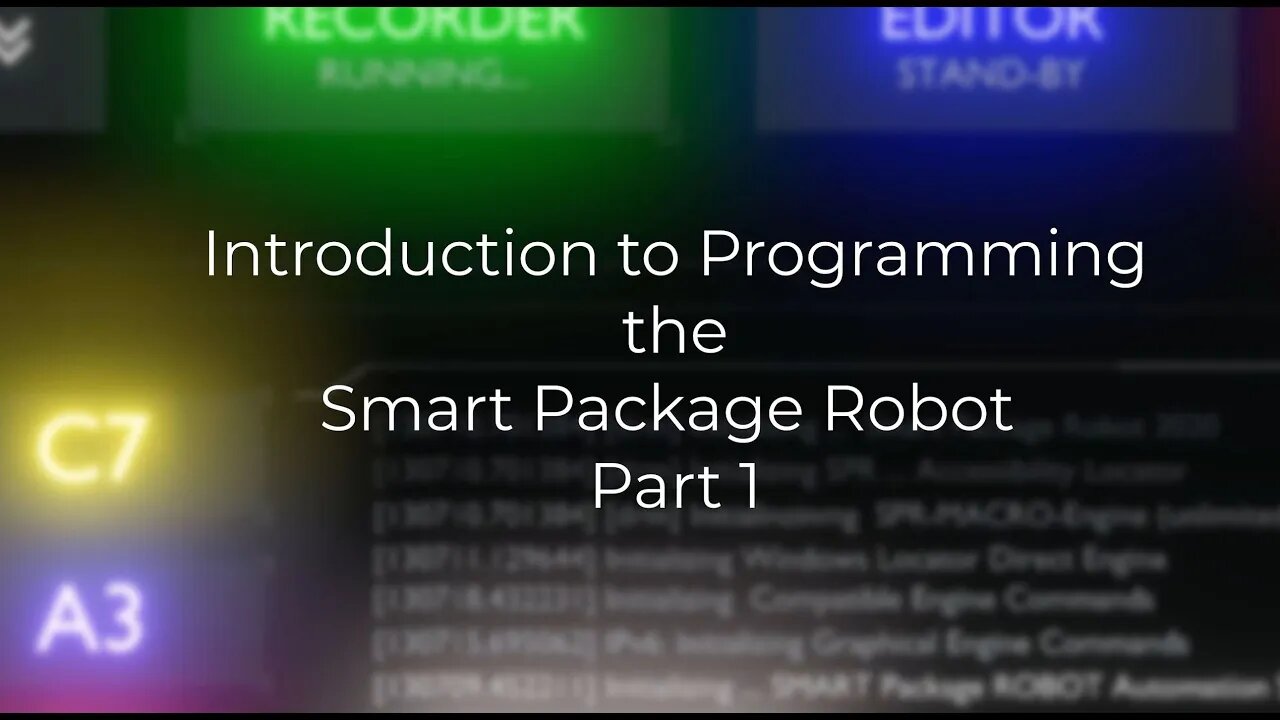
"Introduction to Programming" using the SPR - Part I (english)
This Video serves two purposes:
First it is an "Introduction to Programming".
Second its an Introduction in "Using the Smart-Package Robot".
So if any of these sound interesting to you, take a look.
This is Part I of a Multi-Part Series.
Video-Content:
01:10 Using the SPR-Editor
01:48 Why are there 2 Icons for the SPR-Editor?
02:00 You can drop "files" into the Editor.
03:09 Loading a Sample Script
03:30 The Coding Features of the SPRE
03:50 How to switch ON/OFF the ANALYZER-Window
04:05 Additional Editor-Features
04:40 How to enter Commands and have them executed.
05:00 Loading a File
05:13 Open Command-Prompt, Commandline, Run-File Dialog
05.45 Open an Explorer Window from the SPRE
06:21 The Project-Menu and "New Project"
07:16 Where is the Project Folder?
07:40 More SPRE-Options
08:00 What is "Programming"?
08:20 Using the Play-Button to run your first Script.
08:48 How it looks if we make it wrong (Syntax-Error).
09:20 Press F1 to open the help-file
10:16 List with all Commands
10:37 Choosing our first Command: MBX.
10:50 Commands with the SPR have always 3 letters and a "."
11:30 Where the Robot-Script ends, it leaves a Blue Bookmark
12:00 What are Parameters?
12:20 Our first Hello World Program.
13:00 Parameters are always separated using the |-Sign.
15:34 Removing the Marks
15:38 Compiling our Script to a Standalone Executable
16:20 Running the compiled Executable
16:59 Choosing Options for the compiled Executable
17:10 Choosing another Icon-Set for the Executable
18:10 Using the MANIFEST-Directive '#MAN:
18:30 Writing into the SPRE-Debug Window using the DBP. - Command
19:10 Copying Text from the Debug-Window
19:30 Clearing the Debug-Window
19:32 Duplicating a Line using the "ctrl-D" Key-Combination
19:45 Start a multiple Line Script with PLAY
20:30 Using a "Startpoint" to start a Script from a defined Line
20:50 Using a "Stop-Point" to stop a Script at a defined Line
21:10 Using Single-Step in the SPRE
21:41 Using Single-Step with Double-Click to jump 4 Lines
22:00 The Play-Modes: Normal-Play, Single-Step and Free-RUN
22:40 Using the STOP (PLAY or Single-Step-Button) vs. Using the HALT-Button
23:25 Why to use a PAU.-Command when using "Free-Run" in Endless-Loops.
24:15 How fast is the Robot?
24:30 Our first "Counting Loop"
24:40 Closing the Console-Window will also end the Robot.
25:48 Robot will halt at Stop-Points in any Play-Mode including Free-Run.
26:41 The "FOR." Command for the "counting Loop".
27:25 The Concept of "Labels","GTO." and "GSB.".
32:44 Using GSB. and RET. for Sub-Programs
35:54 Using the SAY-Command to have the Robot SAY something
36:20 Using teh DIT.-Command to have the SPR dial a Phone-Number using MFV-Dialtones.
37:00 End of Video
-
 1:17:11
Tundra Tactical
8 hours ago $2.25 earned🛑🚨 $2500 Gun GiveAway Ends Tonight!!! 🚨🛑 Tundra Tactical Presents The Worlds Oakyest Gun Show
18.2K2 -
 DVR
DVR
DLDAfterDark
4 hours ago $0.24 earnedPre Lobby Day 2026 Live Stream - Virginia Gun Laws - Illegal Infringements
8.89K3 -
 12:37
12:37
Motorcycle Content Creator
2 days ago $0.68 earnedThe Best Motorcycle Scenes in Movies – Ranked by a Biker
13.5K2 -
 7:16
7:16
Stammherz - Fine woodworking, end grain cutting boards & process-driven builds
5 days ago $0.11 earnedBeginner Woodworking Project: Elegant Cutting Board
8.64K1 -
 LIVE
LIVE
SpartakusLIVE
7 hours ago#1 SHADOW BANNED Streamer Faces HACKUSATIONS, Can't Be STOPPED
588 watching -
 19:38
19:38
Exploring With Nug
13 hours ago $5.27 earnedWe Found a Car Underwater Searching For Missing Person! (Barry Aiken)
69.9K9 -
 3:05:19
GrimmHollywood
5 hours ago🔴LIVE • GRIMM HOLLYWOOD • ARC RAIDERS • JOE LOVES HIS JUNK •
21.1K4 -
 3:41:04
Damysus Gaming
4 hours agoBorderlands 4 - AMON UVH6 Grind, Time to Kick the Dust of BL4
7.95K -
 23:25
23:25
MYLUNCHBREAK CHANNEL PAGE
16 hours agoTimeline Begins in 1800? - Pt 3
144K45 -
 3:51:33
CHiLi's Dojo
4 hours agoCook Out # 19 | CHeF CHiLi Ramsey serving dishes tonight!
6.75K