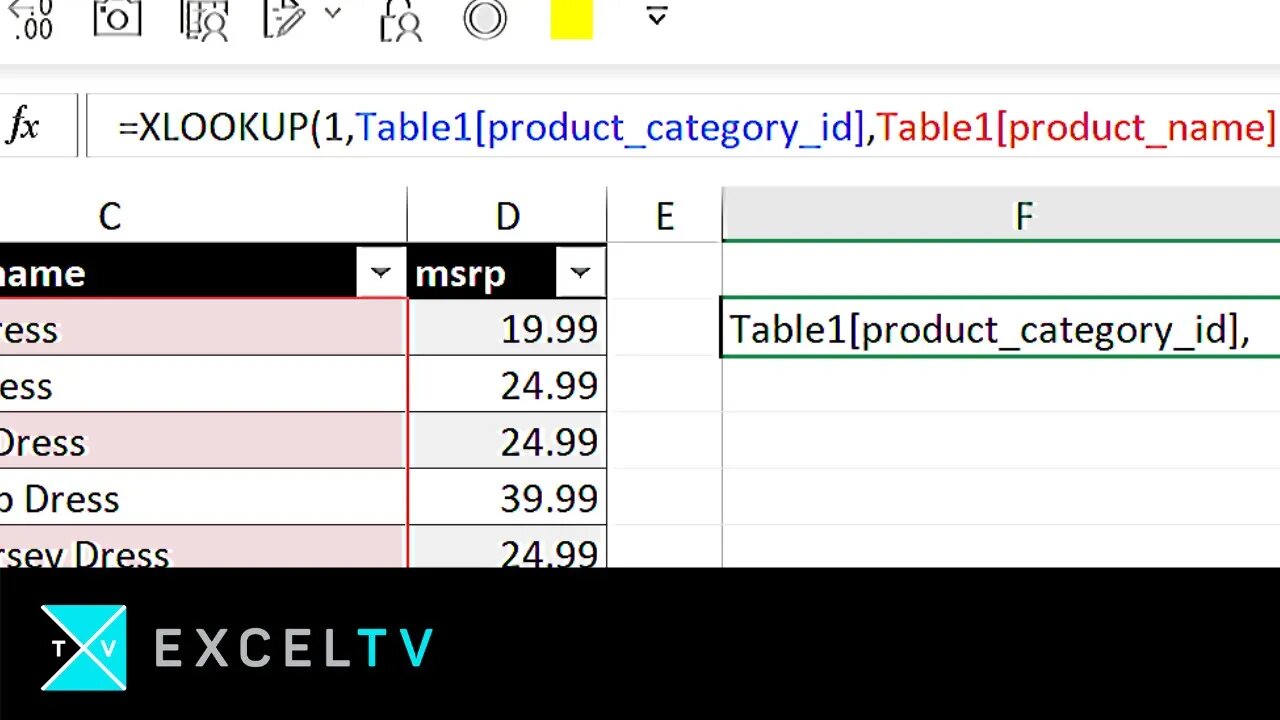
ALL Excel LOOKUPs explained
Download our guide on all Excel lookups:
https://excel.tv/all-excel-lookups-explained/
Go to excel.tv for more!
What did you think of this video? Leave your comments below.
Make sure to SUBSCRIBE NOW to receive updates regularly.
Over the years, I’ve noticed a lot of folks having trouble understanding Excel LOOKUP functions. By lookup functions, I mean LOOKUP, HLOOKUP, VLOOKUP, MATCH, and XLOOKUP.
So, in this video, I am trying to bring together what all of these lookup functions have in common. In this way, my hope is that you get a sense of the theory that comprise these functions. If you can understand the theory, then the old functions take on new meaning. Better yet, new functions like XLOOKUP make a lot more sense – and you’ll learn them in an instant.
You’ll see a lot of this in the video, but for now, let me see what I can summarize in this writing.
All Excel lookup functions follow this same framework. Let’s take a look at the VLOOKUP function:
VLOOKUP( what_we’re_searching_for, where_we’re_going_to_look, column_number_to_pull, the_match_type)
Now, let’s replace the following parameters from our VLOOKUP with symbols
🔎 = what_we’re_searching_for
🗄️ = where_we’re_going_to_look
… = column_number_to_pull
❓ = the_match_type
…and let’s put them back into our lookup:
VLOOKUP( 🔎, 🗄️, …, ❓)
Let’s consider “…” to refers to any optional parameter that is part of a lookup. And now let’s extend this idea…
The MATCH function, which returns the record location where a value is matched within a row or column follows a similar dynamic:
MATCH( what_we’re_searching_for, where_we’re_going_to_look, the_match_type)
… and we can assign the symbols as follows….
🔎 = what_we’re_searching_for
🗄️ = where_we’re_going_to_look
❓ = the_match_type
MATCH( 🔎, 🗄️, ❓)
In fact, we can summarize ALL excel lookup functions with the following axioms:
1. The first parameter 🔎 is always what you’re looking for
2. The second parameter 🗄️ is always where you’re going to look
3. The third parameter … represents additional options specific to that lookup type (MATCH has no options; VLOOKUP and HLOOKUP have options; XLOOKUP does as well, we’ll get to that in a second)
4. The final parameters(s) ❓ is/are always the match type(s)
Which means all Excel lookups following this generalized form:
LOOKUP( 🔎, 🗄️, …, ❓
-
 LIVE
LIVE
Dr Disrespect
7 hours ago🔴LIVE - DR DISRESPECT - ARC RAIDERS - SLICE AND DICE
982 watching -
![[Ep 827] Protests, Riots, or Terror? | All-Star Guest Line-Up!!](https://1a-1791.com/video/fww1/d9/s8/1/I/P/-/Q/IP-Qz.0kob-small-Ep-827-Protests-Riots-or-Te.jpg) LIVE
LIVE
The Nunn Report - w/ Dan Nunn
4 hours ago[Ep 827] Protests, Riots, or Terror? | All-Star Guest Line-Up!!
110 watching -
 1:10:22
The Tom Renz Show
3 hours agoJustice For J6? Not Without someone Growing a Spine!
32K3 -
 1:46:52
The Quartering
5 hours agoLEFTISTS HAVE LOST THE NARRATIVE ON ICE RAIDS & THEY ARE DESPERATE!
217K116 -
 LIVE
LIVE
StoneMountain64
5 hours agoArc Raiders Osprey Sniping and PVP Friday
92 watching -
 31:40
31:40
Tucker Carlson
6 hours agoEva Vlaardingerbroek Speaks Out After Being Banned From the UK
80.4K187 -
 LIVE
LIVE
GritsGG
3 hours agoWin Streak Camo TODAY! #1 Warzone Victory Leaderboad 782+ Ws!!🔥
48 watching -
 1:32:55
Simply Bitcoin
6 hours ago $1.85 earnedThe Wall Street Bitcoin suppression continues: PAY ATTENTION | EP 1420
28K2 -
 9:42
9:42
Clintonjaws
8 hours ago $1.42 earnedEntire Room Speechless as Karoline Leavitt Snaps & Destroys All Media To Their Face
12.3K16 -
 59:47
59:47
Jeff Ahern
4 hours ago $0.47 earnedFriday Freak out with Jeff Ahern
7.14K3