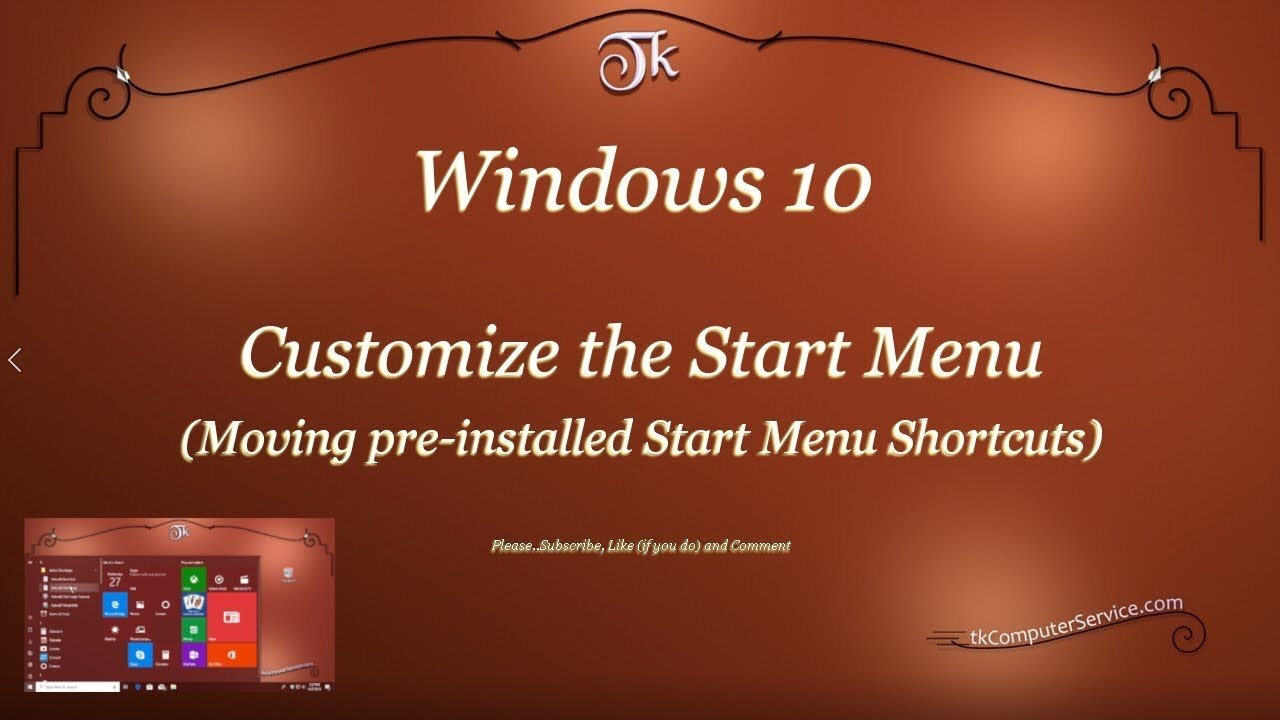
Windows 10 - Customize the Start Menu (Moving pre-installed Start Menu Shortcuts)
Windows 10 Customize the Start Menu
(Moving installed Start Menu Shortcuts)
How I customize the Start Menu Shortcuts in Windows 10 (1803)
___________________________
*N.B./Disclaimer - This video shows one of possibly many ways, under one computer's configuration, to implement the desired effect. If you choose to follow this example, you do so AT YOUR OWN RISK.*
___________________________
In this Video I show how I customize the Windows 10 Start Menu in version 1803 and above. Starting with version 1903 the User is, also, able to access the Start Menu folder inside the C:\ProgramData folder. That folder is hidden, but once accessed it'll allow greater customization of the Windows 10 Start Menu. The folder shown in the Video is the C:\Users\UserName\AppData\Roaming\Microsoft\Windows\Start Menu\Programs folder. To access it goto a non-native (third-party) installed Program's Shortcut and (right-click) it. Then select "open file location". That will open the current User's Start Menu Programs folder. You can browse directly to either of the before mentioned folders, but it may be necessary to un-hide Hidden Folders first. Files, folders and Drives can be un-hidden by going to the Control Panel, then clicking on the File Explorer Options link and under the View Tab selecting the Show hidden files, folders and Drives check box beneath the heading of Hidden files and folders. Setting-up identically named Folders in both locations should result in only one Folder with that name in the Start Menu. UWP Apps do not seem to be re-locatable, or atleast I couldn't find an unobtrusive way of moving\manipulating them. One other thing to be aware of is, when new Folders are created in the ProgramData Folder it must be named immediately. Right-clicking and renaming a Folder in that folder is disallowed. The customization of the Windows 10 Start Menu is not as easy or complete as previous versions of Windows, but this will allow the User some control over where to place Shortcuts in the Menu.
___________________________
What's Needed :
Administrator Privileges
Windows 10 version 1803
___________________________
The entire Article can be found here: https://tkcomputerservice.com/windows-10-custom-start-menu.htm
-
 2:24:43
Game On!
1 day ago $6.29 earnedNFL Week 16 Wiseguy Roundtable BEST BETS!
42.7K5 -
 1:03:18
Jasmin Laine
1 day ago‘That’s an Unreliable Source’— U.S Ambassador HUMILIATES Media Spin Live
74K39 -
 1:41:48
Squaring The Circle, A Randall Carlson Podcast
1 day ago3I/ATLAS, Planetary Alignment, and a Spike in Solar Activity | ft. Stefan Burns
51.7K20 -
 59:18
59:18
American Thought Leaders
1 day agoRob Schneider: How the Film Industry Is Self-Imploding
70.2K41 -
 8:31
8:31
Millionaire Mentor
23 hours agoMAGA Vet SHUTS DOWN Elissa Slotkin After Her Illegal Orders Claim
50K70 -
 1:11
1:11
Damon Imani
2 days agoDamon CRASHED The View's "Happy Holidays"!
63.3K33 -
 17:50
17:50
The Car Edition Ltd
1 day ago $2.77 earnedOur First Jaguar XF 2L Petrol Ingenium Tear-Down | Timing Chain Slack at 78k Miles - The Car Edition
41.5K3 -
 1:23
1:23
Memology 101
23 hours ago $8.80 earnedFetterman VAPORIZES his OWN party's narrative on the drug-boat strikes
51.5K54 -
 28:31
28:31
Living Your Wellness Life
3 days agoIdentifying Heart Issues
17.6K1 -
 39:13
39:13
The Heidi St. John Podcast
2 days agoFan Mail Friday: When Culture Lies and Courage Goes Quiet
11.1K3