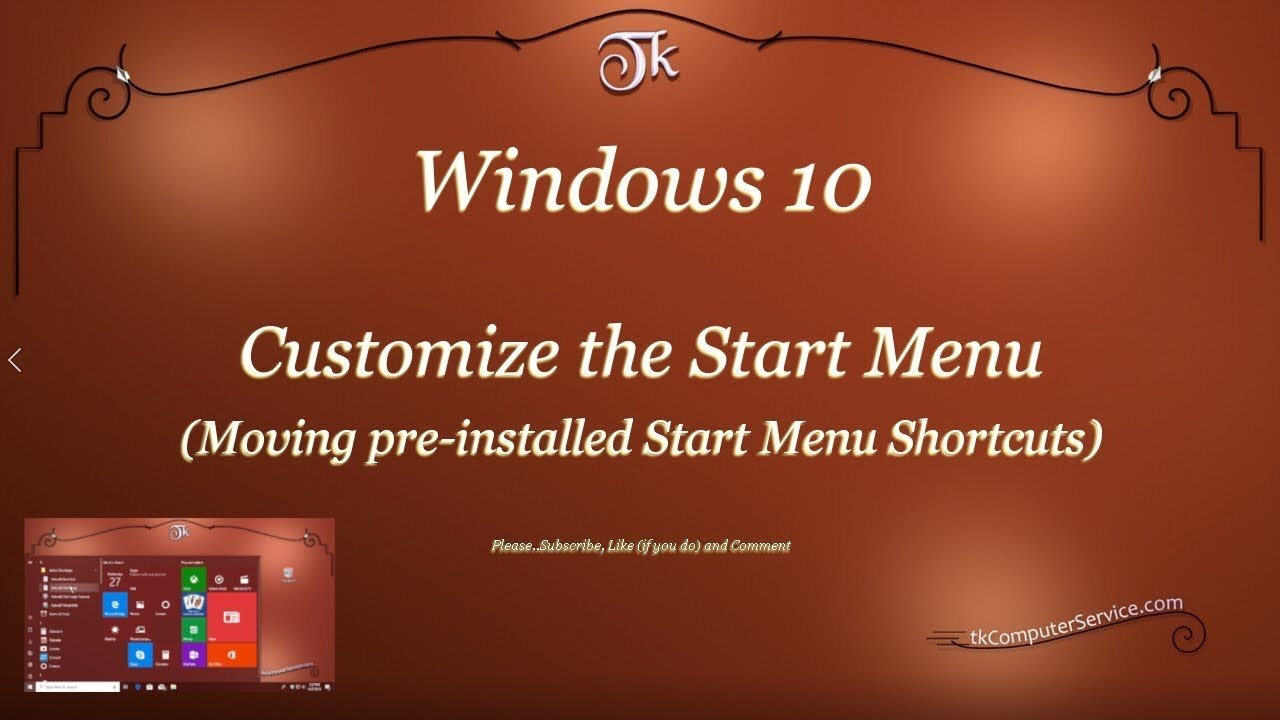
Windows 10 - Customize the Start Menu (Moving pre-installed Start Menu Shortcuts)
Windows 10 Customize the Start Menu
(Moving installed Start Menu Shortcuts)
How I customize the Start Menu Shortcuts in Windows 10 (1803)
___________________________
*N.B./Disclaimer - This video shows one of possibly many ways, under one computer's configuration, to implement the desired effect. If you choose to follow this example, you do so AT YOUR OWN RISK.*
___________________________
In this Video I show how I customize the Windows 10 Start Menu in version 1803 and above. Starting with version 1903 the User is, also, able to access the Start Menu folder inside the C:\ProgramData folder. That folder is hidden, but once accessed it'll allow greater customization of the Windows 10 Start Menu. The folder shown in the Video is the C:\Users\UserName\AppData\Roaming\Microsoft\Windows\Start Menu\Programs folder. To access it goto a non-native (third-party) installed Program's Shortcut and (right-click) it. Then select "open file location". That will open the current User's Start Menu Programs folder. You can browse directly to either of the before mentioned folders, but it may be necessary to un-hide Hidden Folders first. Files, folders and Drives can be un-hidden by going to the Control Panel, then clicking on the File Explorer Options link and under the View Tab selecting the Show hidden files, folders and Drives check box beneath the heading of Hidden files and folders. Setting-up identically named Folders in both locations should result in only one Folder with that name in the Start Menu. UWP Apps do not seem to be re-locatable, or atleast I couldn't find an unobtrusive way of moving\manipulating them. One other thing to be aware of is, when new Folders are created in the ProgramData Folder it must be named immediately. Right-clicking and renaming a Folder in that folder is disallowed. The customization of the Windows 10 Start Menu is not as easy or complete as previous versions of Windows, but this will allow the User some control over where to place Shortcuts in the Menu.
___________________________
What's Needed :
Administrator Privileges
Windows 10 version 1803
___________________________
The entire Article can be found here: https://tkcomputerservice.com/windows-10-custom-start-menu.htm
-
 LIVE
LIVE
MissesMaam
2 hours agoRUMBLE SHORTS ARE LIVE!?!?! | Fallout New Vegas 💚✨
170 watching -
 14:06
14:06
Blackstone Griddles
1 hour agoThe Perfect Picanha on the Blackstone Open Flame Grill
155 -
 8:19
8:19
tactical_rifleman
9 hours ago $0.12 earnedAre Gun Ranges Giving You Brain Damage?
931 -
 LIVE
LIVE
Sarah Westall
7 hours agoThe Blue Brain Project, Intuition, and the Battle for Human Consciousness | David Masters
180 watching -
 LIVE
LIVE
CHiLi's Dojo
3 hours agoMonster Hunter Wilds | Clapping Monster Cheekz With Ninja?!?!
119 watching -
 LIVE
LIVE
SpartakusLIVE
3 hours agoNEW Season - NEW Meta || MASSIVE CHANGES
172 watching -
 14:39
14:39
China Uncensored
10 hours agoThe Killings Have Started
6.05K6 -
 19:15
19:15
Stephen Gardner
2 hours agoTrump STUNNED by Supreme Court Ruling – MAJOR Arrest Just Hit Minnesota
4.07K40 -
 LIVE
LIVE
Klevtastic
2 hours agoARE ALL FREE GAMES BAD? | Get to 100 Challenge
29 watching -
 1:12:22
Right Side Broadcasting Network
13 hours agoLIVE: President Trump Makes an Announcement from the White House - 02/05/26
57.5K21