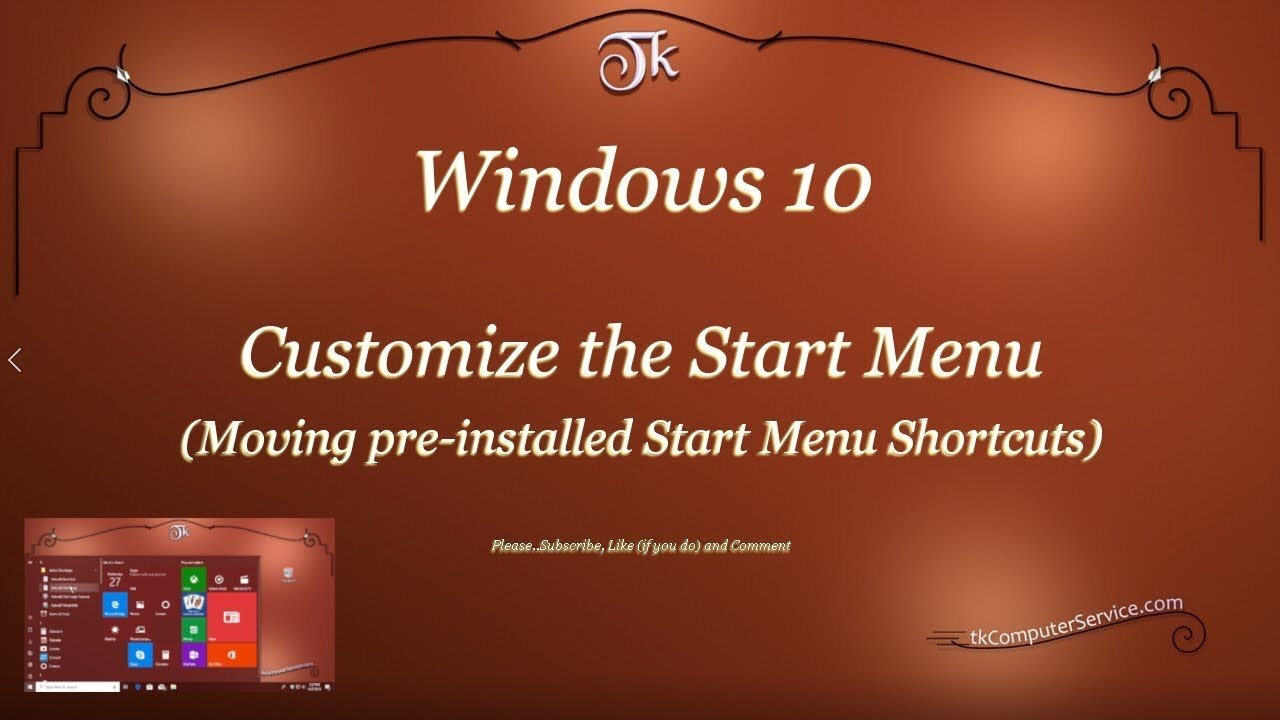
Windows 10 - Customize the Start Menu (Moving pre-installed Start Menu Shortcuts)
Windows 10 Customize the Start Menu
(Moving installed Start Menu Shortcuts)
How I customize the Start Menu Shortcuts in Windows 10 (1803)
___________________________
*N.B./Disclaimer - This video shows one of possibly many ways, under one computer's configuration, to implement the desired effect. If you choose to follow this example, you do so AT YOUR OWN RISK.*
___________________________
In this Video I show how I customize the Windows 10 Start Menu in version 1803 and above. Starting with version 1903 the User is, also, able to access the Start Menu folder inside the C:\ProgramData folder. That folder is hidden, but once accessed it'll allow greater customization of the Windows 10 Start Menu. The folder shown in the Video is the C:\Users\UserName\AppData\Roaming\Microsoft\Windows\Start Menu\Programs folder. To access it goto a non-native (third-party) installed Program's Shortcut and (right-click) it. Then select "open file location". That will open the current User's Start Menu Programs folder. You can browse directly to either of the before mentioned folders, but it may be necessary to un-hide Hidden Folders first. Files, folders and Drives can be un-hidden by going to the Control Panel, then clicking on the File Explorer Options link and under the View Tab selecting the Show hidden files, folders and Drives check box beneath the heading of Hidden files and folders. Setting-up identically named Folders in both locations should result in only one Folder with that name in the Start Menu. UWP Apps do not seem to be re-locatable, or atleast I couldn't find an unobtrusive way of moving\manipulating them. One other thing to be aware of is, when new Folders are created in the ProgramData Folder it must be named immediately. Right-clicking and renaming a Folder in that folder is disallowed. The customization of the Windows 10 Start Menu is not as easy or complete as previous versions of Windows, but this will allow the User some control over where to place Shortcuts in the Menu.
___________________________
What's Needed :
Administrator Privileges
Windows 10 version 1803
___________________________
The entire Article can be found here: https://tkcomputerservice.com/windows-10-custom-start-menu.htm
-
 27:40
27:40
Stephen Gardner
4 hours agoYES! Rubio & Hegseth Get Trump's 2 National Security Orders
17.1K16 -
 1:48:18
vivafrei
3 hours agoBrown Shooter Identified - Suspect or Patsy? Judge CONVICTED for Aiding Illegals! Bongino Resigns!
33.1K30 -
 48:41
48:41
Turning Point Tonight
4 hours ago $1.68 earnedJobob LIVE at AmFest 2025!
20K -
 4:13:55
Barry Cunningham
5 hours agoLIVE BREAKING NEWS: President Trump Makes Another Address To The Nation! And More News!
22.8K19 -
 1:43:53
The Quartering
5 hours agoTucker Vs Ben Shapiro At AMFEST, Epstein Files Release Today & Brown University Shooter Caught!
61.6K33 -
 34:43
34:43
DeVory Darkins
5 hours agoBREAKING: Jury hands Democrat Judge a GUILTY Verdict after she helped illegal aliens escape
47.1K67 -
![MAHA News [12.19] Vax Schedule, CBD/Cannabis, HHS on Trans Surgeries, Red Light Therapy](https://1a-1791.com/video/fww1/d2/s8/1/6/w/n/J/6wnJz.0kob-small-MAHA-News-12.19.jpg) 1:19:37
1:19:37
Badlands Media
12 hours agoMAHA News [12.19] Vax Schedule, CBD/Cannabis, HHS on Trans Surgeries, Red Light Therapy
22.1K1 -
 11:20
11:20
Silver Dragons
3 hours agoCOMEX ALERT - Bullion Banks Flip LONG Silver FIRST TIME EVER?
10.2K3 -
 37:49
37:49
theyoungrightusa
17 hours ago $4.71 earnedThe Young Right X AmFest
33.4K2 -
 2:02:50
The Culture War with Tim Pool
7 hours agoThe FALL of Candace Owens | The Culture War with Tim Pool
253K413