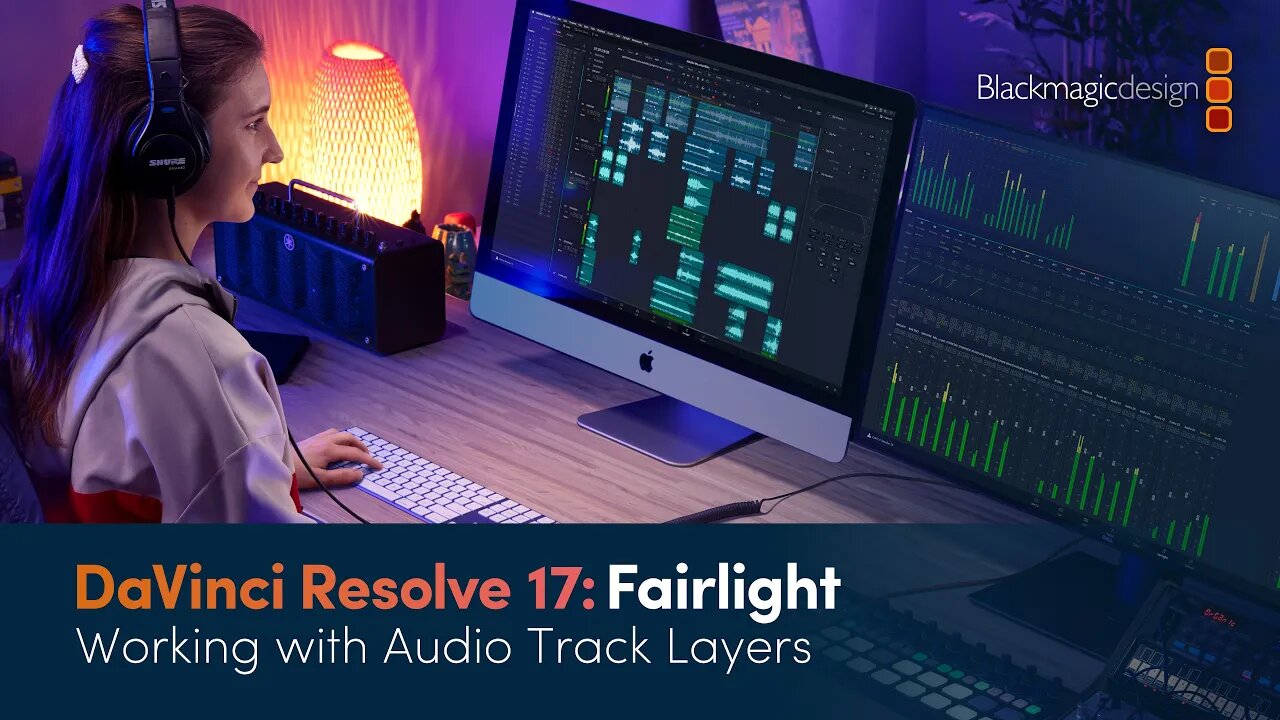
DaVinci Resolve 17 Fairlight Training - Working with Audio Track Layers
3 years ago
3
Learn how to work with audio track layers which are a powerful tool for editing multiple takes together to realize the best performance. You’ll learn how to split and edit together the best takes in a scratch voiceover track and then you’ll use audio track layers to create crossfades between music clips in the same track!
To get the most out of these videos, and to follow along with the lessons shown, please download the example project and media from http://bmd.link/39gKhJ. The latest version of DaVinci Resolve 17 can be downloaded for free from www.blackmagicdesign.com/products/davinciresolve.
Loading comments...
-
 3:06
3:06
BlackmagicDesign
2 years agoSpeech to Text Editing in DaVinci Resolve
69 -
 48:08
48:08
BlackmagicDesign
3 years agoDaVinci Resolve 17 Fairlight Training - Dolby Atmos Integration
28 -
 58:00
58:00
BlackmagicDesign
3 years agoDaVinci Resolve 17 Fairlight Training - Introduction to Sound Design
37 -
 23:38
23:38
BlackmagicDesign
3 years agoDaVinci Resolve 17 Fairlight Training - Channel Mapping and Linked Groups
17 -
 4:03
4:03
Prophetless
3 years agoHow To Track Paint In Davinci Resolve Fusion Quick Tip
526 -
 31:29
31:29
BlackmagicDesign
3 years agoDaVinci Resolve 17 Color Training - Color Management
11 -
 44:35
44:35
BlackmagicDesign
3 years agoDaVinci Resolve 17 Edit Training - Introduction to Editing Part 2
20 -
 2:40
2:40
videography - photography - nerd stuff
3 years agoDavinci Resolve Quicktorial: No audio on mobile phone
41 -
 2:47
2:47
videography - photography - nerd stuff
3 years ago $0.02 earnedDavinci Resolve Quicktorial: How to Adjustment Clips - Adjustment Layers
98 -
 1:35:44
Tucker Carlson
12 minutes agoJohn Rich on Diddy, Demons, the Antichrist, How to Hear God, and His War on Child Predators
1