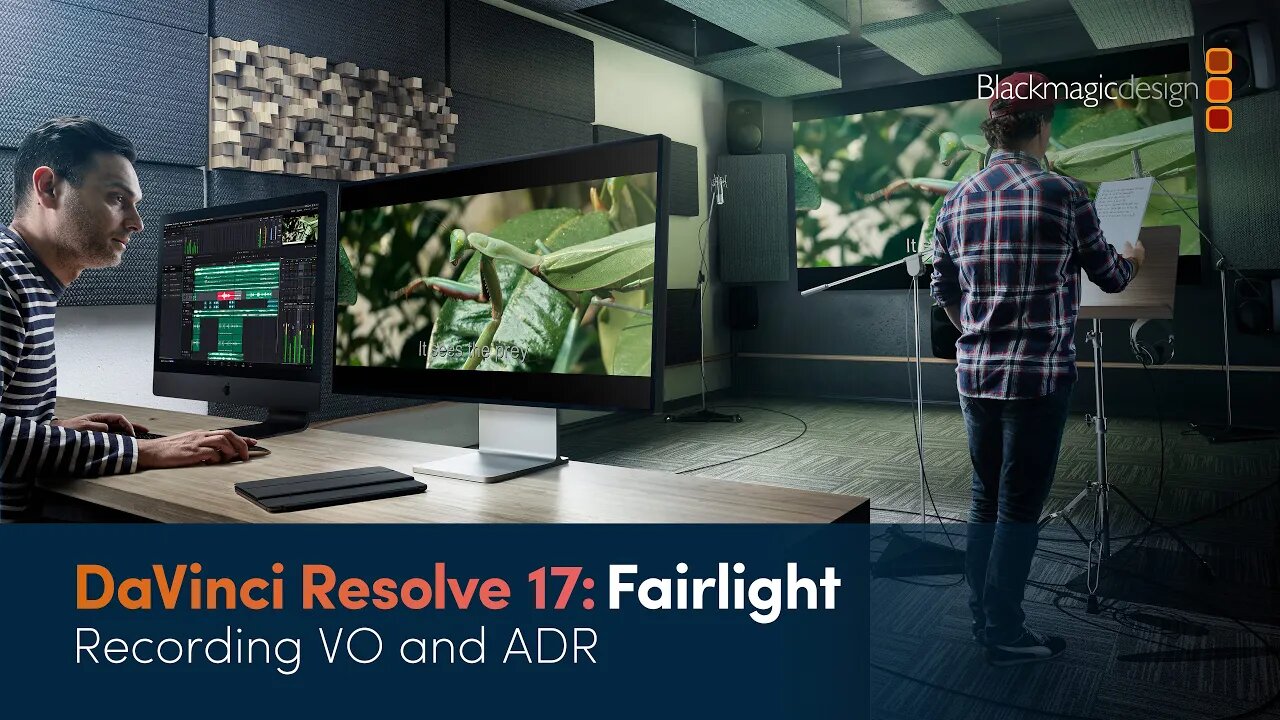
DaVinci Resolve 17 Fairlight Training - Recording VO and ADR
3 years ago
6
Discover how to record a simple voiceover track and re-record dialogue with automatic dialogue replacement (ADR). You’ll learn how to set up a microphone, patch the microphone input to a track, arm the track and start recording!
To get the most out of these videos, and to follow along with the lessons shown, please download the example project and media from http://bmd.link/39gKhJ. The latest version of DaVinci Resolve 17 can be downloaded for free from www.blackmagicdesign.com/products/davinciresolve.
Loading comments...
-
 3:21
3:21
BlackmagicDesign
2 years agoConnecting and Updating DaVinci Resolve Speed Editor
59 -
 48:08
48:08
BlackmagicDesign
3 years agoDaVinci Resolve 17 Fairlight Training - Dolby Atmos Integration
28 -
 58:00
58:00
BlackmagicDesign
3 years agoDaVinci Resolve 17 Fairlight Training - Introduction to Sound Design
37 -
 23:38
23:38
BlackmagicDesign
3 years agoDaVinci Resolve 17 Fairlight Training - Channel Mapping and Linked Groups
17 -
 31:29
31:29
BlackmagicDesign
3 years agoDaVinci Resolve 17 Color Training - Color Management
11 -
 44:35
44:35
BlackmagicDesign
3 years agoDaVinci Resolve 17 Edit Training - Introduction to Editing Part 2
20 -
 3:09
3:09
ripthedvd
3 years agoDaVinci Resolve Linux Follow Up: HiDPI fix
15 -
 30:58
30:58
BlackmagicDesign
3 years agoDaVinci Resolve 17 Edit Training - Visual Effects in the Edit Page
19 -
 LIVE
LIVE
VINCE
1 hour agoThe Truth Behind Those Drug Boat Strikes | Episode 179 - 12/02/25 Vince
22,911 watching -
 LIVE
LIVE
Benny Johnson
28 minutes agoTrump Launches MASSIVE CRIMINAL Investigation Into Somali Fraud, Tim Walz PANIC: They Stole Billions
1,641 watching