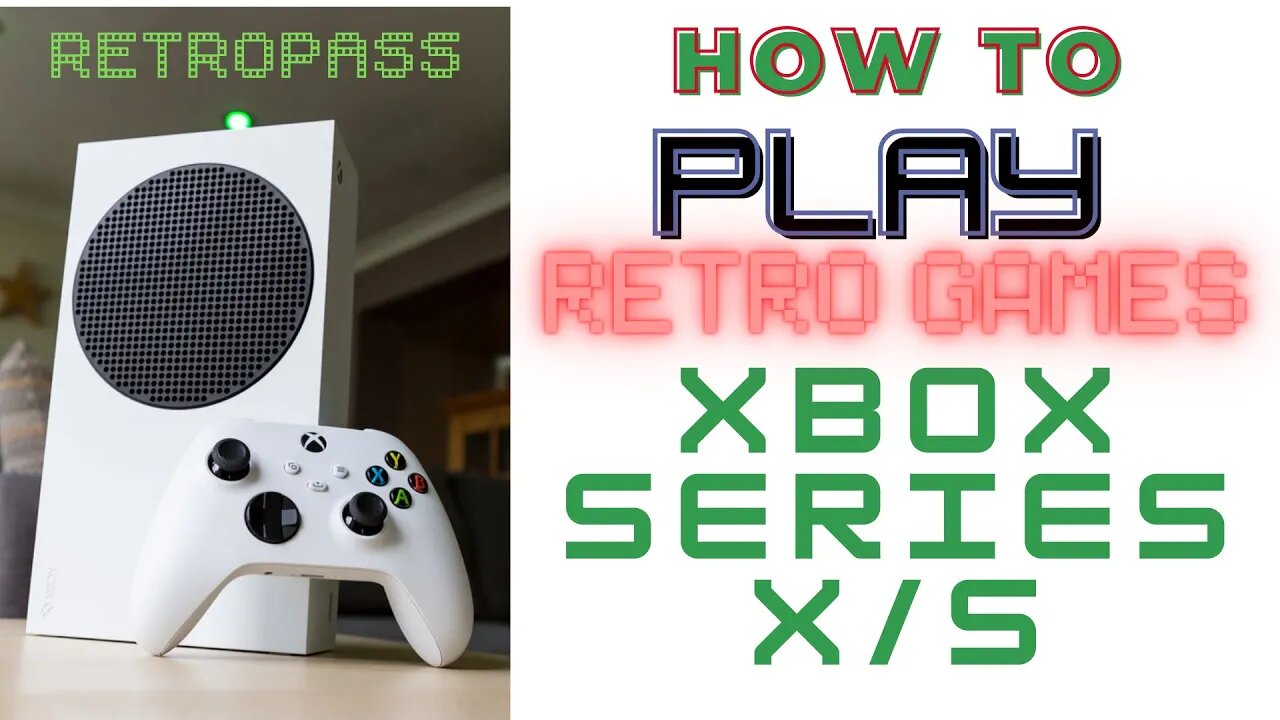
How to play retro games in Xbox Series X/S - Retropass Frontend
PLEASE SUPPORT & SHARE. T H A N K Y O U!
Subscribe in Retro Modern Gaming and Hit the bell for notification
https://www.patreon.com/zhiddcade
RETRO GAMES FRONTEND GAMING TUTORIAL FOR XBOX SERIES X/S
Make sure permissions are correct for the HDD. Format should be NTFS
Connect your drive to a Windows PC, go to File Explorer and right click on your NTFS drive, in this case the E drive
Click Properties
Go to Security Tab
Click Advanced
Click Change permissions
Click Add
Click "Select a Principal"
Click Advanced
Click Find Now
Find All Application Packages , highlight it, then Ok
Click Ok again
Tick Full Control, click Ok
Apply then Ok
You can click Ok for the last time
Download CP78 Xbox Edition and extract "Launch box, R A folders and RetroPass.xml" to the root of HDD. Do the same for updates. HDD must be set up as a media HDD with Xbox first and must be the only Media drive plugged in as this is set to D drive.
Insert your external HDD at the back of your xbox series. In my case, I use the USB port nearest to the LAN port. Other USB ports cannot detect my HDD.
When prompted, use drive as media. "DO NOT format Storage device"
Open Microsoft Edge browser app
Navigate to https://gamr13.github.io,
Click: "Download App ", Click Get free
Once installed, open up the App store and download the following packages. Retroarch, Retropass and Durango FTP
Once installed, open up Retroarch
Go to the online updater
Click update installed cores
Update core info files
Update assets,
Update controller profiles,
Update cheats,
Update databases,
Update overlays,
and Update slang shaders.
Download also Core System Files Downloader. You can download all of them.
When all are done updating, Quit Retroarch
Open up Durango FTP on Xbox
start the service.
Open any folder and type the address as, "ftp colon // XBOX", then ENTER to access the local storage of xbox.
Go to APPS, Retroarch, then randomly named folder, Local State, then Copy retroarch.cfg. Click Yes when prompted
Open up Retropass
Click Activate
Click Auto Play Video
Play and Enjoy!
Credits to CP78 for this awesome work!
#retro games,#retropass,#xboxseriesx,gaming tutorial,retro games console,retro modern gaming,retropass frontend,retropass,battletoads,metal gear 2 substance,battle chopper,battle chopper arcade,console gaming setup,handheld game console
-
 29:27
29:27
retromoderngaming
2 years agoSports Games for PlayStation 2 in 2002
236 -
 1:32:05
Adam Does Movies
10 hours ago $1.86 earnedRob Reiner Films + Movie News + AMA - Live!
18.9K -
 47:57
47:57
Professor Nez
9 hours ago🚨LIVE NOW: President Trump Addresses the Nation from the Oval Office
27.2K25 -
 28:17
28:17
The White House
5 hours agoPresident Trump Delivers an Address to the Nation
66.4K115 -
 LIVE
LIVE
Drew Hernandez
22 hours agoTRUMP ADDRESSES THE NATION & BONGINO ANNOUNCES FBI DEPARTURE?
816 watching -
 2:37:30
Badlands Media
16 hours agoBadlands Media Special Coverage - MY FELLOW AMERICANS the Alpha Warrior Show & Redpill Project
59.6K27 -
 22:54
22:54
Jasmin Laine
11 hours agoMedia MELTS DOWN as Poilievre Surges—Ottawa Loses Control of the Narrative
27.8K14 -
 59:50
59:50
BonginoReport
8 hours agoDan Bongino Is Leaving The FBI - Nightly Scroll w/ Hayley Caronia (Ep.199)
286K252 -
 1:14:51
Kim Iversen
9 hours agoSTILL SHADY: Candace Meets With Erika — She Was Right
167K254 -
 1:04:57
Candace Owens
9 hours agoBREAKING NEWS! We Received Photos Of Charlie's Car After The Assassination. | Candace Ep 281
170K507