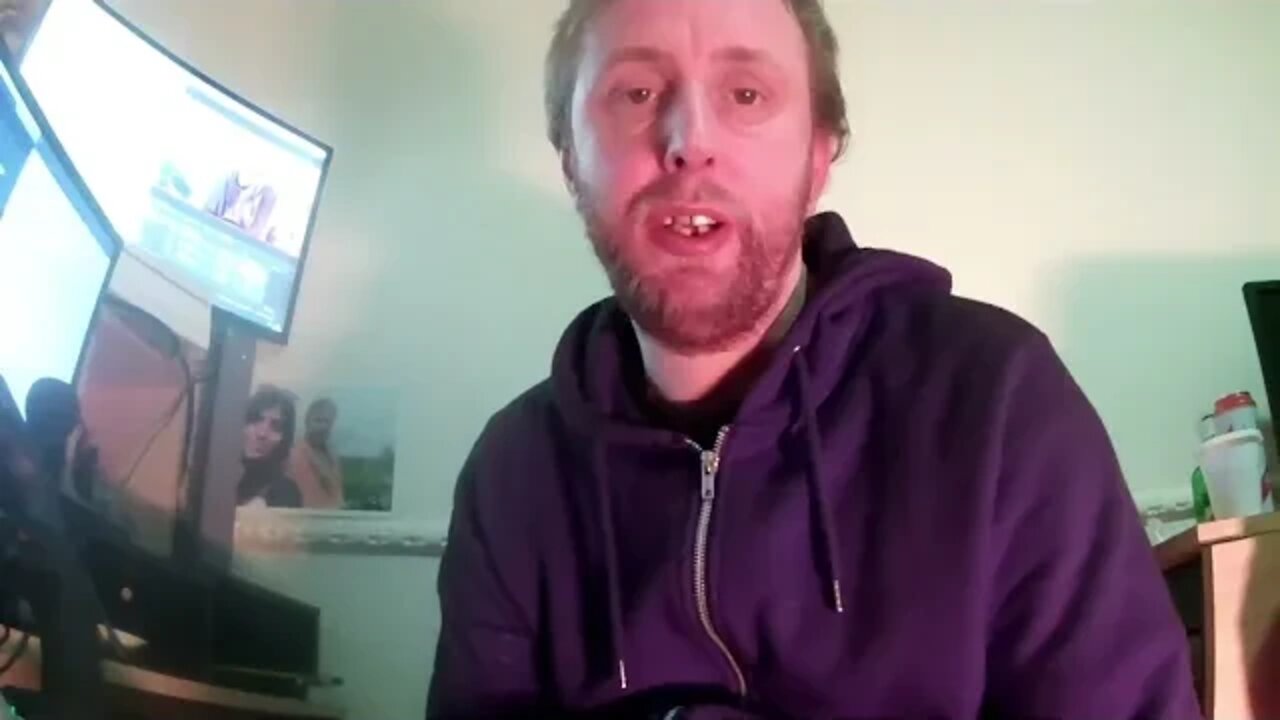
How to Use Vizzy to Make an Audio Visualiser with Midjourney
I use Midjourney to make a background for a an audio visualiser for an AI track with Vizzy.io
My Discord : https://discord.gg/2WQFeWh
TRANSCRIPT
If you have watched the previous video on Midjourney, you’ll have seen that I’d used theAI application to create images from text prompts.
I wanted to do a similar video to that, but this time about focusing on a single method of utilising the tool, rather than a whole bunch.
I’m going to use a site called Vizzy to generate an audio visualiser of an AI music track; I’m sure you’ve seen these sort of videos before, so let’s get to it.
There’s an Explore button at the bottom of the page - or you can click Editor on the top.
Then find a music track to use, I've done this through Jukedeck - which is a tool that generates AI music.
I’ve shuffled a few tracks and decided on this one. Vizzy will work with any genre of music. I’m going to choose an Electronic track…
I like this one, so I’ll download it
Then upload the track into my project; this is a template project, so I’ll start to customize it too throughout the video.
Drag and drop didn’t work, so I’ll have to upload it manually.
Next I’ll need to change the background image, so I’ll use Midjourney to generate a background image.
It does take a few minutes, so I’ll speed it up for the purpose of the video.
I like the top-left one the most, so I’ll click U1 to upscale the first image.
Again, it’ll take a minute or so, so I’ll just cut most of the processing out
So this is the final image. I’m going to right click it, Copy image and Paste it into GIMP.
Once I have it in an image editor, I’m going to do some slight adjustments to the brightness and contrast to make it a bit more vibrant, and save it.
The same as I did with the audio track, I’ll upload the image I’ve just saved into the Vizzy project.
Next I want to change the visualiser int he center of the screen to one that’s a bit more transparent.
So I’ll go to 2D Modifiers → Spectrum
You can add as many elements here as you like to really customize your project.
This is a little logo I’ve made before, and use for my Discord logo - I think it fits the aesthetic of the background well.
I’ve just noticed that the audio track at the bottom left is not the one I’ve uploaded, so I’ll just press ‘Choose audio’ and pick the file from Jukedeck I’d downloaded
It takes some time to analyse the audio, and sync the spectrum analyzer to it - that’s fine.
Once that’s done, and you’re happy with it - choose File → Export, set your
parameters and Export it.
-
 1:32:05
Adam Does Movies
11 hours ago $4.99 earnedRob Reiner Films + Movie News + AMA - Live!
26.1K1 -
 47:57
47:57
Professor Nez
10 hours ago🚨LIVE NOW: President Trump Addresses the Nation from the Oval Office
32.3K33 -
 28:17
28:17
The White House
6 hours agoPresident Trump Delivers an Address to the Nation
79.4K126 -
 4:44:53
Drew Hernandez
23 hours agoTRUMP ADDRESSES THE NATION & BONGINO ANNOUNCES FBI DEPARTURE?
59.4K22 -
 2:37:30
Badlands Media
17 hours agoBadlands Media Special Coverage - MY FELLOW AMERICANS the Alpha Warrior Show & Redpill Project
66.1K33 -
 22:54
22:54
Jasmin Laine
12 hours agoMedia MELTS DOWN as Poilievre Surges—Ottawa Loses Control of the Narrative
31.1K17 -
 59:50
59:50
BonginoReport
9 hours agoDan Bongino Is Leaving The FBI - Nightly Scroll w/ Hayley Caronia (Ep.199)
290K258 -
 1:14:51
Kim Iversen
10 hours agoSTILL SHADY: Candace Meets With Erika — She Was Right
170K258 -
 1:04:57
Candace Owens
10 hours agoBREAKING NEWS! We Received Photos Of Charlie's Car After The Assassination. | Candace Ep 281
175K520 -
 1:42:25
Redacted News
10 hours agoPutin just did the UNTHINKABLE as US Senators push for war against Russia
179K175