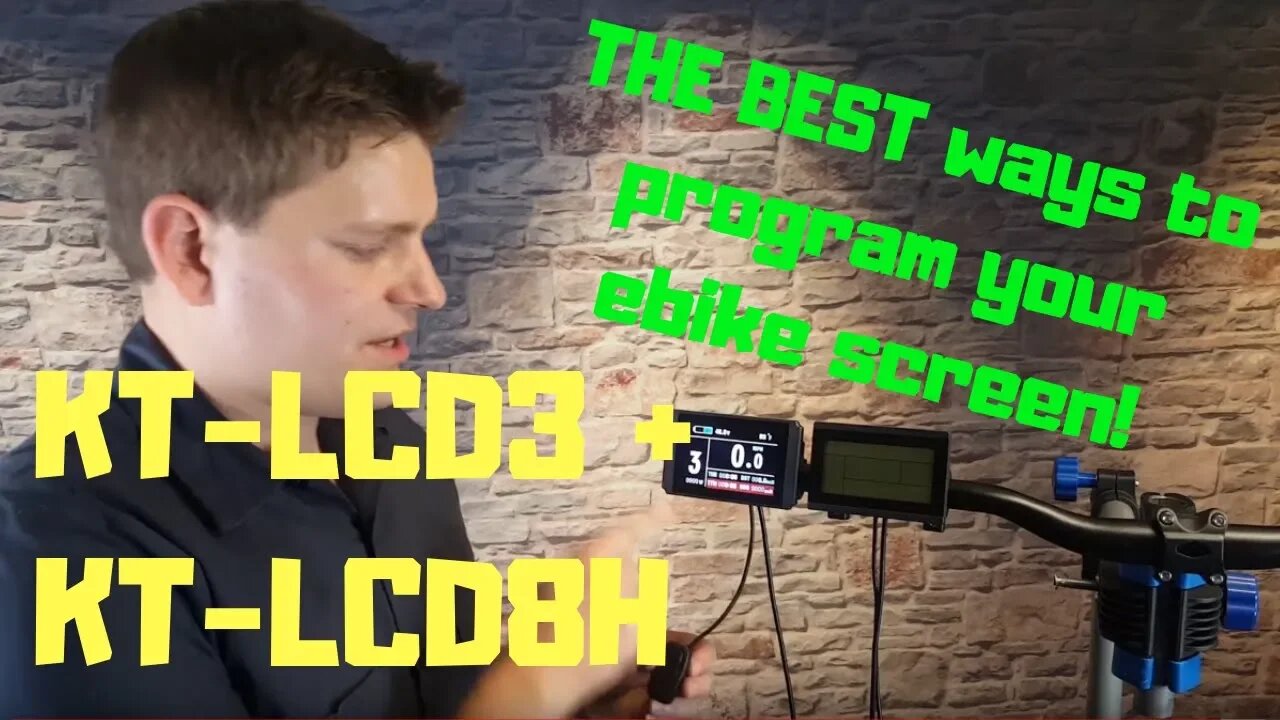
How to program the KT-LCD3 and KT-LCD8H - EVERYTHING you need to know
Invest in Area 13 https://www.startengine.com/area13-ebikes
Correction! One error I made in this video, to enable cruise control hold the DOWN button, not the UP button.
For more, check out https://www.boltonebikes.com
Time Stamps for programming:
0:00 - Intro
0:35 - Basic Display Functions
2:15 - Reset Trip Meter
2:43 - Set MPH/KMH/Speed Limit/Tire Size
4:38 - P1 Motor Gear Reduction Ratio
6:33 - P2 Motor Pulse (RPM)
8:02 - P3 Limit throttle with PAS
8:50 - P4 Throttle requires PAS Yes/No
9:25 - P5 Battery Monitoring
10:27 - C1 PAS Sensitivity and Direction
11:15 - C2 Sine Wave Controller Setting
11:52 - C3 Startup PAS Level
12:42 - C4 Special Throttle Functions
13:48 - C5 Maximum Power and Soft Start
14:54 - C6 Backlight Adjustment
15:10 - C7 Cruise Control On/Off
16:10 - C8 Motor Temp On/Off
16:40 - C9 Password
17:45 - C10 Default Reset
18:05 - C11 Communication Protocol
18:29 - C12 Minimum Voltage Cutoff
19:38 - C13 Regenerative Braking
21:05 - C14 Pedal Assist Power Tuning
22:28 - KT-LCD8H Programming
How to program the KT-LCD3 and KT-LCD8H color screen. This is a detailed instructional video covering both screens. I walk through each setting and what they actually mean! The manuals can be a bit hard to understand and I haven't found a good explanation anywhere - so here you go.
Quick setting guide:
The LCD screen has a handlebar mounted switch with three buttons, UP, DOWN, and a center Power button.
1. Start with battery and handlebar switch on. The LCD will be off.
2. Turn on LCD by pressing and holding POWER button. Holding the UP button will turn on the backlight if needed.
3. Within 5 seconds of turning LCD on, press and hold BOTH UP, and DOWN buttons for a few seconds until the center speed indicator starts to flash.
4. The flashing field is the maximum speed the motor will spin in Kilometers per hour. 32 kph is 20 mph. Set that to any value you want using UP and DOWN. Press POWER to advance to the next setting
5. The flashing number at the bottom is the wheel size as in “29 in”. Use the UP and DOWN buttons to set. (29 in for the stock Sondors tires). Press POWER to advance to next setting.
6. The flashing units of measure show if the display is configured for metric or imperial measures. Again, use UP and DOWN if you need to change it. You may have to cycle through until you find the right combination. Press POWER to advance to next step.
7. At this point, nothing will be flashing. But the display still shows the settings for max speed, tire size, and metric/imperial units. Press both UP and DOWN to advance to setting the P values.
8. The bottom line of the display changes to a flashing “P1 87” to show the current value of the P1 parameter. Use the UP and DOWN buttons to change the value to 100for the Sondors ebike. When done, press POWER to advance to the next value.
9. The P2 value will flash now. Again us UP and DOWN buttons to set the value to 6.
10. Continue on to set any other desired parameters. Brief explanations are as follows. For detailed instructions, see the LCD manual.
P1 Motor Characteristic Parameter Setting Mode (100)
P2 Wheel Speed Pulse Signal Setting Mode (6, 5 and 1 most common)
P3 Power Assist Control Mode (1)
P4 Handlebar Startup Mode (0)
P5 Power Monitoring Mode (12-15)
C1 Power Assist Sensor and Parameter Selection Mode (2)
C2 Motor Phase Classification Coding Mode (0)
C3 Power Assist Ratio Gear Initialization Mode (8)
C4 Handlebar Function Setting Mode (3)
C5 Controller Maximum Current Adjustment Mode (10)
C6 Backlight Brightness Adjustment Mode (3)
C7 Cruise Function Setting Mode (0 or 1. Setting to 1 enables cruise. While riding, hold the DOWN button to enable cruise control. A "C" will appear in the pedal assist field. Using the throttle or brakes will disable the cruise.
C8 Motor Operating Temperature Display Mode (1)
C9 Power-on Password Setting Mode (0)
C10 Automatic Restore Default Setting Mode (n)
C11 Attribute Selection Mode (0)
C12 Controller Minimum Voltage Adjustment Mode (4)
C13 ABS brakes of the controller and parameters of anti-charge control (0)
C14 Power-assist tuning parameters (2)
Press and hold POWER at any time to exit the setup mode.
-
 3:42:12
Turning Point USA
14 hours agoLIVE NOW - AMFEST IS BACK - ERIKA KIRK, MICHAEL KNOWLES, TUCKER CARLSON, BEN SHAPIRO & RUSSELL BRAND
549K208 -
 2:39:04
TimcastIRL
9 hours agoMarijuana LEGALIZATION IS COMING, Trump Orders Weed To Schedule 3 In HUGE Move | Timcast IRL
118K92 -
 2:02:44
megimu32
8 hours agoON THE SUBJECT: CHRISTMAS CORE MEMORIES
46.4K6 -
 2:16:09
DLDAfterDark
7 hours ago $4.77 earnedThe Very Merry HotDog Waffle Christmas Stream! Gun Talk - God, Guns, and Gear
39.7K8 -
 1:19:51
Tundra Tactical
18 hours ago $16.82 earnedThursday Night Gun Fun!!! The Worlds Okayest Gun Show
63.2K -
 55:11
55:11
Sarah Westall
1 day agoHumanity Unchained: The Awakening of the Divine Feminine & Masculine w/ Dr. Brianna Ladapo
50.3K5 -
 1:42:41
Glenn Greenwald
13 hours agoReaction to Trump's Primetime Speech; Coldplay "Adultery" Couple Reappears for More Shame; Australia and the UK Obey Israel's Censorship Demands | SYSTEM UPDATE #560
161K103 -
 2:46:41
Barry Cunningham
11 hours agoBREAKING NEWS: President Trump Signs The National Defense Authorization Act | More News!
68.8K32 -
 43:10
43:10
Donald Trump Jr.
12 hours agoThe Days of Destructive DEI are Over, Plus Full News Coverage! | TRIGGERED Ep.301
127K98 -
 52:07
52:07
BonginoReport
12 hours agoThe Internet Picks Bongino’s FBI Replacement - Nightly Scroll w/ Hayley Caronia (Ep.200)
119K93