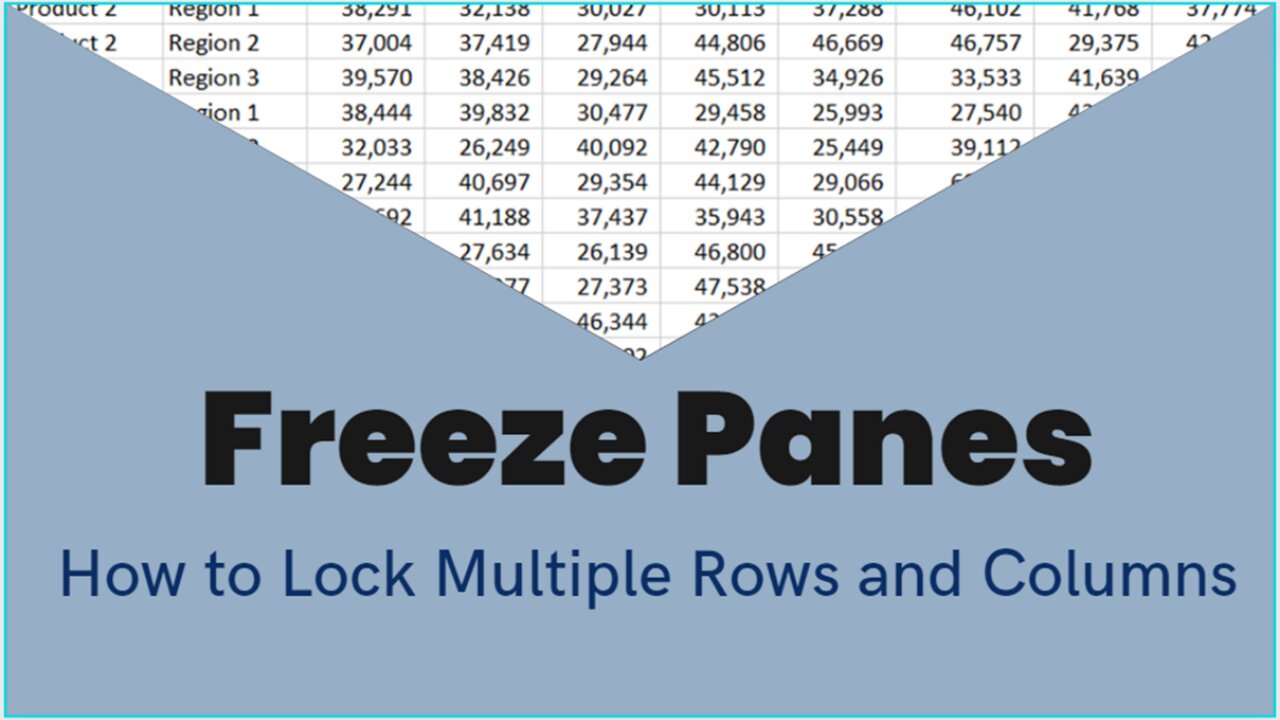
MS EXCEL TUTORIAL: HOW TO FREEZE MULTIPLE ROWS AND COLUMNS
2 years ago
57
When you are working on a large set of data, and you want to retain the top row header, or the left column header when you scroll down or to the right, freeze panes function is the answer.
You can keep an area of a worksheet visible while you scroll to another area by using the Freeze Panes Excel function under the View tab. With this, you can lock specific rows and columns in place. Just go to the cell below the rows and to the right of the columns you want to keep visible when you scroll and click Freeze Panes.
This video also includes a keyboard shortcut for you to be able to do it swiftly.
Title: How to Freeze Multiple Rows and Columns
#freezepanes #freezemultiplerows #freezemultiplecolumns #keyboardshortcut #exceltip
Loading comments...
-
 LIVE
LIVE
LFA TV
10 hours agoLIVE & BREAKING NEWS! | THURSDAY 12/18/25
7,586 watching -
 LIVE
LIVE
OFFICIAL Jovan Hutton Pulitzer Rumble
1 hour agoWhat Was Your Trump Takeaway? YOU JOIN ME LIVE!
838 watching -
 LIVE
LIVE
The Chris Salcedo Show
11 hours agoDemocrat Proves We Are Ruled By The Inept & Uninformed
627 watching -
 8:34
8:34
Blackstone Griddles
13 hours agoAnnual Holiday Gift Guide | Blackstone Griddles
27.5K -
 48:10
48:10
State of the Second Podcast
20 hours agoThe Quietest Suppressor Ever? PTR’s PIP Tech Explained (ft. PTR)
13.1K -
 23:10
23:10
Demons Row
13 hours agoBiker Secrets They Never Say Out Loud (Real MC Rules Exposed)
11.2K3 -
 LIVE
LIVE
BEK TV
23 hours agoTrent Loos in the Morning - 12/18/2025
190 watching -
 15:25
15:25
unclemattscookerylessons
1 day ago $1.69 earned“Crispy Cheesy Potato Croquettes | Gooey Mozzarella Inside!”
11.4K5 -
 6:39
6:39
DropItLikeItsScott
20 hours ago $2.36 earnedDid BURRIS Just Create the Coolest 3-12x42 Scope?
11.8K -
 10:55
10:55
Paul Joseph Watson
1 day agoWhat Really Happened at Bondi Beach?
78.2K117