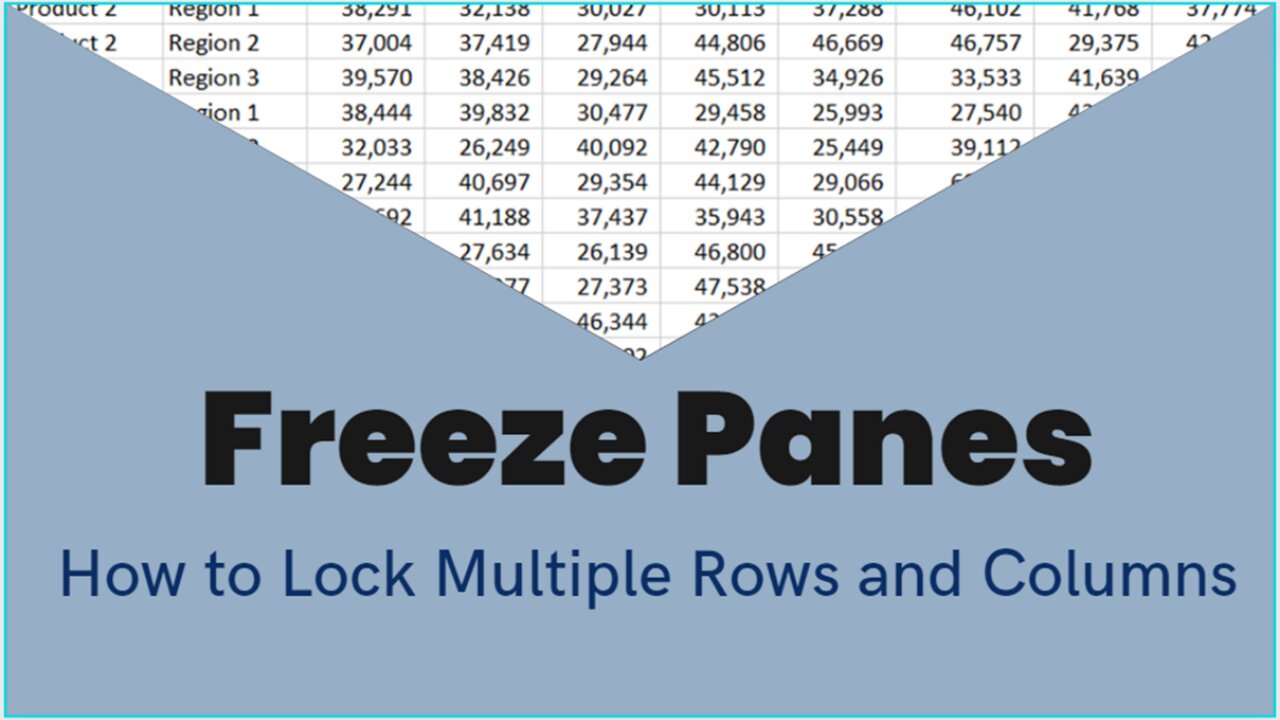
MS EXCEL TUTORIAL: HOW TO FREEZE MULTIPLE ROWS AND COLUMNS
3 years ago
57
When you are working on a large set of data, and you want to retain the top row header, or the left column header when you scroll down or to the right, freeze panes function is the answer.
You can keep an area of a worksheet visible while you scroll to another area by using the Freeze Panes Excel function under the View tab. With this, you can lock specific rows and columns in place. Just go to the cell below the rows and to the right of the columns you want to keep visible when you scroll and click Freeze Panes.
This video also includes a keyboard shortcut for you to be able to do it swiftly.
Title: How to Freeze Multiple Rows and Columns
#freezepanes #freezemultiplerows #freezemultiplecolumns #keyboardshortcut #exceltip
Loading comments...
-
 14:28
14:28
MattMorseTV
11 hours ago $5.50 earnedSchumer got CAUGHT on LIVE TV.
43.8K71 -
 20:39
20:39
Nikko Ortiz
3 days agoMilitary Clips Gone Wrong #6...
30.1K6 -
 2:15:31
Side Scrollers Podcast
18 hours agoSide Scrollers Podcast Live | February 5th 2026
56.5K14 -
 19:52
19:52
GritsGG
17 hours agoWarzone Season 2 Patch Notes! My Thoughts & Expectations!
3.25K -
 25:52
25:52
Nikko Ortiz
4 days agoI Robbed My Assistant
46.5K11 -
 LIVE
LIVE
Lofi Girl
3 years agolofi hip hop radio 📚 - beats to relax/study to
216 watching -
 2:06:00
PandaSub2000
4 days agoDonkey Kong Bananza | ULTRA BEST AT GAMES (Edited Replay)
26.3K -
 12:58
12:58
MetatronGaming
12 days agoAmazing Game Pick ups!
32.6K2 -
 42:33
42:33
The Why Files
2 days agoUnexplained Phenomena: The Dead Village, Rain Phenomena, YouTube Mystery
104K31 -
 27:54
27:54
Man in America
11 hours agoThe Epstein Files Broke Something in Me
85.4K81