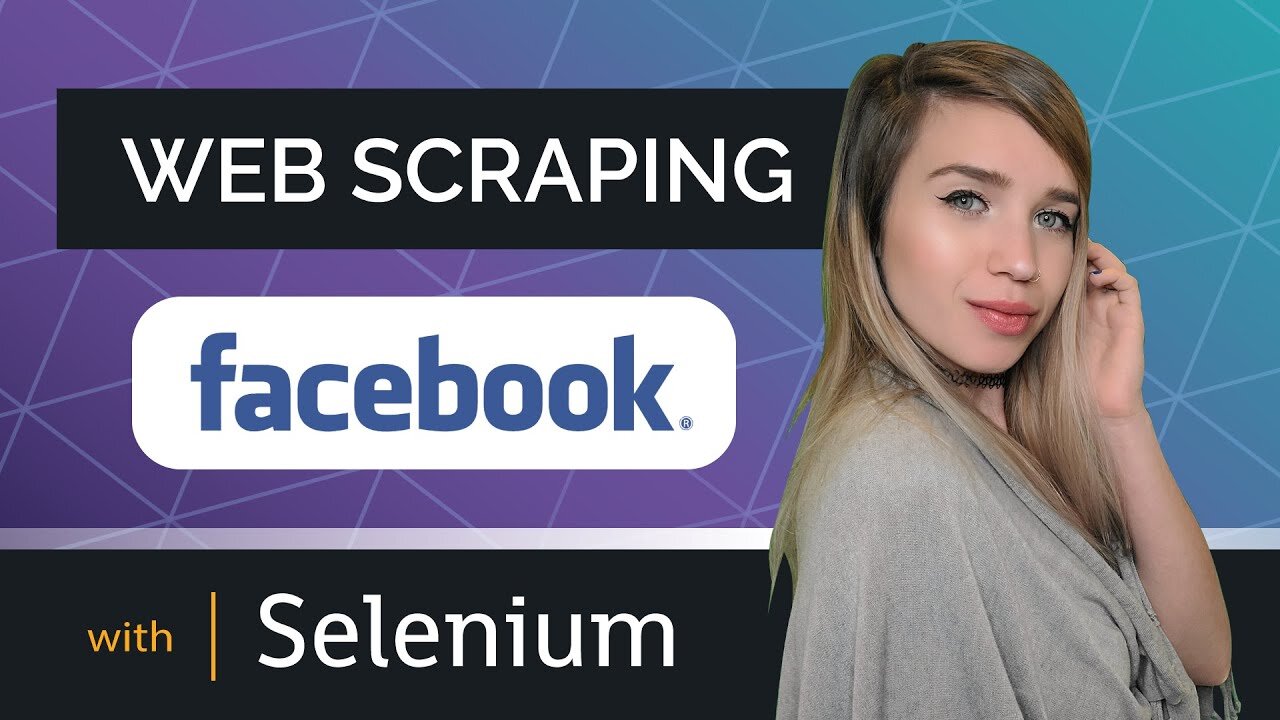
Web Scraping Facebook with Selenium
PLEASE NOTE: Selenium was updated since this video was filmed, you can find the complete code updated in December 2022 here:
https://github.com/MariyaSha/WebscrapingFacebook/blob/main/FB_Scraper_Revamped_Dec2022.ipynb
🛑 PLEASE NOTE 🛑
Selenium changed in that way:
commands of the following syntax:
driver.find_elements_by_tag_name("input")
were replaced with commands of this syntax:
driver.find_elements(By.TAG_NAME, "input")
In this tutorial you will learn how to create a web scraping bot that can download an entire Facebook image gallery, both tagged and personal photos at once.
With the help of Python, Jupyter Notebook, Selenium, and Chrome Driver - you will achieve 100% automation and obtain all the tools to adjust your code in the future, should Facebook change anything on their end.
Web Scraping Instagram with Selenium CODE ON GITHUB:
https://github.com/MariyaSha/WebscrapingInstagram/blob/main/WebscrapingInstagram_completeNotebook.ipynb
Web Scraping Instagram with Selenium VIDEO TUTORIAL:
https://youtu.be/iJGvYBH9mcY
Web Scraping Instagram with Selenium ARTICLE ON MEDIUM:
https://medium.com/analytics-vidhya/web-scraping-instagram-with-selenium-b6b1f27b885
Web Scraping Facebook with Selenium COMPLETE NOTEBOOK:
https://github.com/MariyaSha/WebscrapingFacebook/blob/main/FB_Scraper.ipynb
ARE YOU NEW TO PYTHON?
************************************
the tutorial below will show you how to:
a. quickly install Python
b. quickly install Jupyter Notebook
https://youtu.be/FZ5baopI_mo
************************************
TIMESTAMPS:
************************************
00:00 - 2:23 intro
************************************
a. preparation steps
02:23 - Install Selenium
03:07 - Install Wget
03:39 - Download Chrome Driver
04:44 - Launch Jupyter Notebook
b. coding
05:29 - Imports and Intro
06:10 - Webdriver get command
07:09 - Developer Tools Guide
08:12 - Login: Username, Password, Submit
09:26 - Dismiss Alerts: Stackoverflow
10:59 - Shortcut to get Photo Gallery
11:58 - Loop over tagged and personal photos
13:12 - Scroll to the end of the page: Loop
15:41 - Target all anchor elements on the page
17:21 - Target specific anchor elements
20:04 - Target all image elements on the page
22:16 - Target a specific image element
24:11 - Create a new directory at the root
25:06 - Download all the photos
25:53 - Last Automation Step
26:52 - Run the bot
27:04 - Test the bot
************************************
#python #pythonprogramming #pythontutorial #learnpython #webscraping #webscrape #selenium #webscrapefacebook #extractimages
-
 6:46
6:46
PythonSimplified
2 years ago $0.11 earnedHow I Learned Python - Step by Step Roadmap for Beginners
9266 -
 54:53
54:53
The Quartering
4 hours agoDan Bongino Quits, New Break In Tyler Robinson Case & Brown Shooting!
103K48 -
 2:12:49
Side Scrollers Podcast
4 hours agoTrans Surgeries For Kids CRIMINALIZED + Harassed Target Employee Speaks Out + More | Side Scrollers
69.8K15 -
 1:01:16
Timcast
4 hours agoTrump TROLLS Legacy Media, Announces WARRIOR DIVIDEND, Venezuela Fake Out
178K71 -
 1:04:30
Sean Unpaved
3 hours agoSeahawks Looking For REVENGE Against Rams! | UNPAVED
15.8K -
 46:32
46:32
The Amber May Show
6 hours ago $1.66 earnedLaw & Disorder: FBI Shakeups, Arrest Waves, and a Culture That’s Gone Off the Rails
26.4K1 -
 12:52
12:52
The Kevin Trudeau Show Limitless
1 day agoBeyond Good And Bad: The Hidden Reality Code
20.2K10 -
 1:25:01
Misfits Mania
1 day ago $10.48 earnedMISFITS MANIA: Press Conference
45.3K10 -
 1:31:26
Graham Allen
4 hours agoLive From AMFEST 2025: Day 1
66.5K13 -
 1:56:43
Steven Crowder
7 hours agoLWC Christmas Special 2025 | Giving Back with Santa Crowder
286K166