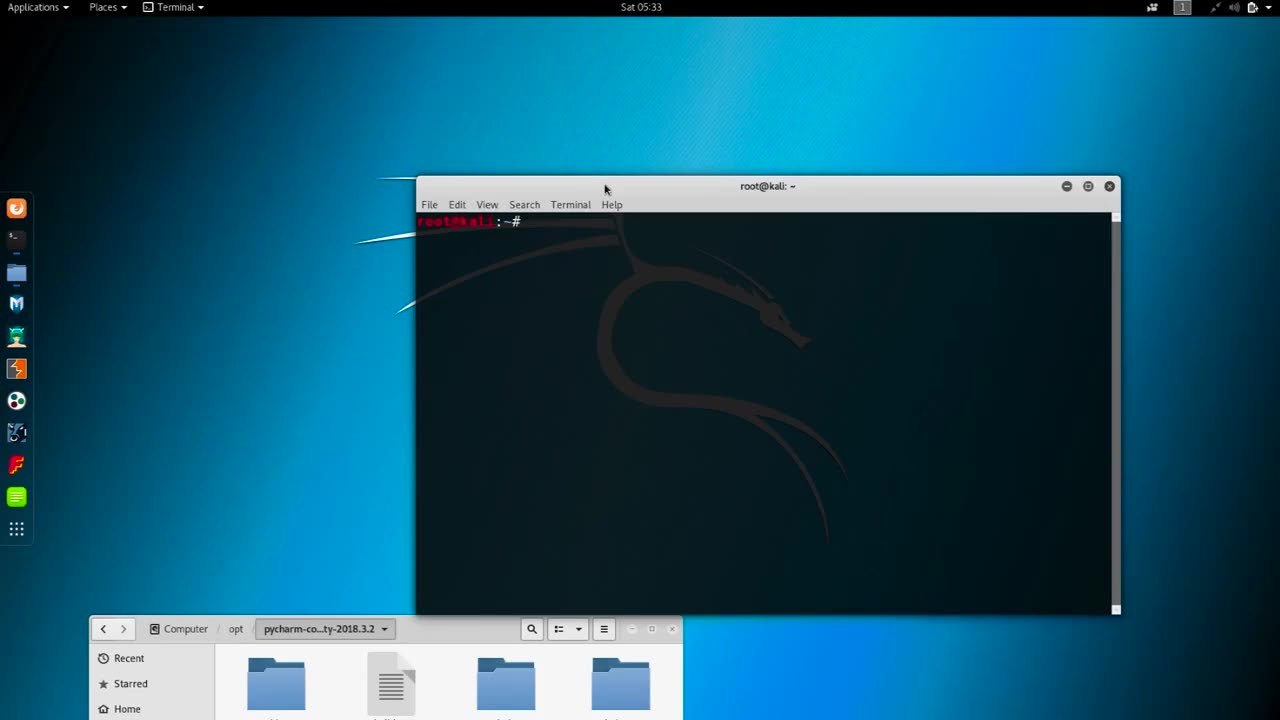
Chapter-33, LEC -2 | How To Installing PyCharm in Kali-Linux. | #kalilinux #ethicalhacking
#ethicalhacking #hacking #rumble #virel #trending #education
Subscribe to our channel YouTube channel.❤️
/@thecybersecurityclassroom
Followe me on Rumble.💕
/@the1cybersequrityclassroom
#hacking #growthhacking #biohacking #ethicalhacking #lifehacking #whacking #hackingout #happyhacking #brainhacking #travelhacking #househacking #brainhackingum #hackingtools
#bushwhacking #hacking_or_secutiy #porthacking#porthacking #belajarhacking #hackinginstagram #growthacking #biohackingsecrets #realityhacking #neurohacking #hackingnews #funnelhacking #mindhacking #funnelhackinglive #hackinglife #termuxhacking #learnhacking #bodyhacking #patternhacking #biohackingsuccess #ikeahacking #hackingorsecurity #russianhacking #traumahacking #shackingup #hackinghealth #growthhackingtips #wifihacking
PyCharm is a popular integrated development environment (IDE) used for Python programming. Installing PyCharm in Kali Linux is a fairly straightforward process that involves the following steps:
First, open a terminal window in Kali Linux by clicking on the Terminal icon in the taskbar.
Next, download the PyCharm installation file from the official website. You can download the Community Edition (which is free) or the Professional Edition (which requires a license). To download the file, navigate to the PyCharm website and click on the download button for the edition you want.
Once the download is complete, navigate to the directory where the file was saved using the terminal command cd <directory> (replace <directory> with the name of the directory where the file was saved).
Next, extract the contents of the file using the tar command followed by the filename. For example, if the file name is pycharm-community-2021.1.1.tar.gz, you can extract it using the command tar -xzf pycharm-community-2021.1.1.tar.gz.
After the extraction is complete, navigate to the bin directory of the PyCharm installation using the command cd <extracted-directory>/bin.
Finally, start PyCharm by running the command ./pycharm.sh. This will launch PyCharm and you can start using it to develop Python applications.
That's it! You have successfully installed PyCharm in Kali Linux and can start using it for your Python development needs.
-
 LIVE
LIVE
Dr Disrespect
2 hours ago🔴LIVE - DR DISRESPECT - WARZONE - SNIPER BOYS
1,164 watching -
 1:02:14
The Culture War with Tim Pool
2 hours agoTRUMP LOSES | Timcast Noon LIVE
107K34 -
 LIVE
LIVE
MattMorseTV
2 hours ago $7.47 earned🔴Trump''s EMERGENCY Press Conference.🔴
5,019 watching -
 59:04
59:04
BonginoReport
3 hours agoExposing Big Food w/ Patrick & Ashley Sullivan - Scrolling w/ Hayley (Ep. 240) - 02/20/2026
62.6K15 -

Professor Nez
2 hours ago🚨MAJOR RULING: SCOTUS STABS Trump on Tariffs! TRUMP RESPONDS
8.51K4 -
 1:22:03
Steven Crowder
5 hours agoBREAKING: Supreme Court Rules on Trump's Tariffs
297K227 -
 2:07:16
Side Scrollers Podcast
4 hours agoSide Scrollers Podcast Live | Friday February 20th 2026
10.2K -
 1:44:51
The Dan Bongino Show
5 hours agoObama Deep Stater Melts Down In Vicious Attack (Ep. 2457) - 02/20/2026
472K563 -
 2:32:34
Nikko Ortiz
3 hours agoThis Is The Next Best Milsim... | Rumble LIVE
9.95K1 -
 LIVE
LIVE
LFA TV
17 hours agoLIVE & BREAKING NEWS! | FRIDAY 2/20/26
2,529 watching