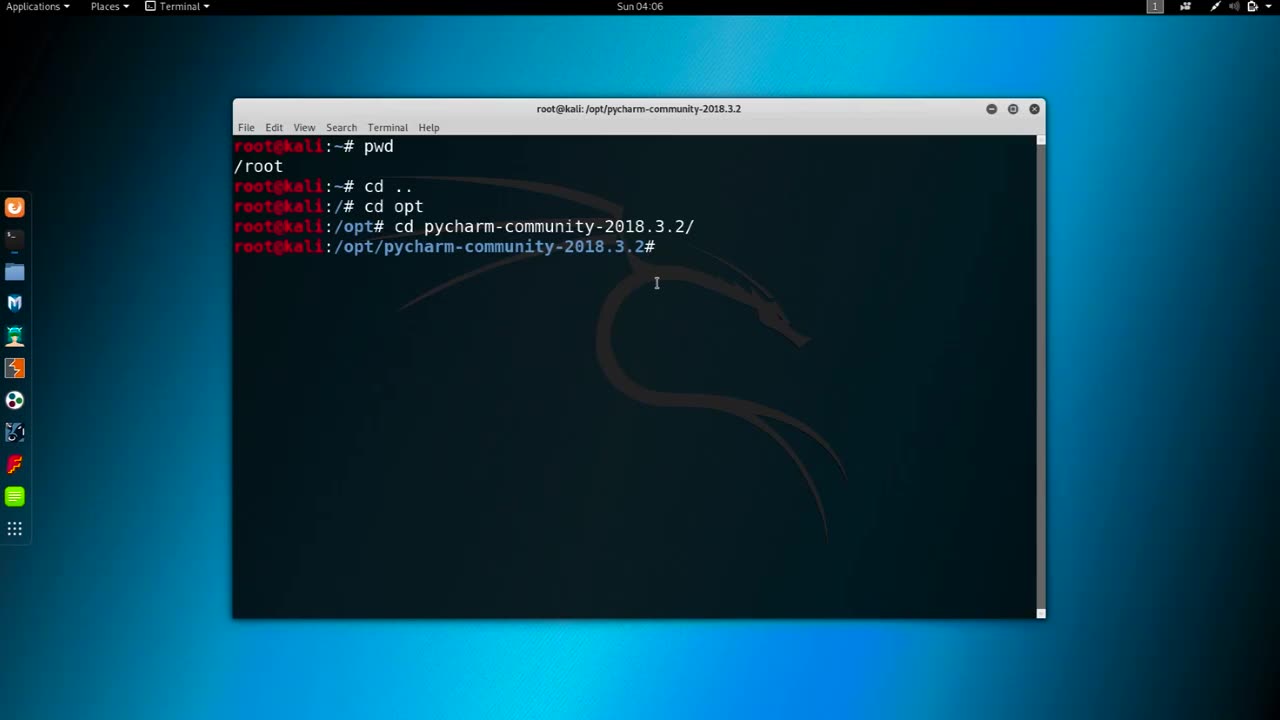
Chapter-33,. LEC-4 | Changing MAC manual | #ethicalhacking #education
#ethicalhacking #hacking #rumble #virel #trending #education
Subscribe to our channel YouTube channel.❤️
/@thecybersecurityclassroom
Followe me on Rumble.💕
/@the1cybersequrityclassroom
Changing the MAC (Media Access Control) address of a network interface on a computer can be useful for a variety of reasons, such as improving privacy or troubleshooting networking issues. Here's how you can change the MAC address manually:
Open the terminal on your computer. On a Mac, you can find the Terminal in the Utilities folder within the Applications folder.
Type the command "ifconfig" in the Terminal and press Enter. This command will display a list of network interfaces on your computer, along with their current MAC addresses.
Identify the network interface for which you want to change the MAC address. For example, if you want to change the MAC address of your Wi-Fi adapter, you would look for an interface named "en0".
Disable the network interface that you want to modify by typing the command "sudo ifconfig [interface] down" in the Terminal and pressing Enter. Replace "[interface]" with the name of the network interface that you want to modify, such as "en0" for Wi-Fi or "eth0" for Ethernet.
Change the MAC address of the network interface by typing the command "sudo ifconfig [interface] ether [new MAC address]" in the Terminal and pressing Enter. Replace "[interface]" with the name of the network interface that you want to modify, and "[new MAC address]" with the new MAC address that you want to assign. For example, the command "sudo ifconfig en0 ether 00:11:22:33:44:55" would assign the MAC address "00:11:22:33:44:55" to the Wi-Fi interface on a Mac.
Enable the network interface that you modified by typing the command "sudo ifconfig [interface] up" in the Terminal and pressing Enter. Replace "[interface]" with the name of the network interface that you modified.
Verify that the new MAC address has been assigned to the network interface by typing the command "ifconfig [interface]" in the Terminal and pressing Enter. The output of this command should show the new MAC address assigned to the network interface.
It is important to note that changing the MAC address of a network interface can have unintended consequences and may violate the terms of service of some networks. Use this technique only for legitimate purposes and with caution.
-
 4:09:13
I_Came_With_Fire_Podcast
19 hours agoLive Fire: Christmas Special
48.2K9 -
 46:26
46:26
Sarah Westall
12 hours agoWhat’s Behind the Silver Surge? Large Institutions Cashing In w/ Andy Schectman
47.8K3 -
 6:42:10
Turning Point USA
18 hours agoLIVE NOW: AMFEST DAY 2 - VIVEK, JACK POSOBIEC, MEGYN KELLY, ALEX CLARK AND MORE…
1.32M189 -
 1:14:37
Flyover Conservatives
1 day agoHow to Win 2026 Before It Starts — Clay Clark’s Goal-Setting Blueprint | FOC Show
48.2K1 -
 12:52
12:52
The Kevin Trudeau Show Limitless
2 days agoBeyond Good And Bad: The Hidden Reality Code
98.4K22 -
 1:03:11
BonginoReport
14 hours agoBrown U Security Failures EXPOSED - Nightly Scroll w/ Hayley Caronia (Ep.201)
168K49 -
 51:09
51:09
Patriots With Grit
9 hours agoWill A.I. Replace Doctors? | Dr. Stella Immanuel MD
31.6K6 -
 4:10:32
Nerdrotic
15 hours ago $18.19 earnedHollywood's DOOMSDAY! WB FIRESALE! - Friday Night Tights 385 w Zachary Levi
90K24 -
 12:25:53
LFA TV
1 day agoLIVE & BREAKING NEWS! | FRIDAY 12/19/25
209K32 -
 1:08:59
Edge of Wonder
12 hours agoNASA’s Intergalactic Spacecraft, Real Dwarves Spotted & Research Roundup
32.5K7