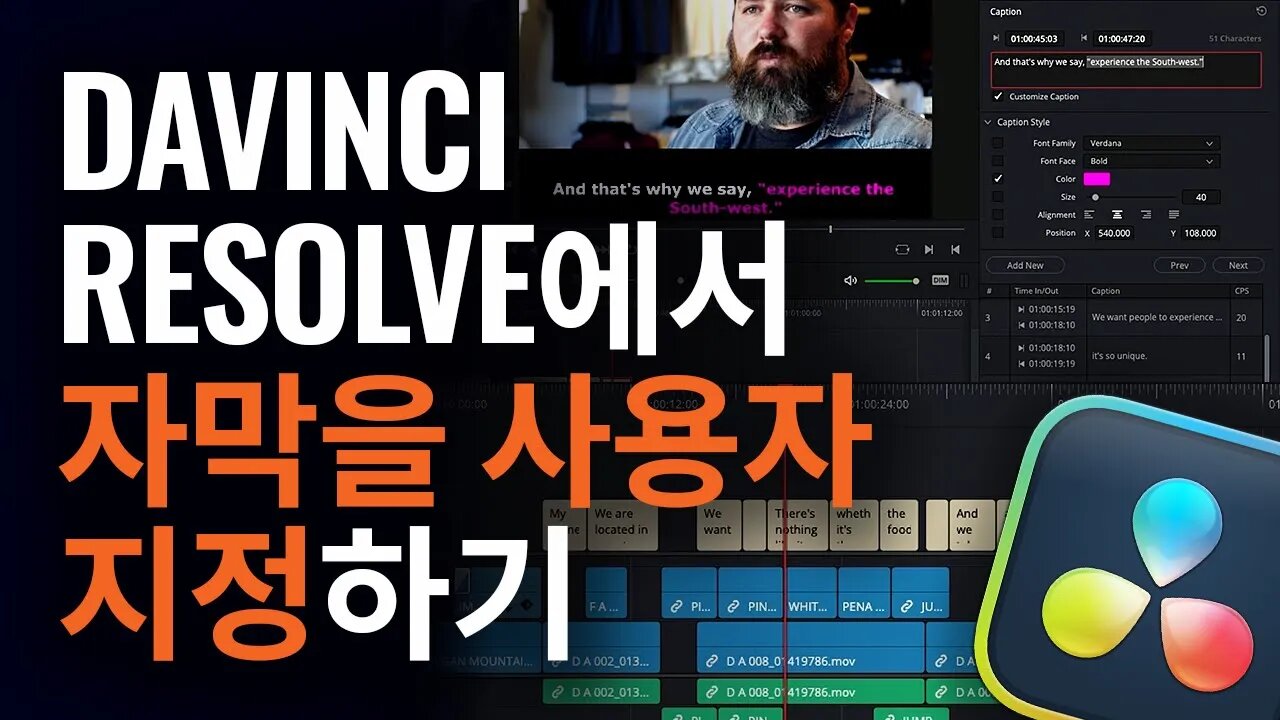
DaVinci Resolve에서 자막 사용자 지정하기
2 years ago
17
자막 폰트 및 위치를 사용자 지정한 다음 해당 설정을 프리셋으로 저장해 다른 DaVinci Resolve 프로젝트에서 사용하는 방법에 대해 알아보세요.
최신 버전의 DaVinci Resolve 프로그램은 https://www.blackmagicdesign.com/kr/products/davinciresolve에서 다운로드 할 수 있습니다.
Loading comments...
-
 3:06
3:06
BlackmagicDesign
2 years agoSpeech to Text Editing in DaVinci Resolve
69 -
 LIVE
LIVE
Badlands Media
10 hours agoBadlands Daily – December 2, 2025
3,932 watching -
 LIVE
LIVE
Viss
1 hour ago🔴LIVE - The Arc Raider Duo That Changed Everything - Viss w/ Hambino
175 watching -
![[MnK] Let's Dominate Solo Lobbies](https://1a-1791.com/video/fwe2/07/s8/1/Y/4/Q/E/Y4QEz.0kob-small-MnK-Lets-Dominate-Solo-Lobb.jpg) LIVE
LIVE
GloryJean
1 hour ago[MnK] Let's Dominate Solo Lobbies
177 watching -
 LIVE
LIVE
Wendy Bell Radio
6 hours agoWe Don't Want Them
7,784 watching -
 LIVE
LIVE
The Big Mig™
17 minutes agoThere Is Hope for Colorado w/ Candidate Hope Scheppelman
1,015 watching -
 UPCOMING
The State of Freedom
23 hours agoHe Served His Country – Now He’s Suing the State | Citizen Spotlight feat. Bert Callais | Ep. 354
2 -
 1:36:07
Graham Allen
2 hours agoThe Media “Outrage” Against The DOW, FBI, and The White House Is COORDINATED!!
99.7K519 -
 1:07:59
Chad Prather
15 hours agoWhen Heaven Stands: The Hidden Power of a Faithful Witness
65.1K22 -
 11:36
11:36
tactical_rifleman
11 days agoNever Run Out Of Ammo | Magazine Pez Dispenser | Tactical Rifleman
51K8