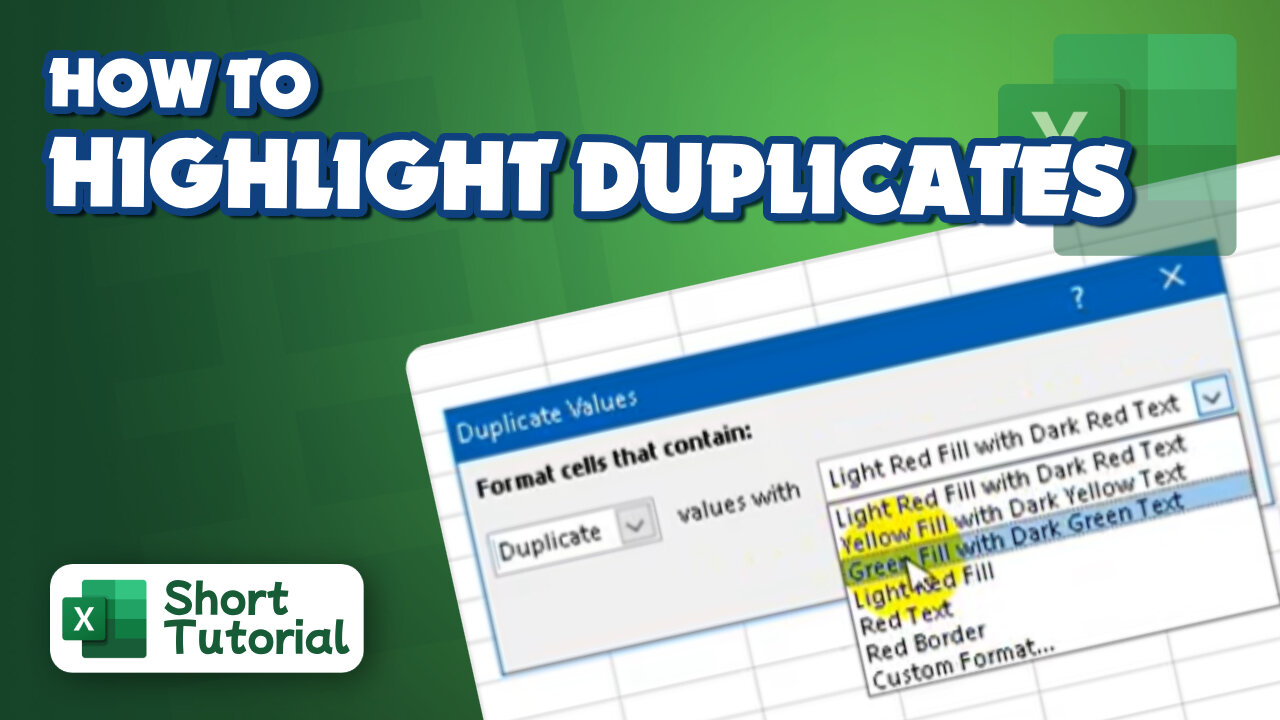
How to highlight duplicates in excel
2 years ago
2
Hello, My Dear Friends, !! In this video, I will show you How to highlight duplicates in Excel. Watch the video till the end Thanks.
Step 1: Select the data you want to highlight as duplicates.
Step 2: Click on the Home tab, then on the Conditional Formatting dropdown list.
Step 3: Select Highlight Cells Rules.
Step 4: Select the Duplicate Values option.
Step 5: Select your preferred formatting from the options provided, then click OK.
Thank you Everyone for watching. If this video can help you, don't forget to like & subscribe to my channel.
#initial #solution #highlight #duplicates #in #excel
Loading comments...
-
 0:29
0:29
Gaming on Rumble
1 day ago $4.64 earnedRumble Shorts Teaser Trailer
151K21 -
 LIVE
LIVE
DLDAfterDark
3 hours ago $0.33 earnedDLD After Dark - Live Gun Talk! - What The Gov Doesn't Want You To Have!
323 watching -
 1:24:26
Flyover Conservatives
14 hours agoHow do Americans REALLY View Trump? Don’t Shoot the Pollster. - Mark Mitchell | FOC Show
23.2K3 -
 1:29:35
Anthony Rogers
2 days agoEpisode 401: Are We in the Matrix?
14.5K1 -
 LIVE
LIVE
SpartakusLIVE
7 hours ago#1 WZ Streamer NEVER Skips Leg Day, LEAPS Mountains in a SINGLE BOUND
163 watching -
 1:01:12
Sarah Westall
8 hours agoAI & Healthcare: Who Will It Serve — You or Power? | Arthur MacWaters
18.2K1 -
 19:25
19:25
Scammer Payback
14 hours agoScammer Crash Out
13.2K3 -
 5:41:10
a12cat34dog
5 hours ago1997 BROTHERHOOD OF STEEL :: Fallout :: THEIR FIRST APPEARANCE {18+}
18.1K9 -
 46:54
46:54
Katie Miller Pod
7 hours agoNicki Minaj on Trump, New Music, and Family Life | KMP Ep. 25
147K46 -
 35:58
35:58
JahBlessCreates
5 hours ago🎉Running Splitgate w/ Goodwin, Hexik and Droid!
11.5K4