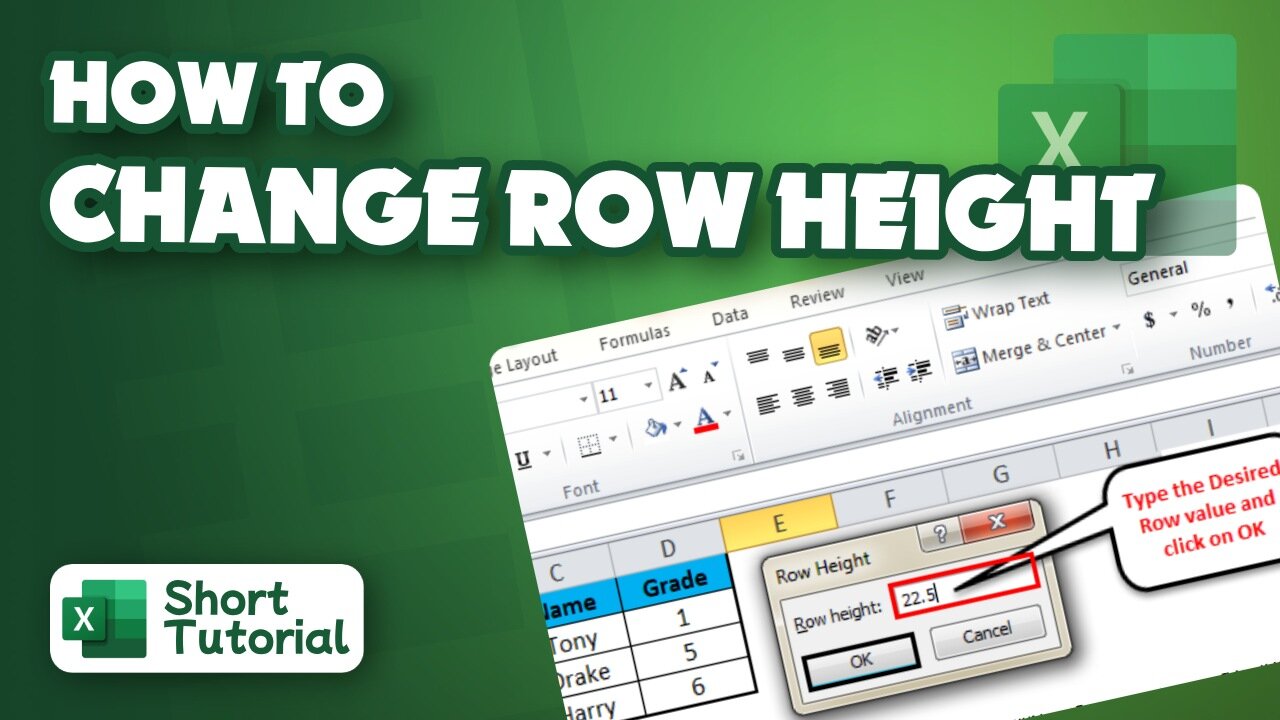
How to change row height in Excel
2 years ago
2
Hello, My Dear Friends, !! In this video, I will show you how to change row height in Excel. Watch the video till the end Thanks.
Here,s how to change row height in Excel:
~~~~~~~~~~~~~~~~~~~~~~~~~~~~~~~~~~~~~~~~~~
Step 1: On the Home tab, in the Cells group, click Format, Row Height.
Step 2: In the Row height box, type the desired value, and click OK to save the change.
Chapters:
0:00 Introduction
0:13 Change row height in Excel
1:45 Happy Ending
Thank you Everyone for watching. If this video can help you, don't forget to like & subscribe to my channel.
#initial #solution #change #row #height #in #excel
Loading comments...
-
 LIVE
LIVE
The Dan Bongino Show
3 hours agoThe Looming Threat That Nobody Is Talking About (Ep. 2445) - 02/04/2026
95,571 watching -
 LIVE
LIVE
The Rubin Report
1 hour agoIlhan Omar Finally Got Scared After New Proof of Her $5M Winery Fraud Just Went Viral
1,449 watching -
 LIVE
LIVE
Nick Freitas
1 hour agoHappening NOW: Virginia Democrats Say Screw You to Victims
233 watching -
 LIVE
LIVE
Nikko Ortiz
12 minutes agoGround Branch Update... | Rumble LIVE
76 watching -
 LIVE
LIVE
LFA TV
14 hours agoLIVE & BREAKING NEWS! | WEDNESDAY 2/4/26
3,644 watching -

Benny Johnson
2 hours agoAlex Jones Blows the Doors Off The Epstein Files: ‘It’s all CIA. And He’s ALIVE…!?’
11.8K11 -
 LIVE
LIVE
The State of Freedom
2 days agoWarrior Wednesday: Land. Ballots. Power. ⚔️
79 watching -
 1:37:27
Graham Allen
3 hours agoPass The SAVE ACT NOW!! + Melinda Gates Confirms Epstein Files Are TRUE?!?
152K321 -
 LIVE
LIVE
Badlands Media
1 hour agoBadlands Daily: 2/4/26
3,706 watching -
 2:19:16
Connor Tomlinson
7 hours agoShould the Right Support Matt Goodwin?
3.73K