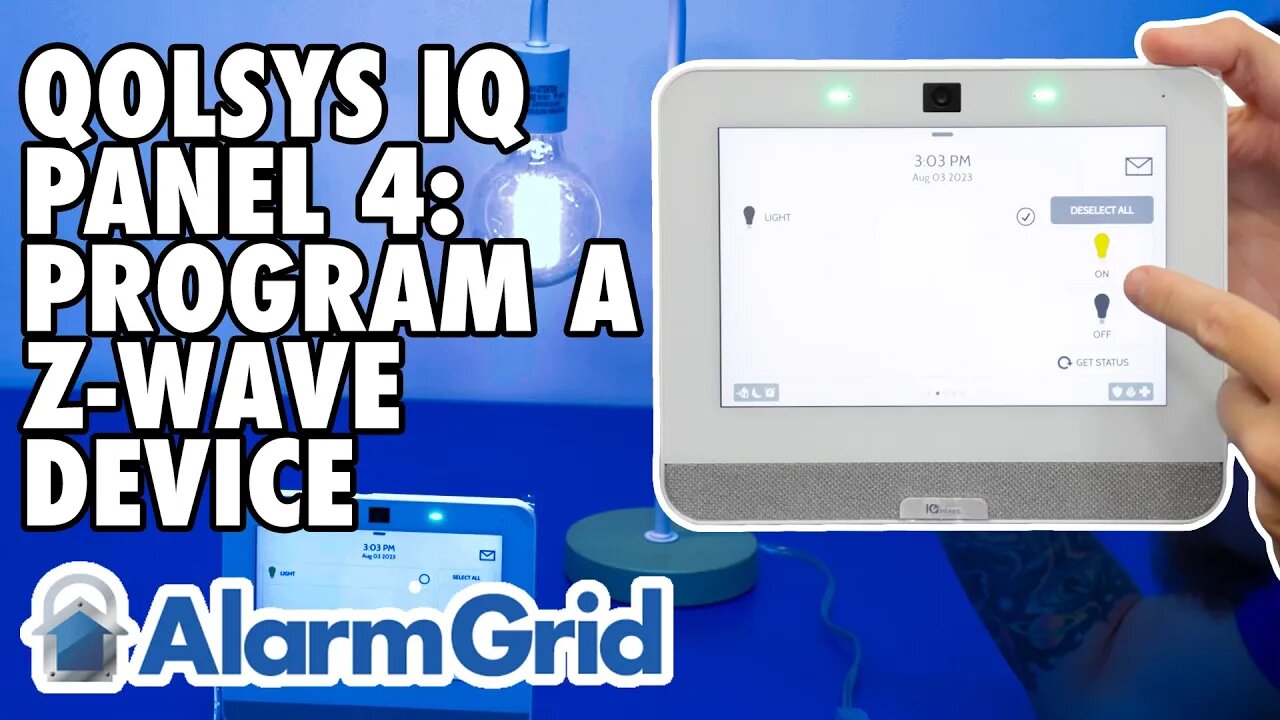
Qolsys IQ Panel 4: Program a Z Wave Device
In this video, Dylan from Alarm Grid shows you how to pair a Z-Wave device with the Qolsys IQ Panel 4. For this example, he will be using a Jasco smart switch. For most Z-Wave devices, it is recommended that you exclude the device prior to attempting to include it. This way, if there is any programming from the factory that remains within the device, it will be removed and the device will be ready to work with your network.
To exclude the device, click the gray menu bar icon, then go to Settings, then Advanced Settings. Enter the Installer or Dealer Code. go to Installation, Devices, Z-Wave Devices, Clear Device. The system will prompt you to activate the device. Activate the device for exclusion. This may be the same process as for inclusion, or it may differ slightly. Be sure to check the documentation for the Z-Wave device to find out. The panel will let you know that it has successfully excluded a device. Press Ok.
Next, select Add Device, then press Include. The screen will indicate that the panel is listening for new devices and instruct you to press Learn or Include Button to add a device. Follow the instructions for the device to be included. The panel will indicate that a new device has been added and it will show you the type of device, and the node number, and will ask you to wait while additional details are retrieved. Finally, the device screen will come up showing you the information. On this screen, you can highlight the generic name provided and enter a detailed name. In our case, the name provided is Light. You could change that to Living Room Lamp, for example. Click Add to finalize the inclusion process.
If you need to include additional devices, click Include again and go through the process once more. When you have finished adding devices, click the Home icon at the bottom of the screen to return to the Home screen. To control your Z-Wave devices, swipe left or right until you reach the screen that shows the devices being controlled. Follow the onscreen prompts to control your device.
https://www.alarmgrid.com/faq/how-do-i-program-z-wave-devices-to-a-qolsys-iq-panel-4
-
 3:31
3:31
Alarm Grid Home Security DIY Videos
2 years ago $0.01 earnedWireless Repeater: Use With Life Safety Devices
39 -
 LIVE
LIVE
Due Dissidence
10 hours agoBari Weiss SLAMMED For Erika Kirk Town Hall, MAGA World COMES FOR Candace, NEW EPSTEIN PHOTOS Drop
1,343 watching -
 33:55
33:55
MattMorseTV
1 hour ago🔴Trump announces MASSIVE LAWSUIT.🔴
5.96K17 -
![Surviving During The Ice Age [15,000 Years Ago]](https://1a-1791.com/video/fwe2/c0/s8/1/g/j/a/I/gjaIz.0kob-small-Surviving-During-The-Ice-Ag.jpg) 11:54
11:54
Forrest Galante
3 hours agoSurviving During The Ice Age [15,000 Years Ago]
33.3K15 -
 LIVE
LIVE
Total Horse Channel
1 hour agoWhat is Vaulting?
58 watching -
 LIVE
LIVE
IsaiahLCarter
19 hours agoA Night For Parental Rights. || APOSTATE RADIO 037 (w/Erin4ParentalRights, Dr. Travis Morrell)
47 watching -
 LIVE
LIVE
SOLTEKGG
1 hour ago🔴LIVE - JUST GAMING - !pc
68 watching -
 LIVE
LIVE
EricJohnPizzaArtist
5 days agoAwesome Sauce PIZZA ART LIVE Ep. #73: Christmas Special with Uncle Rico!
103 watching -
 LIVE
LIVE
GrimmHollywood
10 hours ago🔴LIVE • GRIMM HOLLYWOOD • GRIMMBAS • DAY 2 of 12 • KINGDOM COME DELIVERANCE II DLC •
254 watching -
 LIVE
LIVE
iCheapshot
3 hours ago $1.77 earnedCall of Duty Black Ops 7 | Multi Camo Grind | Sunday Funday
75 watching