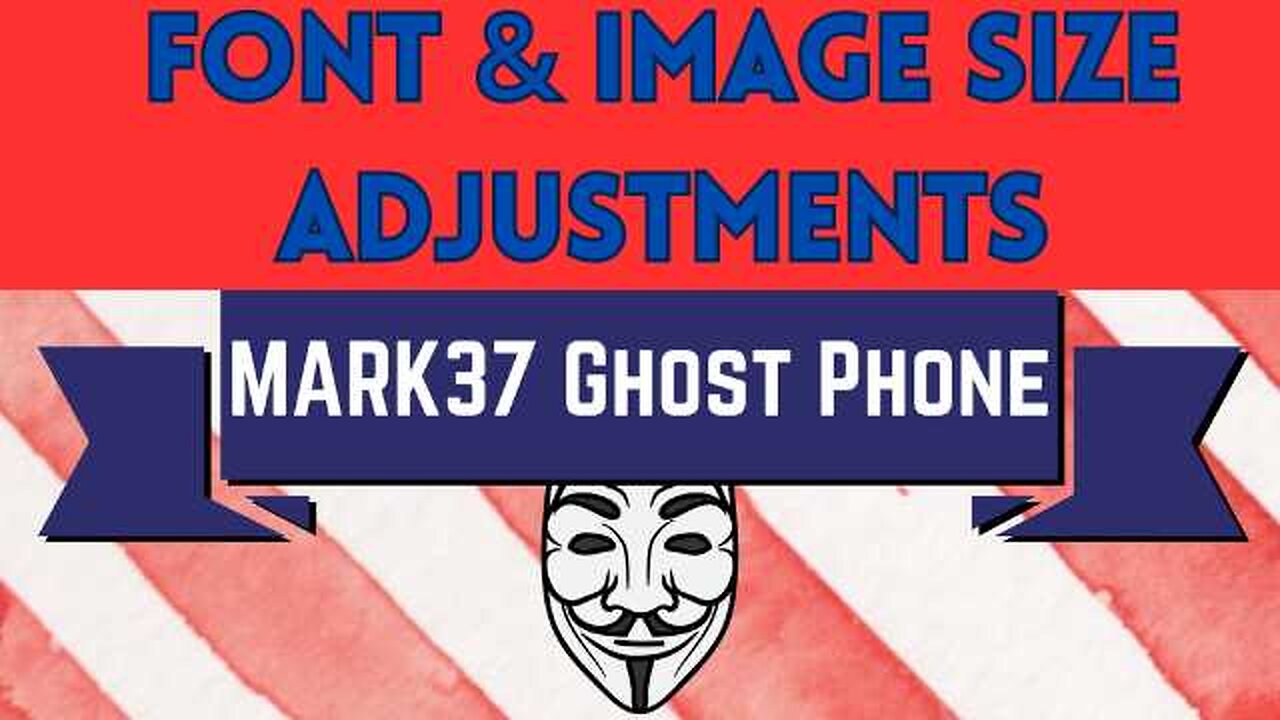
Ghost Phone: Adjust Text and Image Sizes
2 years ago
187
For those who prefer larger font and image sizes on their phone screen, there is an easy way to make this happen!
Step 1: Tap the settings gear icon
Step 2: Tap on "Display"
Step 3: Tap on "Display size and text"
Step 4: Adjust Font size, Display size, Bold text and High contrast text to your desired look
Loading comments...
-
MARK37.COM
3 months agoSurveillance
111 -
 14:59
14:59
Robbi On The Record
5 hours agoIt's not all chocolate and roses.. the origins of Valentines Day.
2092 -
 LIVE
LIVE
iCkEdMeL
1 hour ago $4.24 earned🔴 BREAKING: Map = Search For Body? + Sheriffs at Nancy Guthrie House! 6 Million Ransom!
1,030 watching -
 LIVE
LIVE
CCoH
1 day agoKane Hodder: Behind the Mask of Jason Voorhees🩸 | Premium Creator
128 watching -
 8:09
8:09
Ben Bankas
2 days ago $7.05 earnedBen Bankas Tells Ice Jokes in Portland | Standup Comedy
40.7K11 -
 LIVE
LIVE
DeadMomAlive
1 hour agoSUPER BOWL! who is WINNING? Wonder Woman plays MINECRAFT !!GO SEAHAWKS!!
76 watching -
 LIVE
LIVE
Fugglet
58 minutes agoThe $1 Million Grind in Tarkov!
115 watching -
 43:19
43:19
hickok45
8 hours agoSunday Shoot-a-Round # 319
21.6K15 -
 LIVE
LIVE
ttvglamourx
2 hours ago $0.06 earnedPLAYING WITH COMMUNITY !DISCORD
104 watching -
 LIVE
LIVE
Macylou
2 hours ago $0.01 earnedIm back!!! catch up & fortnite
35 watching