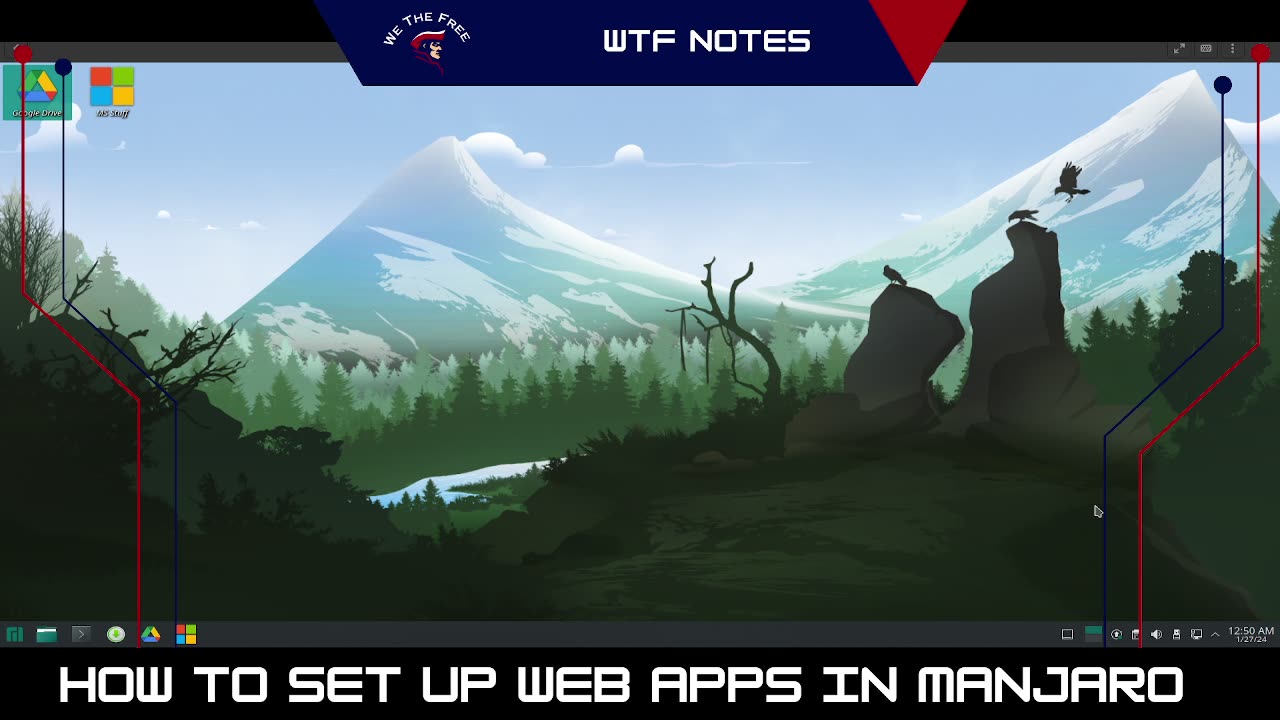
WTF Notes - How to Flatpak on Manjaro
Ever wondered how to get access to your work emails on your Manjaro install? Here's how:
turn on your computer
log in
open pamac (Add/Remove Software... should be in your task manager)
click settings (sandwich menu) ->Preferences (enter password)
change update checking frequency, leave auto downloads off, max out parallel downloads, change mirror to your country for faster speeds
click third party tab along the top
enable AUR and check for updates
scroll down and enable flathub and check for updates
Close preferences window and Pamac
Open Pamac (Add/Remove Software)
click the magnifying glass
search for flatseal and click install
search for chrome and click install
search for microsoft and install Microsoft edge
Click Apply at the bottom of the screen and enter your password
click the green M button (where the traditional start menu would be in windows)
click Utilities then Flatseal
Once in Flatseal, click on Google Chrome
scroll down to Filesystem
Click to add directory (folder with a + in it)
copy this: /home/m/.local/share/icons:create
click add directory icon again
copy this: /home/m/.local/share/applications:create
close Flatseal
Open Chrome
Don't let it be the default or send extra data to Mountain View
Sign in with your main account (allow sync or not, up to you)
navigate to chrome://apps
right click on whichever google app(s) you want to add to your computer
check the open in new window box
click create shortcut
repeat for whichever other Worskpace apps you need
right click on the new window in your task manager and pin it there
Click the "M" button on the left end of the taskbar
Click All Applications
scroll to "G" and right click on your new web apps individually, adding them to the desktop and to the favorites menu
Microsoft Apps
Open Edge
Click through the set up process, undo the telemetry option
Open a new tab
Navigate to your desired MS services and login
Click the settings button, the horizontal version of the one in Chrome
Select Apps -> Create App
Name your web app
Click Ok
It should open in a new window, just repeat the process you did with the Workspace app(s) earlier to pin it to the task manager, your Favorites in the app menu (green "M" where the start menu is in windows) and add it to the desktop if desired.
"Alex Productions - Hard As Steel" is under a Creative Commons (CC BY 3.0) license.
https://www.youtube.com/watch?v=DGJgmIwlnKw
-
 LIVE
LIVE
LFA TV
22 hours agoLIVE & BREAKING NEWS! | MONDAY 12/22/25
1,248 watching -
 1:19:31
The Quartering
3 hours agoAMFEST Civil War, Pam Bondi To Be Impeached, Bad News For The Economy & More
107K54 -
 1:10:06
DeVory Darkins
5 hours agoDemocrats left SCRAMBLING after JD Vance GOES NUCLEAR with epic speech at TPUSA
116K56 -
 1:45:47
Tucker Carlson
4 hours agoMatt Gaetz: Ted Cruz’s Delusional 2028 Bid, the ADL, and Identity Politics Taking Over the Right
72K195 -
 LIVE
LIVE
Dr Disrespect
7 hours ago🔴LIVE - DR DISRESPECT - ARC RAIDERS - THE GREAT RESET... BEGINS
1,415 watching -
 1:01:09
Jeff Ahern
3 hours ago $1.38 earnedMonday Madness with Jeff Ahern
23.3K7 -
 15:14
15:14
tactical_rifleman
5 hours ago $0.62 earned.50 CAL INCENDIARY DESTRUCTION | Tactical Rifleman
16.6K3 -
 1:58:22
The Charlie Kirk Show
5 hours agoAmericaFest Aftermath: Tucker vs. Shapiro, Nicki Minaj, The Straw Poll| 12.22.2025
95.1K43 -
 26:55
26:55
Barry Cunningham
3 hours agoRFKJR Is Doing His Best To Save Kids From Democrats And Crazy Parents!
11.2K8 -
 1:12:06
Sean Unpaved
5 hours agoCaleb Williams & Bears GRATE THE CHEESE vs. Packers! | UNPAVED
26K2