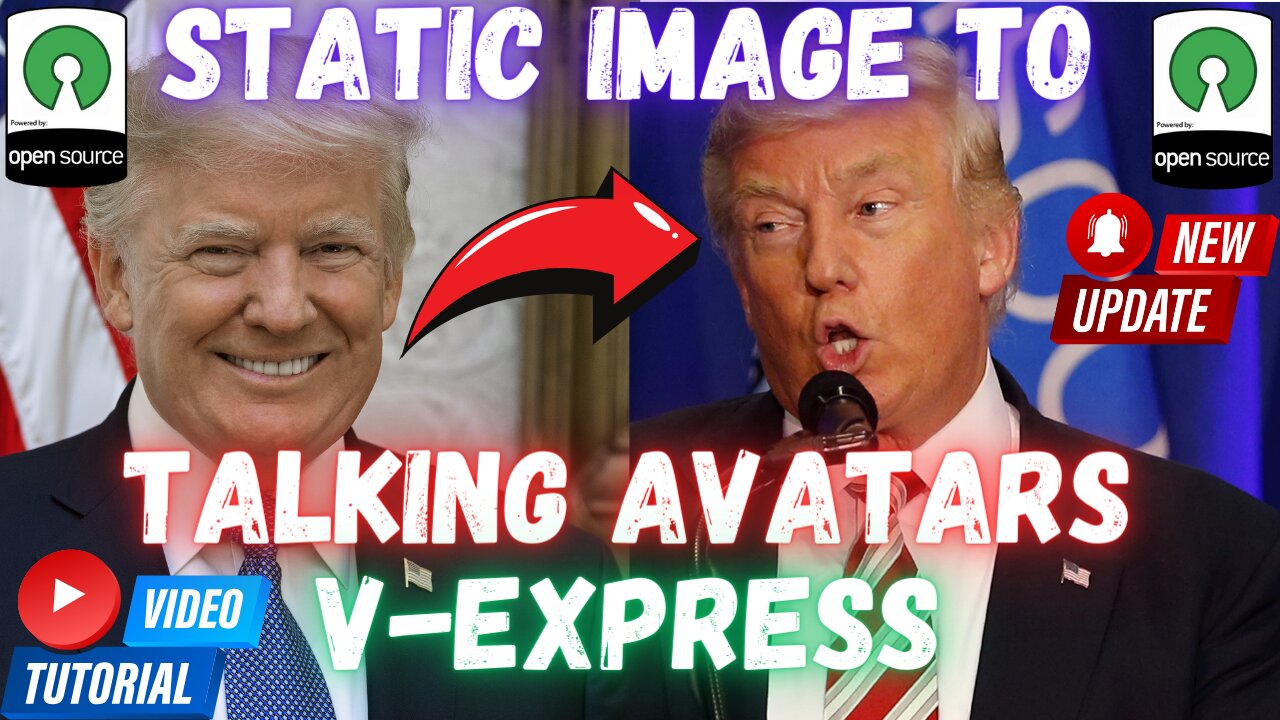
V-Express: 1-Click AI Avatar Talking Heads Video Animation Generator - D-ID Alike - Free Open Source
YouTube Tutorial : https://youtu.be/xLqDTVWUSec
Ever wished your static images could talk like magic? Meet V-Express, the groundbreaking open-source and free tool that breathes life into your photos! Whether you have an audio clip or a video, V-Express animates your images to create stunning talking avatars. Just like the acclaimed D-ID Avatar, Wav2Lip, and Avatarify, V-Express turns your still photos into dynamic, speaking personas, but with a twist—it's completely open-source and free to use! With seamless audio integration and the ability to mimic video expressions, V-Express offers an unparalleled experience without any cost or restrictions. Experience the future of digital avatars today—let's dive into how you can get started with V-Express and watch your images come alive!
1-Click V-Express Installers Scripts ⤵️
https://www.patreon.com/posts/105251204
Requirements Step by Step Tutorial ⤵️
https://youtu.be/-NjNy7afOQ0
Massed Compute Register and Login ⤵️
https://vm.massedcompute.com/signup?linkId=lp_034338&sourceId=secourses&tenantId=massed-compute
Official Rope GitHub Repository ⤵️
https://github.com/tencent-ailab/V-Express
SECourses Discord Channel to Get Full Support ⤵️
https://discord.com/servers/software-engineering-courses-secourses-772774097734074388
0:00 Introduction to the V-Express with demo showcase
1:23 The features of the V-Express talking avatars app
2:02 How to download and install V-Express on Windows
3:29 Which requirements are necessary and how to install and verify them
4:56 How to uninstall my scripts installed apps
5:35 How to save installation logs to send me in case of any error
6:05 How to start using V-Express Gradio app after installation and the settings of the app
8:14 Explanation of auto cropping
9:05 Generating first example video and how much VRAM it is using and how much time it is taking
10:57 The location of where generated videos are saved
Transforming Static Images into Dynamic Videos: A Comprehensive Guide
In the evolving landscape of digital content creation, transforming static images into dynamic, talking avatars is no longer a complex task reserved for professionals. With advancements in AI technology, applications like Tencent AI Lab's V-Express, D-ID, and other commercial tools have made this process accessible to everyone. This article delves into the functionalities of these applications, focusing on how they can be utilized to create engaging video content from static images, thereby enhancing your content's SEO and overall impact.
Introduction to Tencent AI Lab V-Express
Tencent AI Lab V-Express is an innovative open-source application designed to convert static images into talking avatars. This tool supports both audio and video inputs, making it versatile for various content creation needs. Here's a step-by-step guide on how to install and use V-Express on Windows.
Installation Guide
Preparation: Download the V-Express zip files and demo images from the provided links. Avoid using space characters in folder names to prevent path handling issues.
Extraction: Extract the downloaded zip files into your chosen directory.
Installation: Double-click the windows_install.bat file. This will install the application into a virtual environment, ensuring it doesn’t conflict with other applications.
Configuration: Verify the installation of Python 3.10.11, Git, FFmpeg, CUDA 11.8, and C++ tools by running specific commands in CMD.
Execution: Once installed, double-click the windows_start.bat file to start the application.
Using V-Express
Upload: Upload a static image and an audio or video file.
Settings: Configure settings like retarget strategy, video width, and height, VRAM usage, and face focus expansion.
Generation: Click generate to create the video. The application will save the output in the specified folder.
Exploring D-ID and Other Commercial Apps
D-ID
D-ID is a commercial application known for its advanced capabilities in transforming static images into videos. It offers features like:
Realistic Animations: Creates highly realistic talking avatars.
Customization: Allows users to customize facial expressions and movements.
Ease of Use: User-friendly interface suitable for non-technical users.
Other Notable Apps
Synthesia: Specializes in creating AI-generated videos with human-like avatars. It’s widely used for corporate training and marketing.
Reallusion iClone: Offers robust tools for 3D animation and character creation, making it ideal for professional animators.
DeepBrain: Focuses on converting text to speech with animated avatars, perfect for educational content.
-
 1:49:22
Steven Crowder
5 hours agoCandace & Erika: What The Meeting Really Says About Conservative Media
347K321 -
 16:28
16:28
Adam Does Movies
2 hours ago $0.02 earnedIT: Welcome To Derry Episode 8 Recap - What A Finale!
2.45K -
 LIVE
LIVE
LFA TV
16 hours agoLIVE & BREAKING NEWS! | TUESDAY 12/16/25
2,281 watching -
 1:01:57
VINCE
5 hours agoThis Could Win Us The Midterms | Episode 189 - 12/16/25 VINCE
221K200 -
 1:47:47
The Mel K Show
3 hours agoMORNINGS WITH MEL K- The End of Zero Sum Game Theory Thinking Has Arrived - 12-16-25
15K1 -
 1:30:14
The Shannon Joy Show
3 hours agoSJ LIVE Dec 16 - Susie Wiles Spills The Beans *TACO Trump Flees California After Judge Orders Him To Remove Troops! Plus The Bitcoin Collapse & AI Bubble W/ Fin-Analyst Jack Gamble!
19.9K2 -

TheAlecLaceShow
2 hours agoBrown University | Rob Reiner | Guests: Senator Rick Scott & Sec. Linda McMahon | The Alec Lace Show
1.81K -
 57:04
57:04
efenigson
4 hours agoSentenced For Building Freedom! Live: Samourai Wallet's Keonne Rodriguez
18.4K5 -
 1:56:02
Benny Johnson
4 hours agoDark New Mysterious Footage Of Brown University Killer RELEASED After Republican Leader MURDERED...
63.4K45 -
 1:16:13
Chad Prather
4 hours agoWhy Trump’s Response To Rob Reiner Passing MISSED THE MARK + Erika Kirk & Candace Meet & Bible Q&A!
32.2K29