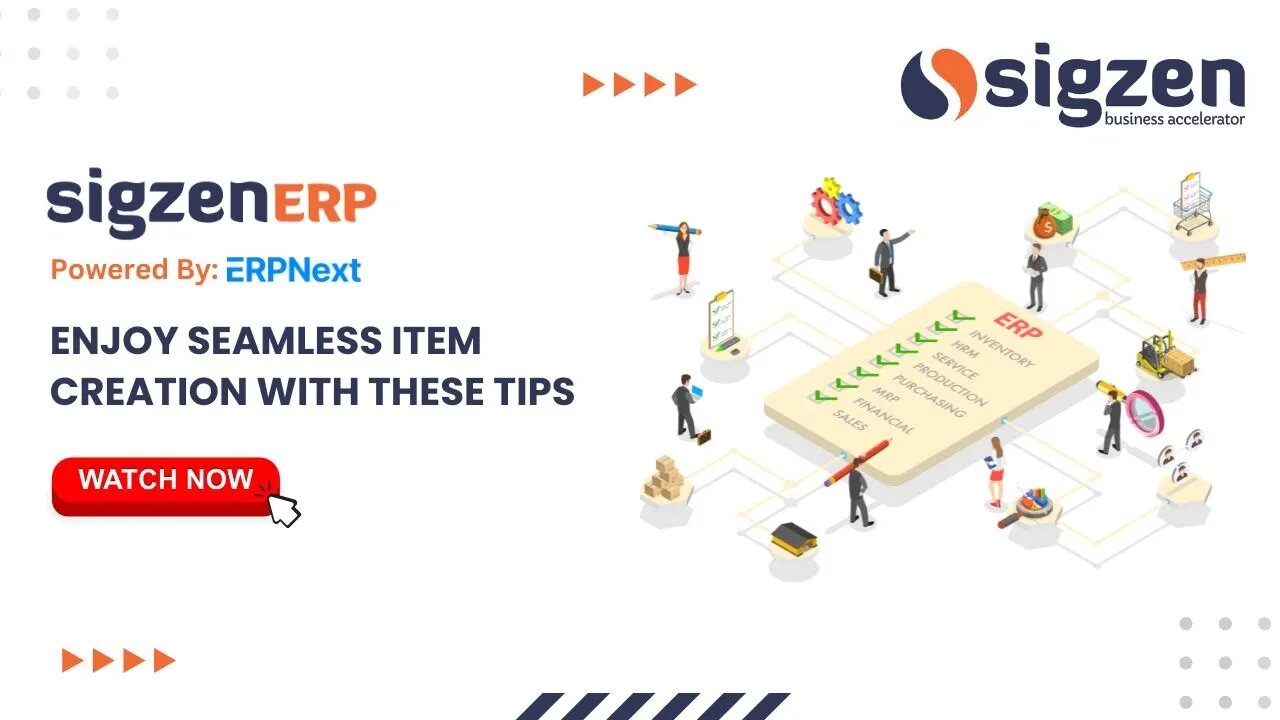
SigzenERP - Enjoy Seamless Item Creation with These Tips
How to Create Items in SigzenERP - Step-by-Step Guide
In this tutorial, we'll cover the process of creating items in SigzenERP, providing detailed instructions to help you manage your inventory efficiently.
Start by navigating to the "Item List" section.
Click on the "Add Item" button to initiate the item creation process.
Fill in all mandatory details within the quick entry form or click on "Edit Full Form" to view and enter all available details.
Select the series and insert the item name, choose the item group, and specify the default unit of measurement.
If you want to maintain inventory for this item, check the "Maintained Stock" checkbox. For service items, leave this unchecked.
Specify opening stock quantity and rate to generate an opening entry.
After entering all required details, save the form to create the item.
The dashboard section provides an overview of all transactions related to the item, including current stock across different warehouses.
If maintained stock is checked, you'll find an inventory section within the item where you can define settings and barcodes.
Define minimum stock levels for warehouses to trigger reorder actions.
If stock falls below the defined reorder level of 50, a purchase type material request will be generated for a reorder quantity of 25.
Items can have multiple UOMs, and default conversion factors between them can be defined in the UOM table.
You can choose to maintain stock batchwise or serial number-wise by checking the respective checkboxes.
Note that UOM changes are not allowed after any stock transaction is submitted for the item.
Define company-wise defaults such as warehouses, cost centers, and expense or income accounts in the accounting section.
Specify whether the item can be purchased from an outside supplier then tick the allow purchase checkbox in the purchasing section.
Specify whether the item is available for sale then tick the allow sales checkbox in the sales section.
Define purchase and sales UOMs, applicable taxes, etc.
Define quality inspection criteria in the quality inspection template and section if applicable.
If the item is a manufactured item then tick the include item in manufacturing checkbox.
Feel free to comment below the video if you have any queries or require further clarification.
By following these steps, you can effectively create items in SigzenERP and customize their settings according to your business needs.
Let’s connect online:
Instagram- https://www.instagram.com/sigzen.tech/
Facebook- https://www.facebook.com/sigzen/
LinkedIn- https://www.linkedin.com/company/sigzentechnologies/
-
 48:10
48:10
State of the Second Podcast
19 hours agoThe Quietest Suppressor Ever? PTR’s PIP Tech Explained (ft. PTR)
2.96K -
 23:10
23:10
Demons Row
12 hours agoBiker Secrets They Never Say Out Loud (Real MC Rules Exposed)
4.53K2 -
 LIVE
LIVE
BEK TV
22 hours agoTrent Loos in the Morning - 12/18/2025
220 watching -
 15:25
15:25
unclemattscookerylessons
1 day ago $1.69 earned“Crispy Cheesy Potato Croquettes | Gooey Mozzarella Inside!”
4.32K4 -
 6:39
6:39
DropItLikeItsScott
19 hours ago $2.36 earnedDid BURRIS Just Create the Coolest 3-12x42 Scope?
3.35K -
 10:55
10:55
Paul Joseph Watson
1 day agoWhat Really Happened at Bondi Beach?
70.2K102 -
 2:00:58
MG Show
19 hours agoFBI’s CRIMINAL RAID on Mar-a-Lago Confirmed; Rob Reiner BEHIND Russia Collusion?
25.5K14 -
 1:00:18
Dialogue works
2 days ago $12.92 earnedLarry C. Johnson: Russia Launches Largest Missile & Drone Attack Yet
27K7 -
 12:02
12:02
Actual Justice Warrior
1 day agoChicago Mayor Says ONLY Black Businesses Get Licensed
23.6K29 -
 4:21
4:21
SethDrums
4 days ago50 Cent - In Da Club if it was 1950s
24.7K3