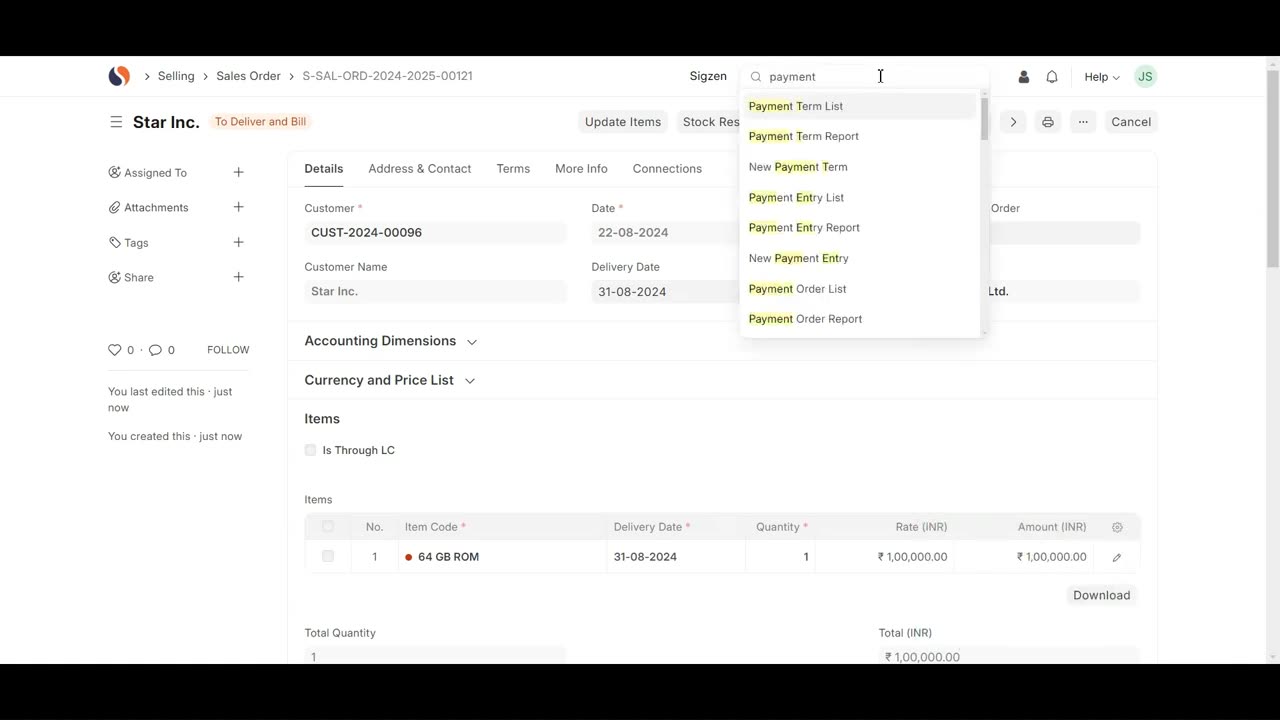
SigzenERP - Master ERP Next: Unveil the Secrets of Payment Terms Setup
Welcome to the Sigzen ERP Tutorial on Creating Payment Terms in ERP Next! This video is perfect for both new and experienced users looking to streamline their payment process within the ERP system. Follow along as we guide you through every step needed to set up Payment Terms effectively in ERP Next.
In This Tutorial, You'll Learn:
Navigating to Payment Terms:
Understand how to access and create Payment Terms from the Payment Terms List.
Setting Up Payment Terms:
Learn how to set the Payment Term Name, Invoice Portion, Mode of Payment, and Credit Days. Explore the Discount Settings section to configure the Discount Type, Discount Amount, and Validity.
Creating Payment Terms Template:
Find out how to create and configure a Payment Terms Template, including setting the Payment Term, Description, Invoice Portion, Due Date, and Credit Days.
Connecting Payment Terms with Customers:
Learn how to link Payment Terms with a customer by configuring Customer Details, including Customer Name, Type, Group, and Territory.
Applying Payment Terms to Sales Orders:
See how Payment Terms are automatically fetched into Sales Orders and learn the steps to create a Sales Order, set the Price List, and add items.
Reviewing the Payment Terms Status Report:
Get an overview of how the Payment Terms Status Report is generated and reflects the data from Sales Orders.
Key Features Highlighted:
Efficient Payment Management: Seamlessly manage and apply payment terms within the ERP system.
Automatic Data Fetching: Experience the ease of automatic population of Payment Terms in Sales Orders.
Comprehensive Configuration: Detailed instructions on setting up Payment Terms and connecting them with customers for streamlined sales operations.
Why Watch?
This step-by-step guide is designed to help you optimize the payment term functionality in Sigzen ERP. By following these detailed instructions and practical examples, you’ll enhance your financial and sales operations, ensuring accurate and efficient payment processes.
If you have any questions, leave them in the comments below. Don’t forget to like, share, and subscribe for more ERP tutorials tailored to your business needs. Happy managing!
-
 LIVE
LIVE
Timcast
38 minutes agoRepublicans Call For Mass EXPULSION Of Muslims, Travel BAN
15,040 watching -
 LIVE
LIVE
Steven Crowder
2 hours ago🔴Candace & Erika: What The Meeting Really Says About Conservative Media
25,729 watching -
 LIVE
LIVE
Dr Disrespect
3 hours ago🔴LIVE - DR DISRESPECT - ARC RAIDERS - NEW COLD SNAP UPDATE
1,361 watching -
 LIVE
LIVE
LFA TV
14 hours agoLIVE & BREAKING NEWS! | TUESDAY 12/16/25
4,439 watching -
 1:01:57
VINCE
3 hours agoThis Could Win Us The Midterms | Episode 189 - 12/16/25 VINCE
168K134 -
 LIVE
LIVE
The Mel K Show
1 hour agoMORNINGS WITH MEL K- The End of Zero Sum Game Theory Thinking Has Arrived - 12-16-25
384 watching -
 UPCOMING
The Shannon Joy Show
44 minutes agoTACO Trump Flees California After Judge Orders Him To Remove Troops! Plus The Bitcoin Collapse
-
 57:04
57:04
efenigson
2 hours agoSentenced For Building Freedom! Live: Samourai Wallet's Keonne Rodriguez
4.4K3 -
 1:56:02
Benny Johnson
2 hours agoDark New Mysterious Footage Of Brown University Killer RELEASED After Republican Leader MURDERED...
25.2K13 -
 LIVE
LIVE
Chad Prather
2 hours agoWhy Trump’s Response To Rob Reiner Passing MISSED THE MARK + Erika Kirk & Candace Meet & Bible Q&A!
558 watching