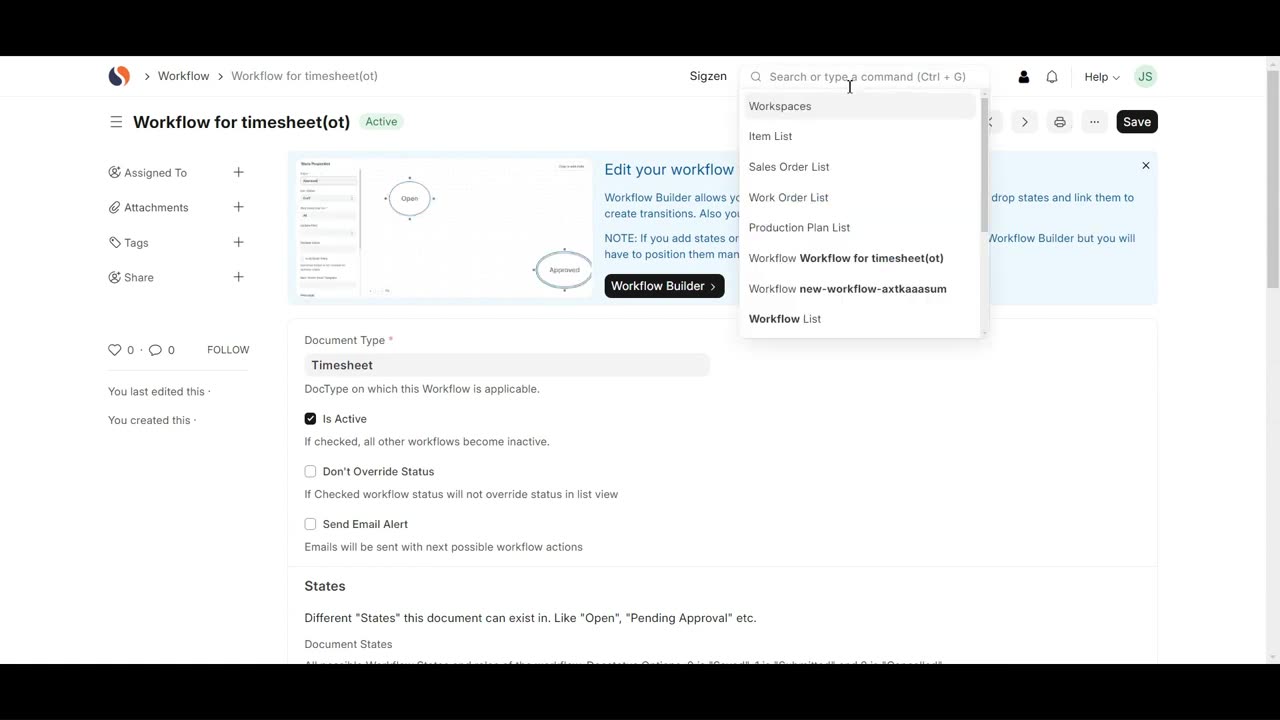
SigzenERP - Unlock the Secrets to Mastering Workflows
Welcome to the Sigzen ERP Tutorial on Creating Workflows in ERP Next! Whether you're new to ERP Next or looking to refine your process automation, this video is your go-to guide for setting up effective workflows within the ERP system. Learn how to automate and streamline your business processes to enhance efficiency and ensure compliance with your organization’s standards.
In This Tutorial, You'll Learn:
Accessing the Workflow List:
Discover how to navigate to the Workflow List by searching “Workflow List” in the awesome bar.
Creating a New Workflow:
Follow step-by-step instructions on how to add a new workflow, including setting the Workflow Name, Document Type, and activating it.
Configuring States:
Learn how to define different states within your workflow. We’ll guide you through setting the State, Doc Status, Update Field, Update Value, and Allowed Edit Permissions.
Setting Up Transition Rules:
Understand how to configure transition rules by specifying the State, Action, Next State, and Allowed Actions to define the workflow’s progression.
Creating a Timesheet:
Get a detailed walkthrough on navigating to the Timesheet List, adding a new timesheet, and filling in essential details such as Company, Customer, Project, Employee Name, and Activity Details.
Saving Your Workflow and Timesheet:
Complete the process by saving both your workflow and timesheet entries to ensure all changes are properly recorded.
Key Features Highlighted:
Streamlined Workflow Automation: Efficiently set up workflows to automate business processes and approvals.
Enhanced Compliance and Standardization: Ensure adherence to business rules and standardize processes across departments.
Comprehensive Workflow Configuration: Detailed instructions on defining states and transition rules for accurate workflow management.
Efficient Timesheet Management: Easy steps to add and manage timesheets to track employee activities and project progress.
Why Watch?
This tutorial is crafted to help you master workflow creation in ERP Next, improving your business process automation and operational efficiency. By following our detailed guide, you’ll be equipped to set up workflows and manage timesheets effectively, ensuring streamlined operations and accurate data handling.
If you have any questions, feel free to leave them in the comments below. Don’t forget to like, share, and subscribe for more ERP Next tutorials tailored to your business needs. Happy automating!
-
 2:42:40
Laura Loomer
8 hours agoEP162: LIVE: President Trump Addresses The Nation
59.6K27 -
 1:32:05
Adam Does Movies
13 hours ago $9.19 earnedRob Reiner Films + Movie News + AMA - Live!
37K1 -
 47:57
47:57
Professor Nez
11 hours ago🚨LIVE NOW: President Trump Addresses the Nation from the Oval Office
39.8K39 -
 28:17
28:17
The White House
8 hours agoPresident Trump Delivers an Address to the Nation
97K147 -
 4:44:53
Drew Hernandez
1 day agoTRUMP ADDRESSES THE NATION & BONGINO ANNOUNCES FBI DEPARTURE?
70.9K27 -
 2:37:30
Badlands Media
19 hours agoBadlands Media Special Coverage - MY FELLOW AMERICANS the Alpha Warrior Show & Redpill Project
74.7K41 -
 22:54
22:54
Jasmin Laine
14 hours agoMedia MELTS DOWN as Poilievre Surges—Ottawa Loses Control of the Narrative
35.5K20 -
 59:50
59:50
BonginoReport
11 hours agoDan Bongino Is Leaving The FBI - Nightly Scroll w/ Hayley Caronia (Ep.199)
295K263 -
 1:14:51
Kim Iversen
12 hours agoSTILL SHADY: Candace Meets With Erika — She Was Right
173K272 -
 1:04:57
Candace Owens
12 hours agoBREAKING NEWS! We Received Photos Of Charlie's Car After The Assassination. | Candace Ep 281
181K543