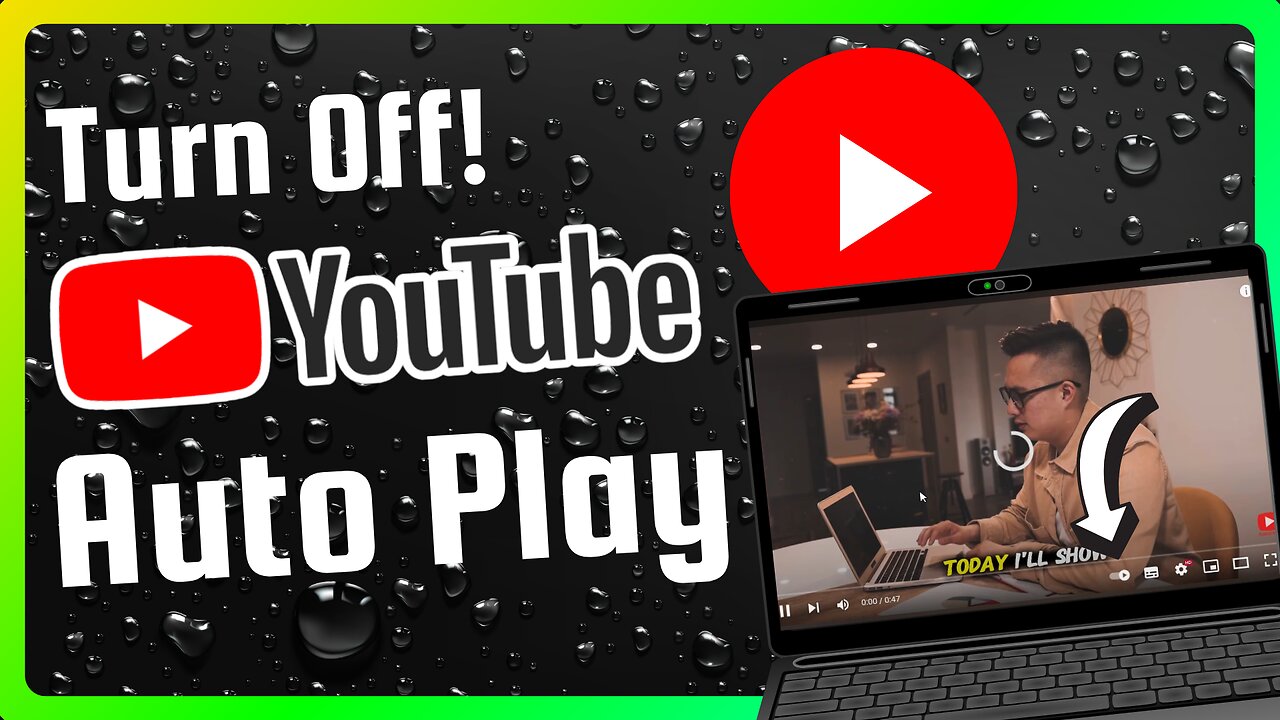
How to Turn Off YouTube Auto Play (Full Guide)
Stop YouTube from automatically playing the next video. Save mobile data, avoid distraction, and take control in seconds. This simple guide shows how to disable YouTube Autoplay on Android, iPhone, mobile browser and desktop — step by step.
What you’ll learn
How to turn off YouTube Autoplay on the YouTube app (fast method)
How to turn it off from app Settings
How to turn it off on desktop and mobile browser
How to check that Autoplay is really off
Step-by-step: Disable Autoplay
Mobile app — quick method (Android & iPhone)
Open the YouTube app.
Play any video.
Look near the video player where the Up next list appears. You will see the Autoplay switch (a small toggle).
Tap the toggle so it is off. Autoplay will stop automatically playing the next video.
Mobile app — via Settings
Tap your profile icon in the top right.
Tap Settings.
Tap Autoplay.
Turn off any Autoplay options like “Autoplay next video” or “Autoplay on Home.”
Desktop (youtube.com)
Open youtube.com and play any video.
On the right side above the Up next list you will see the Autoplay switch.
Click the switch to turn it off. The label will show that Autoplay is off.
Mobile browser (m.youtube.com)
Open your mobile browser and go to YouTube.
Play any video.
Find the Autoplay switch near the suggestions/Up next area and tap it off.
If you don’t see it, open the player menu (three dots) or your profile → Settings → Autoplay and turn it off there.
How to confirm Autoplay is off
After switching it off, play another video or refresh the page. If the next video does not start automatically, Autoplay is off.
Quick Pro Tips
There may be multiple Autoplay options (next video, autoplay on home). Turn off all relevant toggles.
App layouts change by update; if you can’t find the toggle, update the app or check profile → Settings → Autoplay.
YouTube Music has its own autoplay setting — check that app if you use it.
SEO Friendly Keywords (use in tags too)
turn off YouTube autoplay, disable autoplay YouTube, stop autoplay YouTube mobile, stop autoplay YouTube desktop, how to disable YouTube autoplay
If this video helped, please leave a like and drop a heart in the comments — it really helps! Don’t forget to subscribe for more quick YouTube tips.
-
 UPCOMING
Wendy Bell Radio
3 hours agoIs She Even An American?
2.44K29 -
 LIVE
LIVE
Chad Prather
13 hours agoHow to Recognize When God Has Already Answered Your Prayer
1,889 watching -
 LIVE
LIVE
LFA TV
11 hours agoLIVE & BREAKING NEWS! | WEDNESDAY 12/17/25
2,748 watching -
 LIVE
LIVE
Game On!
17 hours ago $0.94 earnedBIGGEST 2025 College Football Playoff 1st Round BETS NOW!
452 watching -
 1:04:39
Crypto Power Hour
10 hours ago $3.53 earnedState of Early Stage Crypto Investor Rob Good
24.9K7 -
 1:24:24
LIVE WITH CHRIS'WORLD
17 hours agoTHE WAKE UP CALL - 12/17/2025 - Episode 27
10.8K -
 27:51
27:51
ThinkStory
18 hours agoIT: WELCOME TO DERRY Season 1 Ending Explained!
13.9K -
 5:29
5:29
Gamazda
12 hours ago $1.32 earnedMetallica - Nothing Else Matters (Live Piano in a Church)
11.2K4 -
 2:50:56
The Confessionals
20 hours agoHe Killed a Monster (Then They Told Him to Stay Silent)
14.2K7 -
 41:42
41:42
Brad Owen Poker
15 hours ago $0.60 earnedMy BIGGEST WIN EVER!! $50,000+ In DREAM Session!! Must See! BEST I’ve Ever Run! Poker Vlog Ep 360
10.2K1