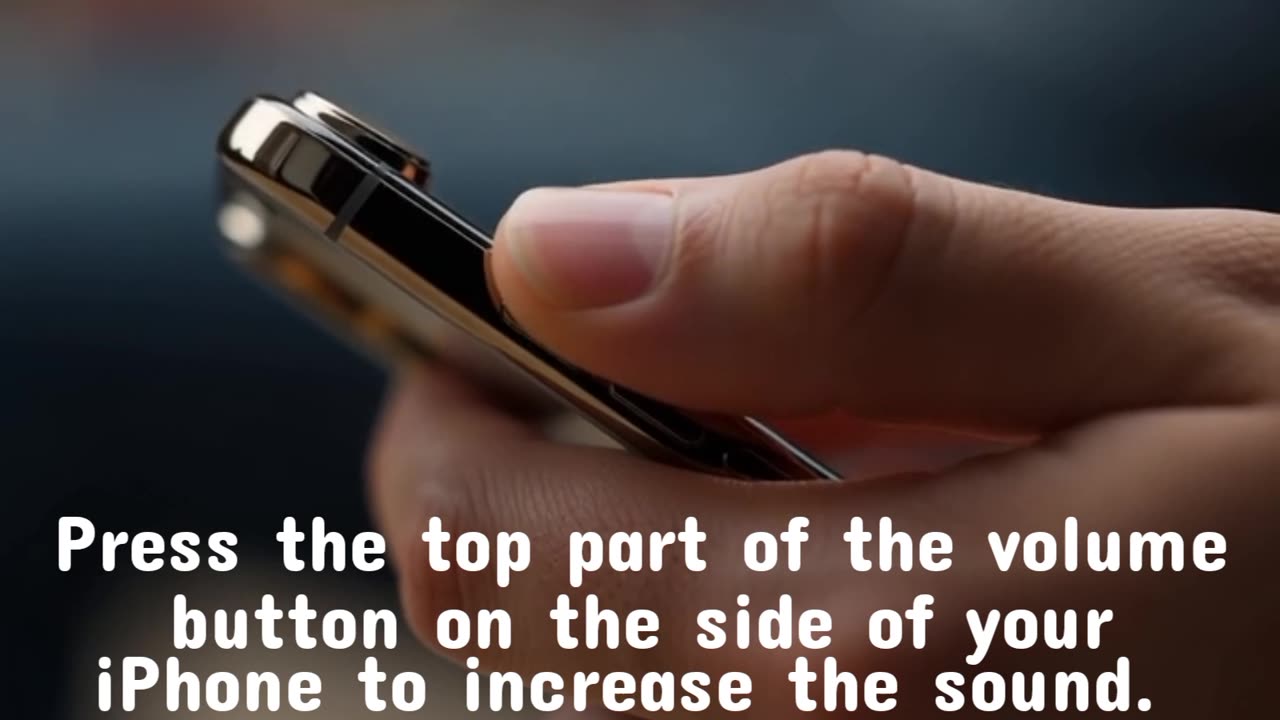
You can increase your iPhone's volume
8 days ago
20
You can increase your iPhone's volume using the physical volume buttons, the Control Center slider, or Siri. For a permanent boost, adjust the ringer and alert volume in Settings > Sounds & Haptics, or disable the "Reduce Loud Audio" feature in Headphone Safety to increase headphone volume. Additionally, changing the Music app's equalizer to "Late Night" can increase media volume
Loading comments...
-
 UPCOMING
vivafrei
45 minutes agoFBI Announces ARREST of Suspected Pipe Bomber! Judge Boasberg Should be IMPEACHED! & MORE!
881 -
 LIVE
LIVE
The Quartering
1 hour agoJ6 Pipe Bomber Arrested, Candace Owens TPUSA Debate Predictions & My Staff Caused A Lawsuit!
4,586 watching -
 34:26
34:26
Misfits Mania
4 hours ago $7.97 earnedMISFITS MANIA: Launch Press Conference
71.7K14 -
 LIVE
LIVE
Dr Disrespect
4 hours ago🔴LIVE - DR DISRESPECT - WARZONE x BLACK OPS 7 - SEASON 1 INTEGRATION
1,467 watching -

DeVory Darkins
2 hours agoBOMBSHELL: Congress drops BRUTAL NEWS for Tim Walz after Comer announces Probe
145K36 -
 1:15:17
Sean Unpaved
3 hours agoPlayoff Implications On The Line For Cowboys vs. Lions NFC SHOWDOWN! | UNPAVED
22.4K -
 59:30
59:30
Simply Bitcoin
21 hours ago $0.31 earnedThe Bitcoin Crucible w/ Alex Stanczyk & Daniel Batten - Episode 11
10.2K3 -
 8:44
8:44
Jamesons Travels
17 hours ago $0.85 earnedCongress Created This Mess…Now Troops Pay the Price
8.55K13 -
 1:00:13
Timcast
3 hours agoTrump DUNKS On Somalis, Calls For Ilhan Omar To Be DEPORTED
150K43 -
 2:30:27
Steven Crowder
5 hours agoNick Fuentes Sits Down with Crowder
531K1.37K