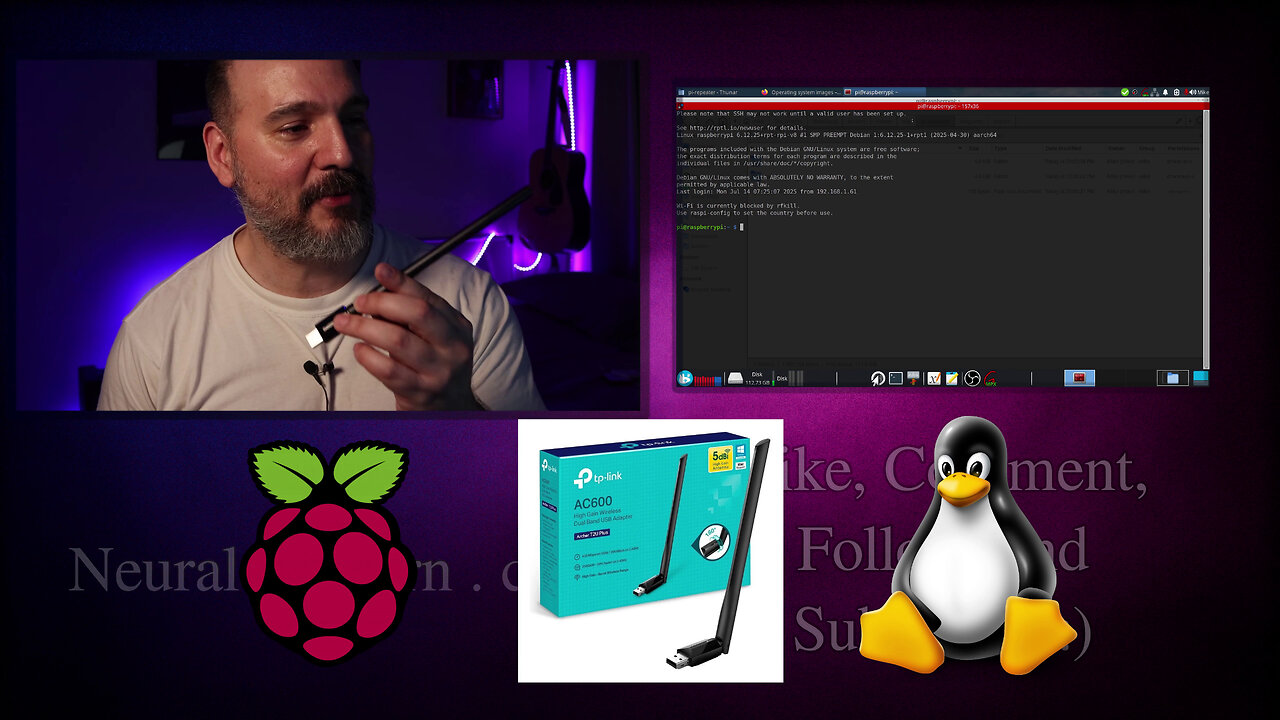
TP-Link AC600 USB WiFi on Raspberry Pi - How to Compile and Install the Driver from Source (Works!)
Tired of seeing "Linux: No" on every review for the TP-Link AC600 USB WiFi adapter? I was too... until I got it working perfectly on my Raspberry Pi.
In this no-BS tutorial I walk you through:
- Identifying the chipset with lsusb
- Finding the right GitHub driver repo (rtl8812au / rtl8821au)
- Compiling the driver from source on Raspberry Pi (32-bit or 64-bit)
- Speeding up make with -j4
- Installing the module and making it load on boot
- Setting up DKMS so it survives kernel updates
- Verifying it works after reboot
- Checking if it supports Access Point mode
Yes, this actually works. Yes, I did it on a real Raspberry Pi (not some x86 box). And yes, you can do it too even if you're still getting comfortable with the terminal.
Timestamps in the video so you can jump straight to what you need.
If you're trying to add a second WiFi radio, improve range, or turn your Pi into a proper access point - this is the video that finally makes the cheap AC600 dongle useful on Linux.
Introduction 00:00:00
Why this adapter doesn't work out-of-the-box 00:00:28
Finding the chipset with lsusb 00:02:05
Searching GitHub for drivers 00:03:16
Choosing a driver repository 00:04:42
Installing git and cloning repo 00:06:12
Reading the README 00:07:35
Editing Makefile for Raspberry Pi 00:07:56
Installing build-essential 00:09:14
Compiling the driver (make -j4) 00:09:27
Using screen for long tasks 00:10:33
Installing the module 00:11:12
Checking if WiFi interface appears 00:11:46
Making driver load on boot 00:12:13
Installing DKMS for auto-rebuild 00:12:52
Fixing DKMS mistake 00:15:11
DKMS finally finishes 00:17:00
Adding module to /etc/modules 00:17:09
Reboot and verify persistence 00:17:48
Checking Access Point support 00:18:26
Conclusion and wrap-up 00:19:08
Thanks and subscribe 00:19:22
Thanks for watching!
Find us on other social media here:
- https://www.NeuralLantern.com/social
Please help support us!
- Subscribing + Sharing on Social Media
- Leaving a comment or suggestion
- Subscribing to our Blog
- Watching the main "pinned" video of this channel for offers and extras
-
 LIVE
LIVE
Steven Crowder
3 hours ago🔴Candace & Erika: What The Meeting Really Says About Conservative Media
25,015 watching -
 LIVE
LIVE
Dr Disrespect
3 hours ago🔴LIVE - DR DISRESPECT - ARC RAIDERS - NEW COLD SNAP UPDATE
1,433 watching -
 LIVE
LIVE
LFA TV
14 hours agoLIVE & BREAKING NEWS! | TUESDAY 12/16/25
4,396 watching -
 1:01:57
VINCE
3 hours agoThis Could Win Us The Midterms | Episode 189 - 12/16/25 VINCE
168K142 -
 LIVE
LIVE
The Mel K Show
1 hour agoMORNINGS WITH MEL K- The End of Zero Sum Game Theory Thinking Has Arrived - 12-16-25
649 watching -
 LIVE
LIVE
The Shannon Joy Show
1 hour agoSJ LIVE Dec 16 - TACO Trump Flees California After Judge Orders Him To Remove Troops! Plus The Bitcoin Collapse & AI Bubble W/ Fin-Analyst Jack Gamble!
217 watching -
 57:04
57:04
efenigson
2 hours agoSentenced For Building Freedom! Live: Samourai Wallet's Keonne Rodriguez
4.4K3 -
 1:56:02
Benny Johnson
2 hours agoDark New Mysterious Footage Of Brown University Killer RELEASED After Republican Leader MURDERED...
25.2K15 -
 DVR
DVR
Chad Prather
2 hours agoWhy Trump’s Response To Rob Reiner Passing MISSED THE MARK + Erika Kirk & Candace Meet & Bible Q&A!
2.99K7 -
 1:59:07
Badlands Media
9 hours agoBadlands Daily: 12/16/25
23.2K8