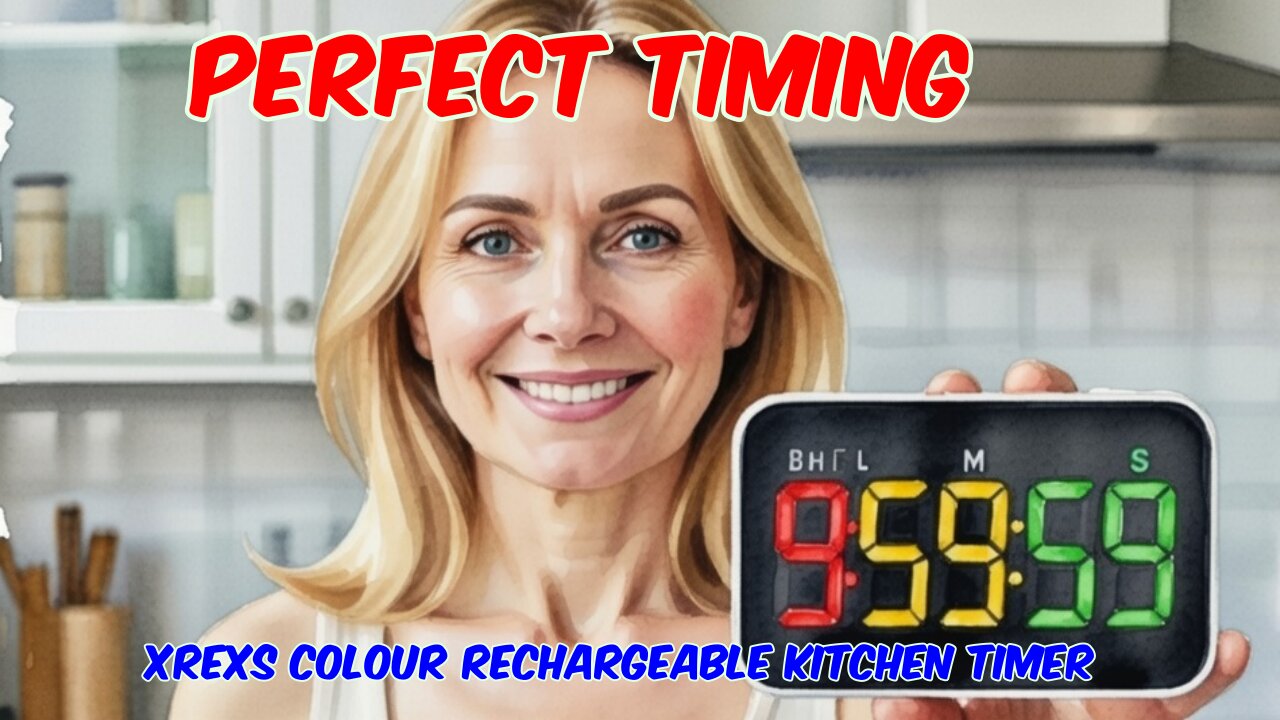
XREXS Colour Rechargeable Kitchen Timer Review
XREXS Colour Rechargeable KitchenTimer Review
https://youtu.be/M2zSllRmhHY
More Info and Purchase: https://t.ly/T3CW4
Buy Me A Coffee: https://www.buymeacoffee.com/marcoscu6
Blog: https://marcoscucom.wordpress.com/2026/01/15/the-best-budget-kitchen-timer-xrexs-review/
This is a simple but rather impressive looking kitchen timer with many characteristics of others in the Xrexs range, but this time with a vibrant and full colour screen.
In the box, you receive the timer itself, a USB charging cable, and a well written and easy to read user guide. Build quality all seems fine, and the device has a premium feel not often found in budget devices such as this one.
The colour LED display occupies the entire front panel, with large, well-marked, and easy-to-use buttons around the edges. On one side are three screen modes – off, standard brightness, high brightness, and power saving (10 second auto off). On the other side is a slider for the alert options – standard audio, loud audio, flashing screen and vibration. Around the top are buttons to program the timer, along with colour mode/timer reset and start/pause buttons.
The 7.2 x 11 x 2 150g cm unit contains a 1000mAh lithium battery, which is charged through the USB-C port on the side with a status LED confirming charging. The LED screen also has a battery status icon to alert you when charging is needed. The timer will still function when charging.
Like all kitchen timers, this one can count up and down and give audio and visual alarms after a preset period. The LED display is large, vibrant, and easy to see even in a bright and well lit kitchen. At first, I was surprised that the unit did not also function as a clock, but on balance, I think that keeping things simple is the best way and that it would be a mistake to complicate things by offering non timer related options.
Operation is nice and simple. Short press the colour mode button to scroll through the 6 static colours and four dynamic colour modes. When the front panel display is set to zero, pressing the start/pause button begins the timer counting upward. To count down, press the mode/timer reset button to zero the display and then use the hour, minute and second buttons to input the period you want to a maximum of 9 hours, 59 minutes and 59 secondsand then press the start/pause button to begin the countdown. The side buttons are used to select the display and audio/visual alert options you require. The device is easy to use with a minimal learning curve and works perfectly every time.
Currently discounted to £13.99 on Amazon, if you need an easy to use, easy to see timer that looks a cut above the rest, then this would be a great buy.
Music: YouTube Audio Library: Brisket Taco - Cumbia Deli
-
 12:04
12:04
TacticalTurkeys
13 hours agoRuger Precision .308 X Surefire RC2 Beck Ammunition 168gr Subsonic Silent Operator.
22.9K8 -
 2:05:16
BEK TV
1 day agoTrent Loos in the Morning - 2/13/2026
31K -
 12:16
12:16
Anthony Rogers
15 hours agoEpisode 404 - Story of the Year
22.8K2 -
 41:53
41:53
CharLee Simons presents DO NOT TALK
16 hours agoPatriot Streetfighter SCOTT McKAY & SAM ANTHONY together on DO NOT TALK
17.8K3 -
 1:18:56
Triggernometry
1 day agoIs This The End Of Humanity?- Eric Weinstein
37.3K19 -
 11:38
11:38
Clyde Do Something
11 hours ago $7.01 earnedCanada’s Police Is a MASSIVE JOKE Pronouns are The PRIORITY
64.5K33 -
 1:13:54
Dinesh D'Souza
2 days agoEveryone is Wrong About Anti-Semitism
27.3K93 -
 1:11:28
Steve-O's Wild Ride! Podcast
9 days ago $1.18 earnedHarland Williams Is Absolutely Ridiculous | Wild Ride #280
9.41K4 -
 28:22
28:22
James Klüg
1 day agoFURIOUS Protesters Get Fact Checked In Real Time
41.8K56 -
 12:43
12:43
stateofdaniel
2 days agoUNREAL: Democrats CONFESSES Plot to STEAL North Carolina Election!
19.5K15