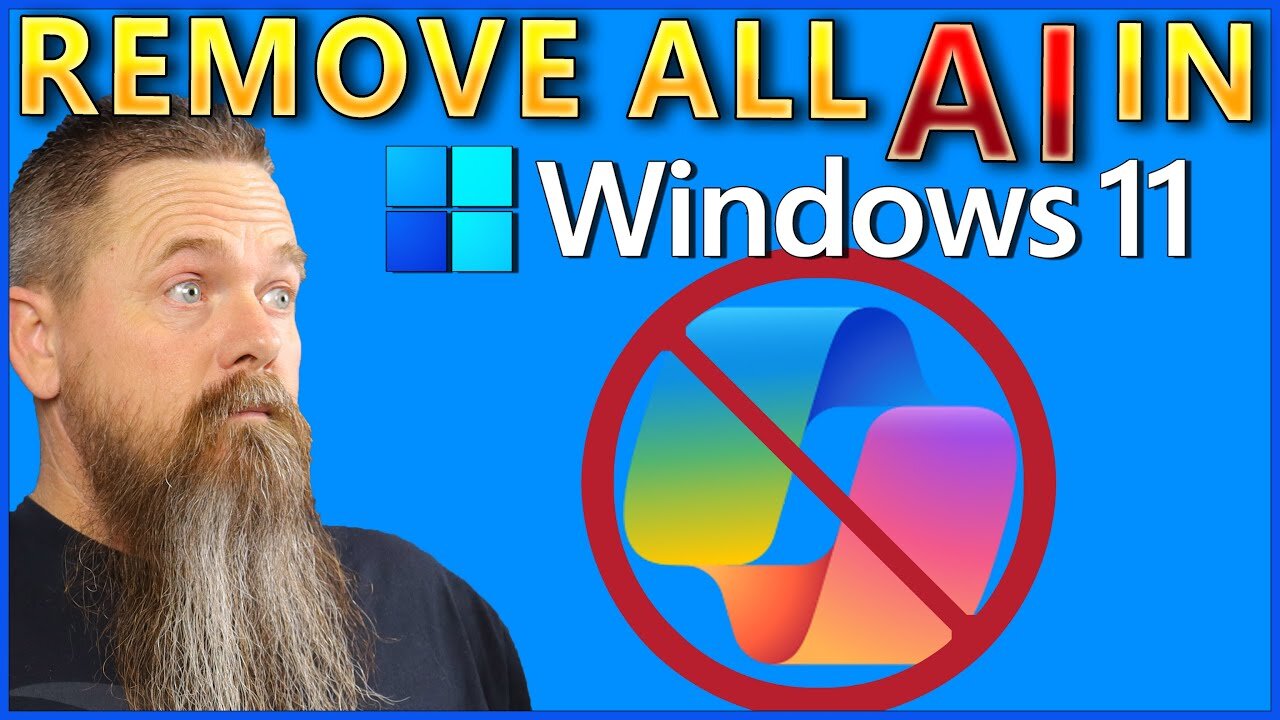
CyberCPU Tech; Windows 11 is Way Better Without the Satanic A.I.!
Note/Attention People: Everything you do with your own Shit Windows 11 computer system is completely your own responsibility, I just show and share what I research, discover (and learn) on the internet.
All Shit Windows 11 computer systems are different, no one is the same...
You can see my 'notes' below on what he shows...
I have followed this long-bearded guy for a long time now and learned a lot, I have also fucked up my own Windows 11 system several times where I had to do a new complete install.
I have not made these changes (yet) I research and learn from it, many of the options he show I already have done..
Old Danish Etymology Proverb: "From harm one becomes wise but rarely rich, One makes mistakes and learns and experiences from them, but it rarely gives wealth"
And I really Dont like this Satanic A.I. Shit which is everywhere nowadays...
The Name for that is (Again) The Satanic Pedophile Elites Agenda 2030...
--
"In this updated guide, I tackle Windows 11's intrusive AI features-like Copilot, Recall, and integrations in Edge, Paint, and more-using the popular Remove Windows AI script from GitHub.
Though I usually prefer manual debloating for control and easy reversal, this script shines with selective removal, backup/restore options, and update-blocking to prevent AI reinstalls.
After the script clears most of the AI bloat, I cover key manual steps to strip every remaining trace on Windows 11.
Links From Video RemoveWindowsAI Script https://github.com/zoicware/RemoveWindowsAI
My notes:
Uninstalling:
Settings - Apps - Installed Apps - Uninstall Paint + Uninstall Microsoft Clipchamp
ControlPanel - Uninstall Microsoft OneDrive
Settings - System - System Components - Game Bar
Settings - Gaming - Game Bar
Windows Powershell - Get-AppxPackage Microsoft.XboxGamingOverlay | Remove-AppxPackage
Properly uninstalling xbox gamebar and resolve ms-gaming-overlay-link popup on windows 11
https://gist.github.com/danilogco/94cd839c27b62411e9b94c5e0d0216f5
Windows Security - App & browser control - Smart App Control settings
VM is: Virtual Machine
https://duckduckgo.com/?ia=web&origin=funnel_home_website&t=h_&q=what+is+a+windows+11+VM
CyberCPU Tech
343K subscribers
30.798 views 398 Comments
Jan 19, 2026 #AI #Windows #Tech
https://www.youtube.com/watch?v=PiC_XpVtzLY
https://www.youtube.com/@CyberCPU
-
 2:04:43
Badlands Media
12 hours agoBaseless Conspiracies Ep. 170: Epstein Files, Psyops, and the Line Between Proof and Propaganda
76.9K18 -
 1:20:12
Inverted World Live
10 hours agoEvil In The Epstein Files | Ep. 165
55.1K14 -
 2:50:57
TimcastIRL
6 hours agoTHEY CAN'T HIDE ANYMORE | Timcast IRL #1440
272K55 -
 1:56:17
Nerdrotic
15 hours ago $1.24 earnedNerdrotic at Night
33.2K4 -
 3:20:40
Baron Coleman
5 hours agoDo Emails Suggest Jeffrey Einstein was Removed from Jail before Alleged Death? - #57
42.4K36 -
 1:21:21
The Sam Hyde Show
10 hours ago"The Hagakure" Samurai Code | THE SAM HYDE SHOW #3
25.4K4 -
 2:37:17
NetAxisGroup
8 hours ago$WAR on USD1 LIVE - $10,000 DONATED TO VETERANS | Supporting Vet Creators on Rumble!
50.4K5 -
 55:37
55:37
Flyover Conservatives
1 day agoBuried in the Epstein Files: Pandemic Profits, Pharma Ties & Global Finance; Silver Manipulation EXPOSED - Dr. Kirk Elliott | FOC Show
40.6K2 -
 1:42:36
Amy Dangerfield
6 hours ago $1.21 earnedDef Noodles Purged by LAGOP Over Nick Fuentes & Groypers | Ep. 1
45.8K7 -
 2:36:04
We Like Shooting
17 hours ago $1.84 earnedWe Like Shooting 648 (Gun Podcast)
22.8K1