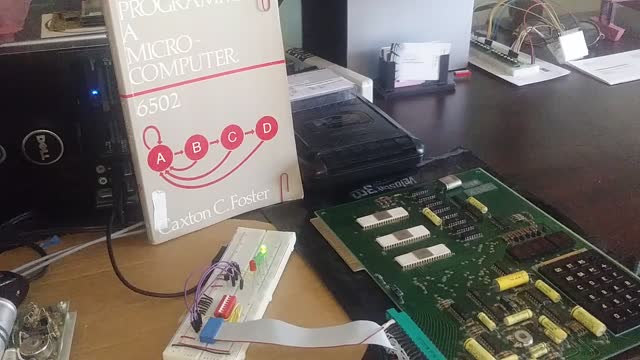
KIM-1 PIA
4 years ago
57
In this video I will explain how easy it is to work with you Peripheral Interface Adapter. And how to setup Port A or Port B as an Input or Output Port. Then how to view the Input Port or Store Data into your Output Port.
After that we will write some simple code, to have your computer communicating with your project using the PIA adapter.
Loading 2 comments...
-
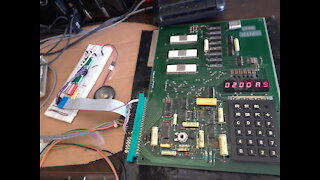 26:14
26:14
KIM-1 SBC
4 years ago $0.02 earnedKIM-1 Piano
341 -
 1:43
1:43
KIM-1 SBC
4 years agoKIM-1 Piano update
64 -
 6:10
6:10
KIM-1 SBC
4 years ago $0.01 earnedKIM-1 Tone Generator
14 -
 15:49
15:49
KIM-1 SBC
4 years agoKim-1 Mini Program C
24 -
 11:15
11:15
KIM-1 SBC
4 years agoKIM-1 Mini Program C - 2
203 -
 18:23
18:23
KIM-1 SBC
4 years agoKIM-1 Mini Program B
26 -
 7:21
7:21
KIM-1 SBC
4 years agoKIM-1 Saving and Loading Programs
5 -
 2:36
2:36
DrGolf
4 years agoPIA my Lil girl
30 -
 3:20
3:20
GuitarTeacherRob
5 years agoA Review Not a Review on the Ibanez PIA
80 -
 1:49
1:49
GuitarTeacherRob
5 years ago $0.01 earnedTaking the PIA out for a Test Drive
87