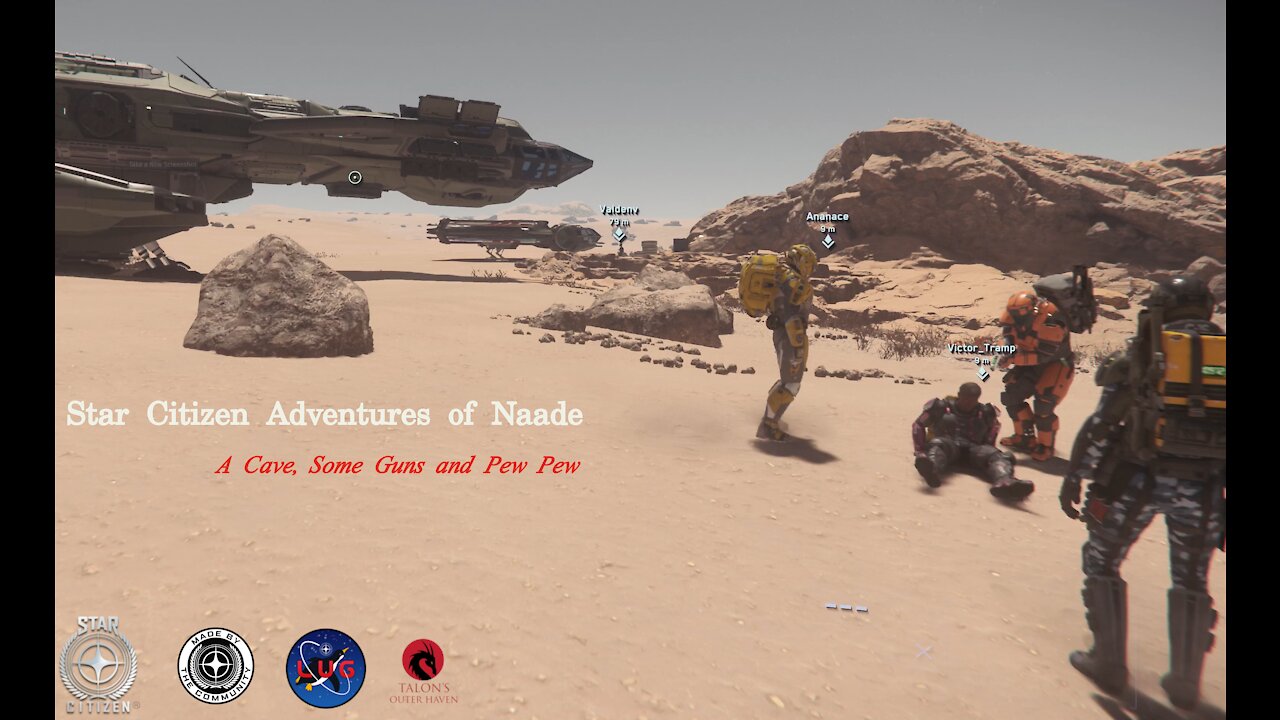
Star Citizen 3.15.1 - Adventures of TDT Naade A Cave Guns and Pew Pew
======================================================
———
System Specs
----------------------
OS: Garuda Linux
Host: X570 AORUS MASTER -CF
Kernel: 5.15.2-zen1-1-zen
DE: Plasma 5.22.3
CPU: AMD Ryzen 9 3950X (32) @ 3.5GHz
GPU: AMD Radeon RX 6900 TX
Memory: 64GiB
Capture Card: Blackmagic Design DeckLink Quad HDMI Recorder PCIe Card
Capture Software: OBS 26.1.0
Bit Rate: 35000 Kbps
Game Play Resolution: 4K (3840 × 2160) Very High
Capture Resolution: 4K
Upload Resolution: 4K
Full Build Details
https://builds.gg/builds/scar-2-0-23547
======================================================
Get Star Citizen
CIG Site:
https://robertsspaceindustries.com/
Use the following referral code when purchasing a Star Citizen
game package to get 5,000 UEC to spend in Voyager Direct:
REFERRAL CODE: STAR-FTJK-QRC5
Join Star Citizen Linux Users Group
https://robertsspaceindustries.com/orgs/LUG
Discord:
https://discord.gg/meCFYPj
For more advice and information on playing Star Citizen in Linux
======================================================
Get Lutris
Lutris Site:
https://lutris.net/
Once Lutris is installed, install SC from Lutris script
Once SC is installed you can use the LUG WINE runners from
DevNull:
https://github.com/gort818/wine-sc-lug/releases
NOTE FSYNC COMPATIBLE KERNEL REQUIRED:
Ubuntu/elementary OS/Pop!_OS users can check out XanMod for an fsync compatible kernel
======================================================
Increase the sysctl option vm.max_map_count to prevent
crashes due to memory allocation limits in areas with
lots of geometry:
Note I am running at 4K on 64GB RAM so my setting is 2100000000
For anyone running 1440p or 1080p with upto 32GB RAM use 16777216
sudo nano /etc/sysctl.conf
enter the sysctl option vm.max_map_count
vm.max_map_count = 2100000000
sudo nano /etc/sysctl.d/20-max_map_count.conf
enter the sysctl option vm.max_map_count to prevent crashes
due to memory allocation limits in areas with lots of geometry
vm.max_map_count = 2100000000
sudo nano /etc/systemd/system.conf
delete # from the line "DefaultLimitNOFILE" and set value to
DefaultLimitNOFILE=2100000000
sudo nano /etc/systemd/user.conf
delete # from the line "DefaultLimitNOFILE" and set value to
DefaultLimitNOFILE=2100000000
To temporarily increase this value enter this command in a terminal
sudo sysctl -w vm.max_map_count=2100000000
Output: vm.max_map_count = 2100000000
more /etc/systemd/system.conf | grep NOFILE
======================================================
-
 1:45
1:45
Star Citizen Diaries
5 months ago $0.01 earnedStar Citizen Jump Gates - Valk
231 -
 LIVE
LIVE
Pickleball Now
3 hours agoLive: IPBL 2025 Day 7 | Electric All-Star Battle & Epic Hyderabad Royals vs Mumbai Smashers Final!
275 watching -
 9:29
9:29
Sideserf Cake Studio
21 hours ago $5.71 earnedHyperrealistic CAKE of a Nostalgic Christmas Decoration!
61.2K9 -
 41:54
41:54
American Thought Leaders
17 hours agoHere’s the Real Problem for America’s Middle Class | Robert Kiyosaki
22.8K9 -
 27:56
27:56
Degenerate Plays
23 hours ago $3.79 earnedDiagnosed From My Sonic The Hedgehog Fixation? - Batman: Arkham Asylum : Part 17
18.3K -
 1:31
1:31
Damon Imani
3 days agoWhoopi TRASHED Kash Patel’s FBI and Got Calmly DESTROYED by Damon!
23.8K18 -
 2:06
2:06
Memology 101
12 hours ago $2.33 earnedWON'T SOMEBODY PLEASE THINK OF THE POOR NARCOTERRORINOS?!
22K16 -
 18:43
18:43
Nikko Ortiz
1 day agoWorst Karen Internet Clips...
147K19 -
 8:39
8:39
MetatronHistory
1 day agoWhy Did We Switch From Bronze to Iron in Classical Antiquity?
31.6K4 -
 11:01
11:01
MattMorseTV
18 hours ago $19.79 earnedEU caught in $140,000,000 SCANDAL.
44.5K73