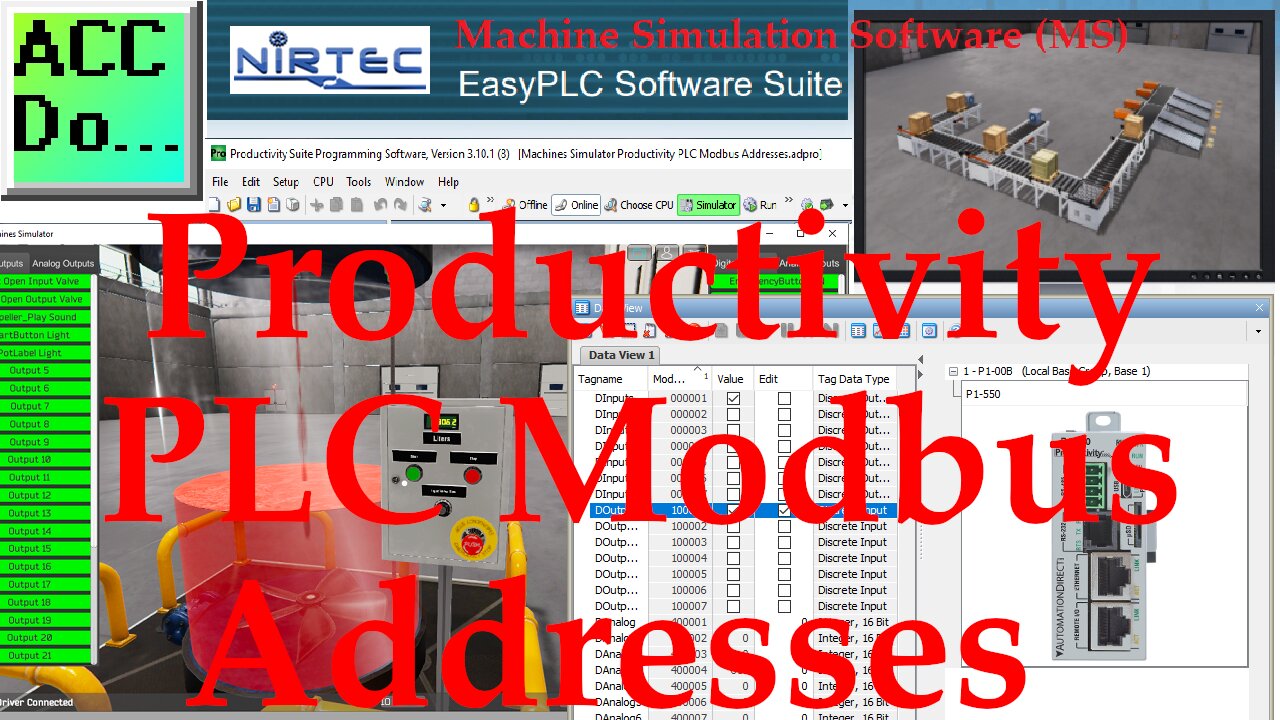
Machine Simulator MS Productivity PLC Modbus Addresses
Machine Simulator (MS) Productivity PLC Modbus Addresses
We will be using the Tank Level scene in start mode.
After selecting the IO Drivers on the bottom menu and entering the ModbusDriver option, we can now enter the Modbus addresses.
Select the starting addresses for the Digital and Analog inputs and outputs.
Add the Modbus Tags with the Tag Database in Productivity Suite.
MS Digital Inputs start at Modbus Address 1, Outputs at Modbus Address 100001, and Analog at Modbus Address 400001.
Assign the Modbus address to the Machines Simulator by selecting Driver | Automatic Assignment.
Select Exit | Start Driver and Exit. This will now connect to the PLC. An indication is at the bottom of the screen.
Select View I/O to see the Modbus Address Tags. Now you can write your PLC program with the Machines Simulator.
See more examples of using this PLC learning package at the following location:
https://accautomation.ca/series/easyplc-software-suite/
EasyPLC Software Suite is a complete PLC, HMI, and Machine Simulator Software package.
This PLC learning package includes the following:
Easy PLC - PLC Simulation that will allow programming in Ladder, Grafcet, Logic Blocks, or Script.
HMI System - Easily create a visual human-machine interface (HMI),
Machine Simulator - A virtual 3D world with real-time graphics and physical properties. PLC programs can be tested using the EasyPLC or through other interfaces. (Modbus RTU, TCP, etc.)
Machine Simulator Lite - Designed to run on Android Devices.
Machine Simulator VR - Virtual Reality comes to life so you can test, train or practice your PLC programming.
Purchase your copy of this learning package for less than $75 USD for a single computer install, or less than $100 USD to allow different computers.
Receive 10% off the price by typing in ACC in the comment section when you order.
http://www.nirtec.com/index.php/purchase-price/
Learn PLC programming the easy way.
Invest in yourself today.
System Requirements:
Minimum Hardware Requirements:
Processor: Compatible with the SSE2 instruction set
RAM: 1 Gb.
Disk Space: 2 Gb of free disk space.
Graphics card: Support DX9 (shader model 3.0) or DX11 with level 9.3 function
capabilities
A Sound card installed is necessary.
Operative System Compatibility:
Windows 7, 8, and 10. All 32 & 64 bits versions.
Machines Simulator Lite is designed for Android devices.
#shorts
ACC Automation
https://accautomation.ca/
-
 1:09:13
Graham Allen
2 hours agoTrump To Address The Nation! + Candace Bends The Knee, The Cult Turns On Her!
34.3K387 -
 LIVE
LIVE
Wendy Bell Radio
6 hours agoIs She Even An American?
6,706 watching -
 1:14:09
Chad Prather
16 hours agoHow to Recognize When God Has Already Answered Your Prayer
23.7K21 -
 LIVE
LIVE
LFA TV
14 hours agoLIVE & BREAKING NEWS! | WEDNESDAY 12/17/25
3,343 watching -
 1:33:59
Game On!
19 hours ago $3.05 earnedBIGGEST 2025 College Football Playoff 1st Round BETS NOW!
32K2 -
 1:04:39
Crypto Power Hour
13 hours ago $6.10 earnedState of Early Stage Crypto Investor Rob Good
56.2K8 -
 1:24:24
LIVE WITH CHRIS'WORLD
19 hours agoTHE WAKE UP CALL - 12/17/2025 - Episode 27
33.9K -
 27:51
27:51
ThinkStory
21 hours agoIT: WELCOME TO DERRY Season 1 Ending Explained!
39.9K -
 5:29
5:29
Gamazda
15 hours ago $2.30 earnedMetallica - Nothing Else Matters (Live Piano in a Church)
27.3K10 -
 2:50:56
The Confessionals
23 hours agoHe Killed a Monster (Then They Told Him to Stay Silent)
28.5K14