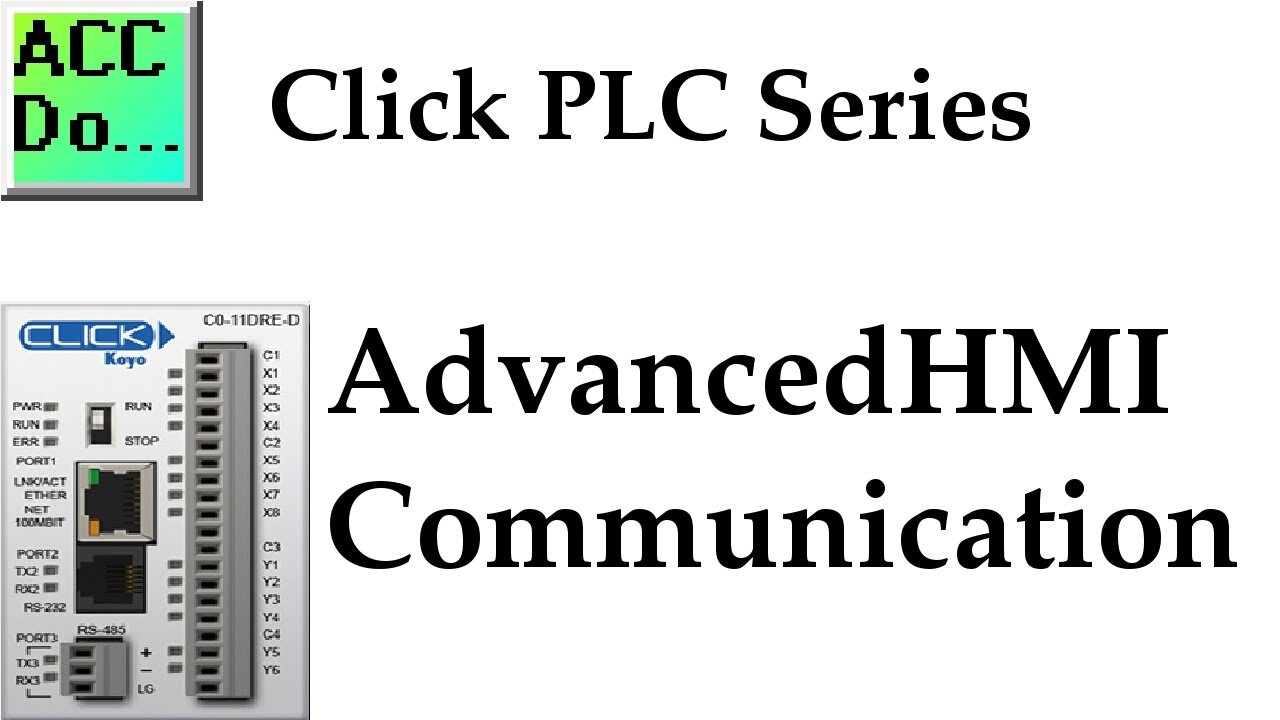
Click PLC AdvancedHMI Modbus Communication
We will now look at the click plc AdvancedHMI Modbus serial communication.
Advanced HMI is a powerful, adaptable HMI/SCADA (Supervisory Control and Data Acquisition) development package that takes advantage of Visual Studio. There is no coding required and you can simply drag and drop items onto the page. The best thing is that the software is free. We will look at using AdvancedHMI with the Click PLC. Our sample Click PLC program will read the present value (PV) and the indicating lights on our Solo Process Temperature Controller. It will then write the set value (SV) to the Solo. This communication will be done using the Modbus RTU protocol over an RS485 serial port on the Click. The AdvancedHMI package will communicate Modbus TCP over Ethernet to the Click PLC. We will be able to monitor our PV and set our SV on the Solo via the AdvancedHMI window.
More information can be obtained on our website. This includes all of the links mentioned in this video.
https://accautomation.ca/click-plc-advancedhmi-communication
00:00 Click PLC AdvancedHMI Modbus Communication
00:20 What is AdvancedHMI?
02:04 Installing AdvancedHMI
02:48 AdvancedHMI Program
04:51 Click PLC / AdvancedHMI Program Run
Previously we discussed:
Click PLC System-Hardware.
https://accautomation.ca/click-plc-system-hardware/
Click PLC Installing the Software
https://accautomation.ca/click-plc-installing-the-software/
Click PLC Establish Communication
https://accautomation.ca/click-plc-establish-communication/
Click PLC Numbering System and Addressing
https://accautomation.ca/click-plc-numbering-system-and-addressing
Click PLC Timers and Counters
https://accautomation.ca/click-plc-timers-and-counters
Click PLC Compare and Math Instructions
https://accautomation.ca/click-plc-compare-and-math-instructions
Click PLC Program Control Instructions
https://accautomation.ca/click-plc-program-control-instructions
Click PLC Shift Register Instruction
https://accautomation.ca/click-plc-shift-register-instruction
Click PLC Drum Instruction
https://accautomation.ca/click-plc-drum-instruction
Click PLC Send and Receive Instructions
https://accautomation.ca/click-plc-send-and-receive-instructions
Download the Click Programming software at the following address:
https://support.automationdirect.com/products/clickplcs.html
There are several reasons why we are using the Click PLC. Here are just a few.
- Investment is low for the hardware and the software is free
- Standalone PLC with built-in I/O
- Communication ability - Ethernet Port, RS232, RS485 - support for protocols such as Modbus RTU, Modbus TCP, etc.
- Ability to expand the system with a variety of modules including RTD and Thermocouple inputs directly.
-
 11:47
11:47
Liberty Hangout
1 day agoAnti-Trump Beta FARTS On Me Instead of Debating
34.9K54 -
 1:37:20
FreshandFit
3 hours agoShe’s Not Your Girl It’s Just Your Turn
16.3K3 -
 5:26:18
Akademiks
5 hours agoEbro has MELTDOWN after Drake tells him to *** SLOWLY! Radio Over? NLE vs Youngboy part 805?
17.6K -
 1:35:27
Inverted World Live
7 hours agoLost Satellites, Wild Horses, and 3i/Atlas
126K3 -
 2:53:42
TimcastIRL
5 hours agoCandace Owens IMPLODES, Audience IN REVOLT, Claim SHES A CLONE Or GOT THE CALL | Timcast IRL
262K193 -
 2:49:53
Barry Cunningham
5 hours agoLIVE BREAKING NEWS: President Trump Celebrates Hanukkah! And More News
44.3K9 -
 1:29:40
Anthony Rogers
12 hours agoEpisode 394 - Isaac Butterfield
18.9K1 -
 8:02
8:02
China Uncensored
11 hours agoChina Just Took The First Step Towards WAR
23.6K14 -
 1:20:04
Flyover Conservatives
23 hours agoWhy Did Jesus Really Come? It’s NOT What You Think - Pedro Adao | FOC Show
24.6K2 -
 LIVE
LIVE
DLDAfterDark
3 hours ago $1.28 earnedYo Homie! Is That My Briefcase?? EDC & Gun Talk - Blue Waffle Giveaway Pre Stream
312 watching