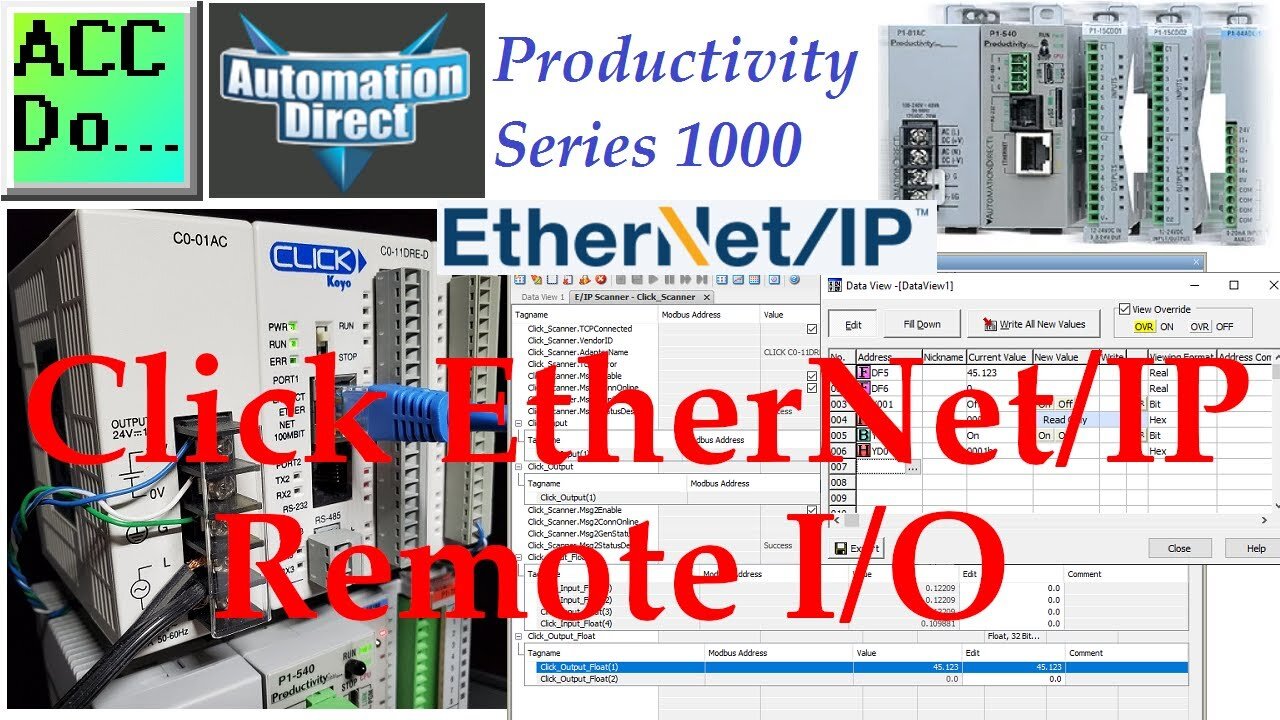
Productivity 1000 Series PLC Click EtherNet/IP Remote IO
We will now utilize Ethernet/IP to connect a Click PLC as remote I/O on a Productivity system. The productivity series of controllers can use explicit and implicit messaging techniques of EtherNet/IP to optimize data exchanges across the network.
Explicit messaging means that the data messages that are transmitted will contain everything needed in order to respond or decode the message. It is a normal client/server relationship with instructions explicitly spelled out in the data messages. This communication happens at times that the Client requests the information.
Implicit messaging means the data messages are streamlined. The device is configured ahead of time to know what to do with the data. This is used for time-critical messages and it functions as a typical scanner/adapter relationship. Implicit messaging is real-time. It has the ability to copy data with minimal additional information because both ends already know exactly what each bit and byte.
A Click PLC will be set up as remote distributed inputs and outputs for our Productivity 1000 controller. Implicit Ethernet IP will be set up. The Click will be the Ethernet IP adapter and the Productivity will be the Ethernet IP scanner. Let's get started.
00:00 Productivity - Click EtherNet/IP Remote I/O
01:58 Click EtherNet/IP setup
08:28 Productivity IO Messaging
14:28 Monitoring Remote IO - Testing
Here are some previous posts in this Productivity 1000 PLC Series. A full list can be obtained at the following location:
https://accautomation.ca/series/productivity-1000-plc/
Installing the Software
https://accautomation.ca/productivity-1000-series-plc-installing-the-software
https://youtu.be/gh5X7_EeCdg
Establishing Communication
https://accautomation.ca/productivity-1000-series-plc-establishing-communication
https://youtu.be/HWtN189JLgI
First Program
https://accautomation.ca/productivity-1000-series-plc-first-program
https://youtu.be/txr_wfd7y2w
Monitoring and Testing the Program
https://accautomation.ca/productivity-1000-series-plc-monitoring-and-testing-the-program
https://youtu.be/o9gdrrEMexw
Online Editing and Debug Mode
https://accautomation.ca/productivity-1000-series-plc-online-editing-and-debug-mode
https://youtu.be/D-sDKMnw1gQ
Numbering Systems and Tag Database
https://accautomation.ca/productivity-1000-series-plc-numbering-systems-and-tag-database
https://youtu.be/s-TAWomBeIs
Contact and Coil Instructions
https://accautomation.ca/productivity-1000-series-plc-contact-and-coil-instructions
https://youtu.be/xMP9EEVlm1k
Timer Instructions
https://accautomation.ca/productivity-1000-series-plc-timer-instructions
https://youtu.be/egUnU8paLCA
Counter Instructions
https://accautomation.ca/productivity-1000-series-plc-counter-instructions
https://youtu.be/tEWAXWugxqI
Program Control
https://accautomation.ca/productivity-1000-series-plc-program-control
https://youtu.be/QPrIzxDq16A
Data Logger
https://accautomation.ca/productivity-1000-series-plc-data-logger
https://youtu.be/mM1zbbX7zVg
Web Server
https://accautomation.ca/productivity-1000-series-plc-web-server
https://youtu.be/ZuZd3lqp87c
Modbus TCP Ethernet Communication
https://accautomation.ca/productivity-1000-series-plc-modbus-tcp-ethernet-communication
https://youtu.be/CEyIJUmpqcI
AdvancedHMI Modbus TCP Ethernet Communication
https://accautomation.ca/productivity-1000-series-plc-advancedhmi-modbus-tcp-ethernet-communication
https://youtu.be/derBxqOc-a8
Email Text Communication
https://accautomation.ca/productivity-1000-series-plc-email-and-text-communication
https://youtu.be/dEnL5tNbXmM
Productivity Suite PLC Simulator Software Free Download
https://accautomation.ca/productivity-suite-plc-simulator-software-free-download
https://youtu.be/9TyA5FOcvrE
There are several reasons why we are using the Productivity 1000 Series Controller. Here are just a few.
- 50MB user memory - Can handle very complex applications easily.
- 4 built-in communication ports – Easy connectivity to your network.
- Data logging up to 32 GB on a microSD card
- Add up to 8 IP modules to communicate to your field sensors. This will give you a total of 128 discrete IO points or 32 analog IO channels.
- Free Software and 30 days of free training with every CPU from Automation Direct.
- Interactive PLC Configuration Tool
- Tag Names
- Auto-discovery IO – Physical I/O tags will be generated based on each module’s position in the base.
- I/O Modules have QR codes under the wiring cover. This can be scanned so you can have the latest specifications/wiring diagrams for the module.
- Limitless PID – Autotuning – Individual or Cascade Mode - etc
- Web Server and Mobile Access
- Advanced Software instruction set
The Productivity 1000 series of programmable logic controllers currently has all of these features built into the P1-540 CPU.
This CPU (Central Processing Unit) is also known as MPU (Multi-Processing Units) because of its communication capabilities.
-
 LIVE
LIVE
VINCE
1 hour agoIs This Why They Were Hiding The Evidence? | Episode 192 - 12/19/25 VINCE
21,847 watching -
 1:10:23
Graham Allen
1 hour agoTensions ERUPT At AMFEST, Is Our Party Too Far Gone?
37.8K446 -
 LIVE
LIVE
Badlands Media
5 hours agoBadlands Daily: 12/19/25
2,137 watching -
 14:45
14:45
Bearing
2 hours agoFROGAN Gets BODIED 💥 Caleb Hammer, Asmongold + the $20k Rejection 💰
5274 -
 23:17
23:17
The Car Edition Ltd
6 hours agoFord Fiesta 1.4 Titanium Full Overhaul | Suspension, Brakes, Tyres & Engine Repair - The Car Edition
-
 LIVE
LIVE
Wendy Bell Radio
5 hours agoHouston, We Have A Problem
6,858 watching -
 1:06:37
Chad Prather
16 hours agoHearing God, Confronting Deception, and Walking in Spirit-Filled Authority
65.4K16 -
 LIVE
LIVE
LFA TV
6 hours agoLIVE & BREAKING NEWS! | FRIDAY 12/19/25
2,569 watching -
 2:20:42
Game On!
18 hours ago $4.40 earnedNFL Week 16 BEST BETS Revealed NOW!
28.8K6 -
 1:01:24
Crypto Power Hour
12 hours ago $3.21 earnedHow Crypto Address Poisoning Attacks Work
31.1K8