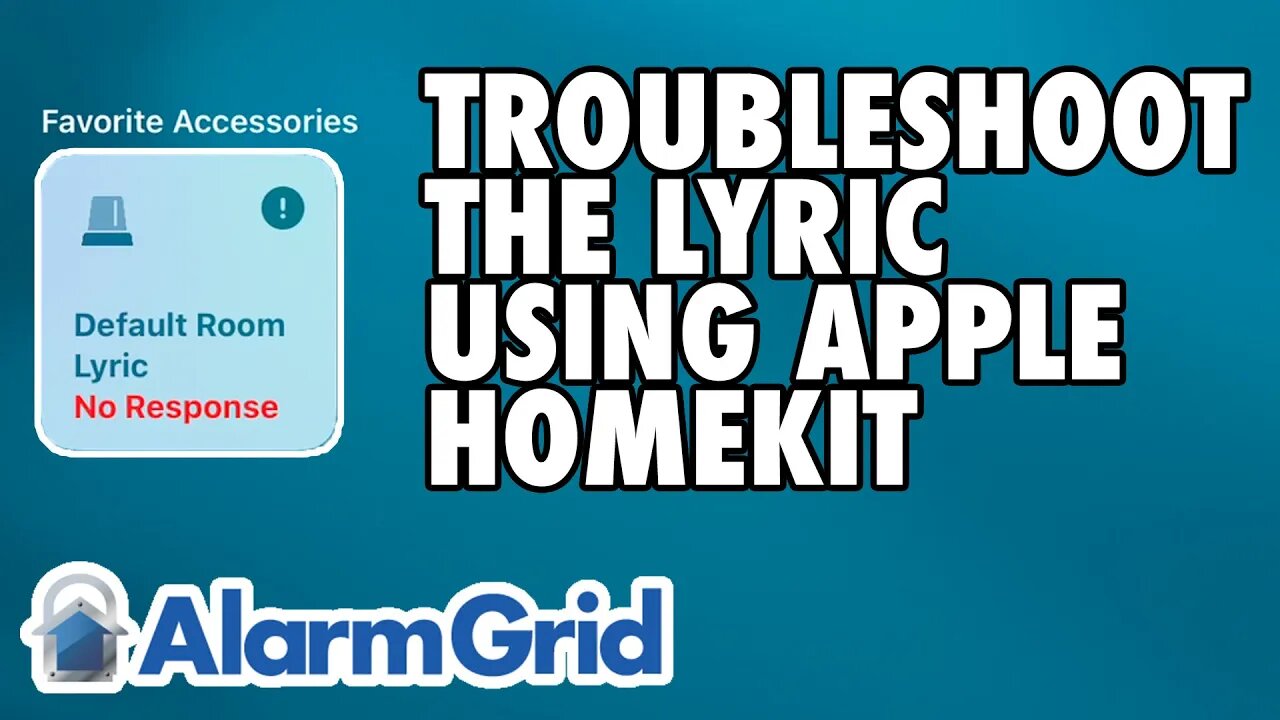
Honeywell Lyric: Troubleshooting With Apple HomeKit
In this video, Jorge from Alarm Grid shows you helpful troubleshooting techniques for a Honeywell Lyric Alarm System that is using Apple HomeKit. Being able to interface with the Apple HomeKit platform is one of the biggest selling points for the Honeywell Lyric. However, it is important to understand the limitations associated with the integration and understand what features you can expect, and what hasn't been integrated.
The key thing to remember about the HomeKit integration for the Lyric is that it is for security functions only. When you access your HomeKit ecosystem through your iOS device, such as your iPad, iPhone, or Mac Computer, you will only be able to see specific Lyric notifications for enrolled devices that have been programmed with one of a select range of Response Types. These Response Types are all security-based in terms of function, and they are not Response Types you would use with environmental sensors or life-safety sensors.
If you have a security sensor set up with one of the compatible security-based Response Types, then you will be able to access HomeKit through your iOS device and see when that sensor is faulted or triggered. You will know exactly which sensor was activated, and there won't be any question or confusion. But for sensors set up with a different Response Type, including all environmental sensors and life-safety sensors used with the Lyric Alarm System, accessing Apple HomeKit will only display a generic Lyric System Alert. You won't know which exact sensor was faulted, and you won't necessarily be able to take proper action. You won't even be able to tell which type of sensor was faulted. From the information obtainable from 'HomeKit, an activated temperature sensor will look the same as an activated smoke detector, which will also look the same as an activated carbon monoxide gas detector.
That is why it is strongly advised that you continue to use the Total Connect 2.0 platform with your Lyric System, even if you also take advantage of the HomeKit functionality. Total Connect 2.0 will display exactly which sensor on your Lyric System was triggered, as well as the type of sensor in question. This is the best way to know what type of activity your alarm system detected and what action you should take based on the situation at-hand.
https://www.alarmgrid.com/faq/how-do-i-troubleshoot-a-lyric-using-apple-homekit
-
 10:19
10:19
Alarm Grid Home Security DIY Videos
2 years agoPROA7 or PROA7PLUS: Awareness Zone Types
36 -
 1:14:15
Sean Unpaved
3 hours agoAaron Rodgers & Steelers BOUNCE BACK In WIN vs. Dolphins! | UNPAVED
7.94K4 -
 LIVE
LIVE
Badlands Media
12 hours agoGeopolitics with Ghost Ep. 65 - December 16, 2025
1,384 watching -
 1:49:22
Steven Crowder
6 hours agoCandace & Erika: What The Meeting Really Says About Conservative Media
406K356 -
 16:28
16:28
Adam Does Movies
3 hours ago $0.26 earnedIT: Welcome To Derry Episode 8 Recap - What A Finale!
10.5K -
 LIVE
LIVE
LFA TV
17 hours agoLIVE & BREAKING NEWS! | TUESDAY 12/16/25
1,737 watching -
 1:01:57
VINCE
6 hours agoThis Could Win Us The Midterms | Episode 189 - 12/16/25 VINCE
243K211 -
 1:47:47
The Mel K Show
4 hours agoMORNINGS WITH MEL K- The End of Zero Sum Game Theory Thinking Has Arrived - 12-16-25
27.3K6 -
 1:30:14
The Shannon Joy Show
4 hours agoSJ LIVE Dec 16 - Susie Wiles Spills The Tea * TACO Trump Flees California After Judge Orders Him To Remove Troops! Plus The Bitcoin Collapse & AI Bubble W/ Fin-Analyst Jack Gamble!
31.5K7 -
 58:33
58:33
TheAlecLaceShow
3 hours agoBrown University | Rob Reiner | Guests: Senator Rick Scott & Sec. Linda McMahon | The Alec Lace Show
7.05K1